MIT Robotics Student vs. NVIDIA Jetson: From 3.5 Hours of Frustration to 3 Minutes with WendyOS
Join our Discord community to connect with other developers building with WendyOS!
Most people really have no idea that the entire robotics and physical AI development experience is broken.
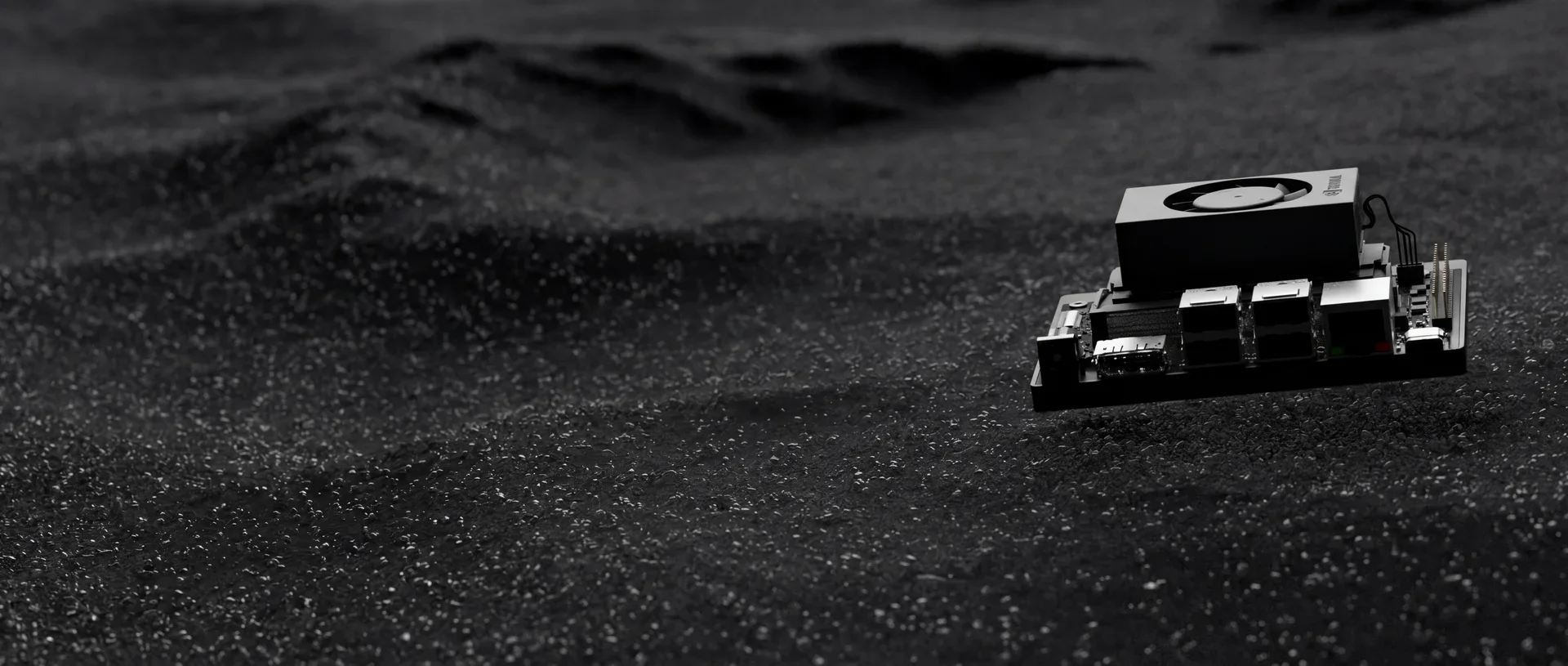
The NVIDIA Jetson Orin Nano, AGX, and Thor dev kits are beasts - powerful computers that can handle serious AI workloads. But here's the catch: you can buy them, but they effectively come with no operating system.
It’s like getting a brand new iPhone, taking it out of the box, and realizing it doesn't have iOS. You can't just turn it on and go.
This specific problem - the hundreds of steps required just to get to a basic "Hello World" - was the major reason we created this company. We looked at the mobile ecosystem and saw how easy it is to build for iOS or Android: you plug the device in over USB, write your code, and you get debugging and deployment right out of the box.
That seamless experience was our north star. It was the premise of why we decided to create WendyOS.
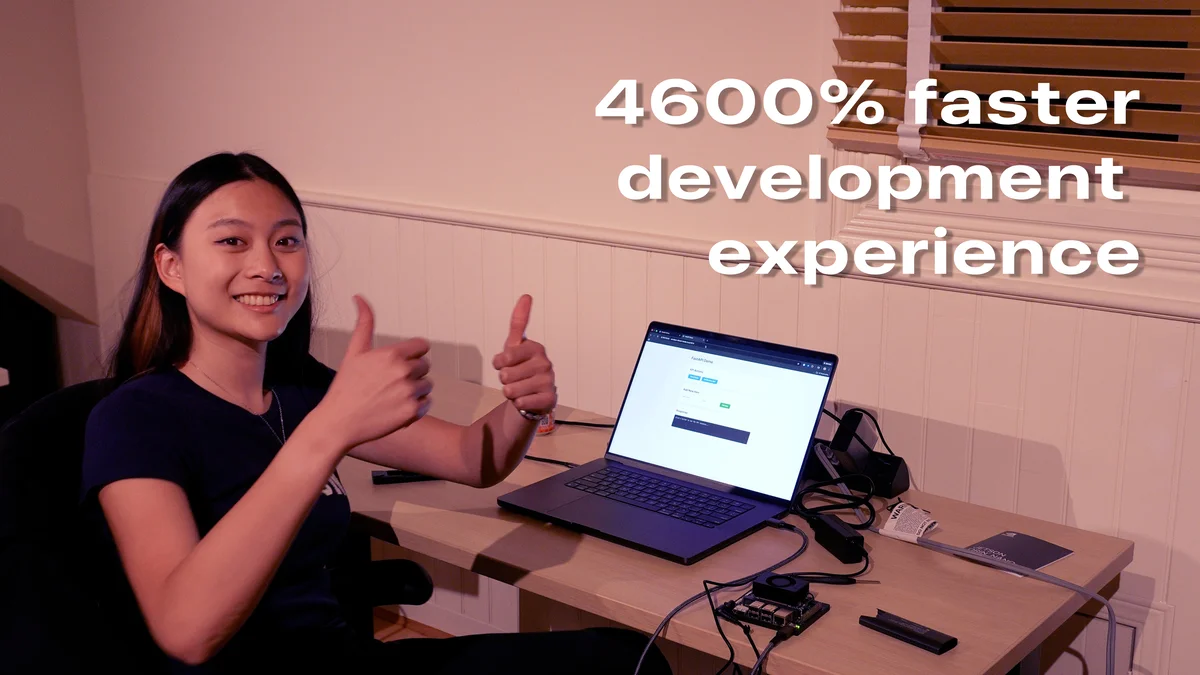
To prove the point, we invited Claire Wang, a student of Electrical Engineering and Robotics at MIT, to run an experiment. The challenge was simple: get a hello-world application running on an NVIDIA Jetson Orin Nano from scratch.
The Experiment
Claire attempted two different paths to deploy code to an NVIDIA Jetson Orin Nano:
- Path A: The traditional NVIDIA Jetson developer setup
- Path B: The WendyOS way
Path A: The Traditional Setup (The "iPhone without iOS" Experience)
Claire opened the NVIDIA Jetson Orin Nano Developer Kit box expecting a developer-ready tool. Instead, she found a project.
The Hidden Shopping List
The kit arrives with no hard drive, no OS, and bare-bones instructions. Following the official documentation led her to a realization: she couldn't even start without buying more stuff.
- DisplayPort to HDMI cable
- A portable monitor
- A USB mouse
- A USB keyboard
- An NVMe SSD + adapter
- A microSD card
The Setup Marathon
After gathering all the extra hardware, the real slog began:
- Download and install Balena Etcher.
- Flash the JetPack image to a microSD card.
- Wire up the monitor, keyboard, and mouse maze.
- Boot up and wrestle through the Ubuntu setup wizard.
- Wait for system configurations.
- Install the NVMe SSD and migrate the system.
- Configure SSH keys.
- Install packages (Python, GStreamer, etc.).
- Connect to Wi-Fi.
- Hunt for the device's
.localhostname. - Set up the host machine.
- Configure the dev environment just to push code.
We're talking about potentially 100+ individual steps just to reach the starting line.
The Result
After 3.5 hours of grinding through documentation and setup screens, Claire couldn't get the Jetson to boot. The device remained unresponsive. Even if she had succeeded, she was still miles away from actually deploying an edge inference application.
Path B: The WendyOS Way
This is where the "mobile-like" experience kicks in. With WendyOS, we stripped it down to the essentials:
- An NVMe SSD (the only shared requirement)
- A USB-C cable
- One Homebrew command
The Process
brew install wendylabsinc/tap/wendyAfter installing the CLI, Claire just connected the Jetson to her MacBook via USB-C. No monitor. No keyboard. No mouse. No complex flashing or hunting for IP addresses.
Within minutes, she deployed a fully functional Python application to the Jetson and had logs streaming back to her terminal.
The Result
3 minutes from opening the CLI to running code on the Jetson.
The Comparison
| Metric | Traditional Setup | WendyOS |
|---|---|---|
| Time to first deploy | 3.5+ hours (failed) | 3 minutes |
| Additional hardware required | Monitor, keyboard, mouse, cables, adapters | USB-C cable only |
| Setup steps | 100+ | 3 |
| Success rate | 0% (boot failure) | 100% |
4,600% Faster Developer Experience
The math is honestly a bit ridiculous. WendyOS delivered a 4,600% faster developer experience. And that's being generous, considering the traditional approach never actually crossed the finish line.
For developers building edge AI applications, robotics projects, or IoT solutions, we believe the choice should be as obvious as choosing an iPhone with iOS over a brick. WendyOS eliminates the barrier between your code and your hardware, letting you focus on what matters: building your application.
Get Started
Ready to stop configuring and start building? Check out our installation guide to get started with WendyOS on your NVIDIA Jetson.
Related post
Expand your knowledge with these hand-picked posts.
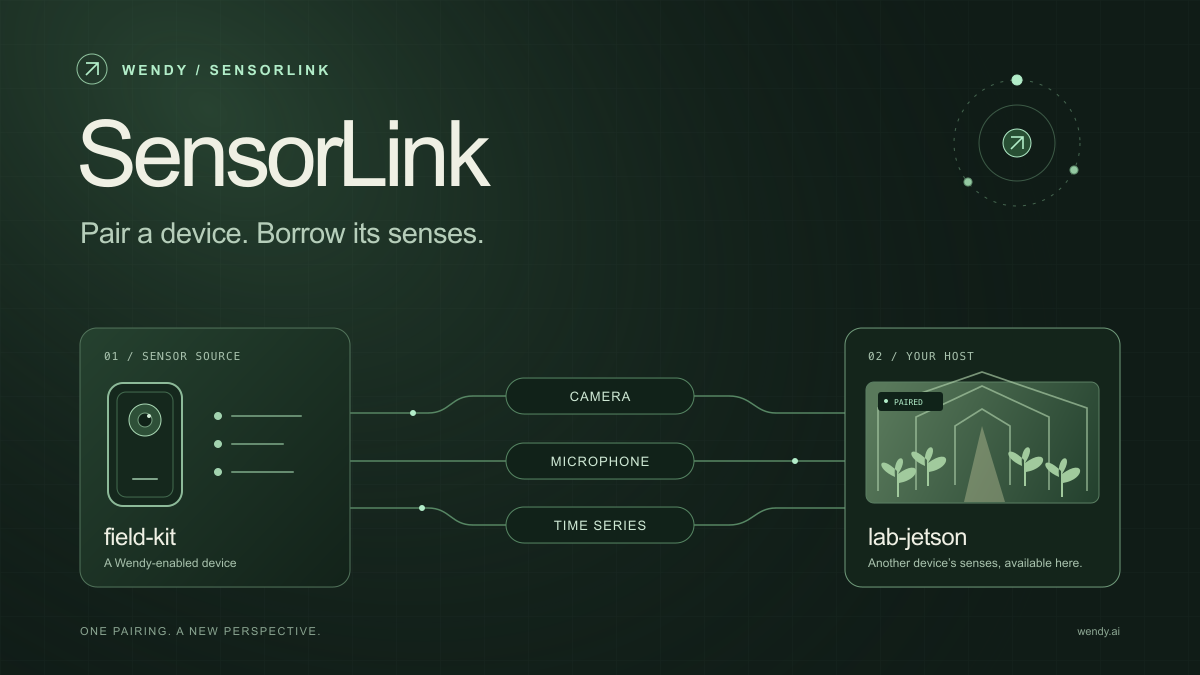
SensorLink: Pair a Device. Borrow Its Senses.
Give your Wendy host the eyes and ears of another device. SensorLink brings cameras, microphones, and a shared model for time-series sensors into a familiar pairing workflow.
Wendy Labs - Wendy Labs Team
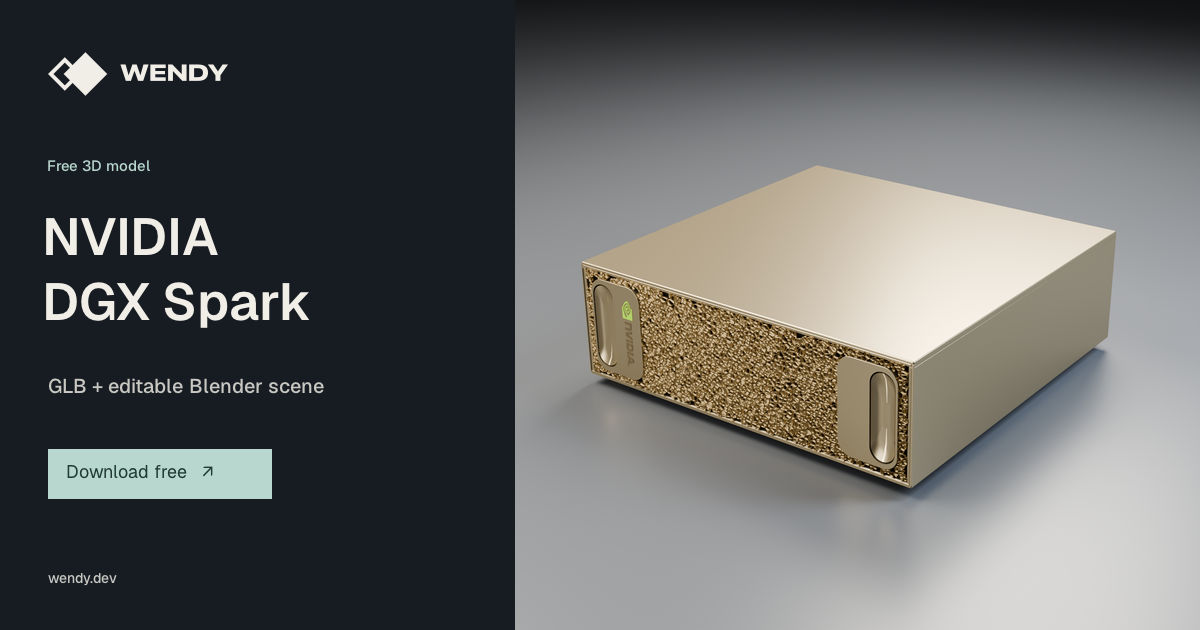
Free NVIDIA DGX Spark 3D model
Download our free NVIDIA DGX Spark 3D model as a GLB or an editable Blender scene with studio lighting, materials, and cameras. No signup required.
Wendy Labs - Wendy Labs Team
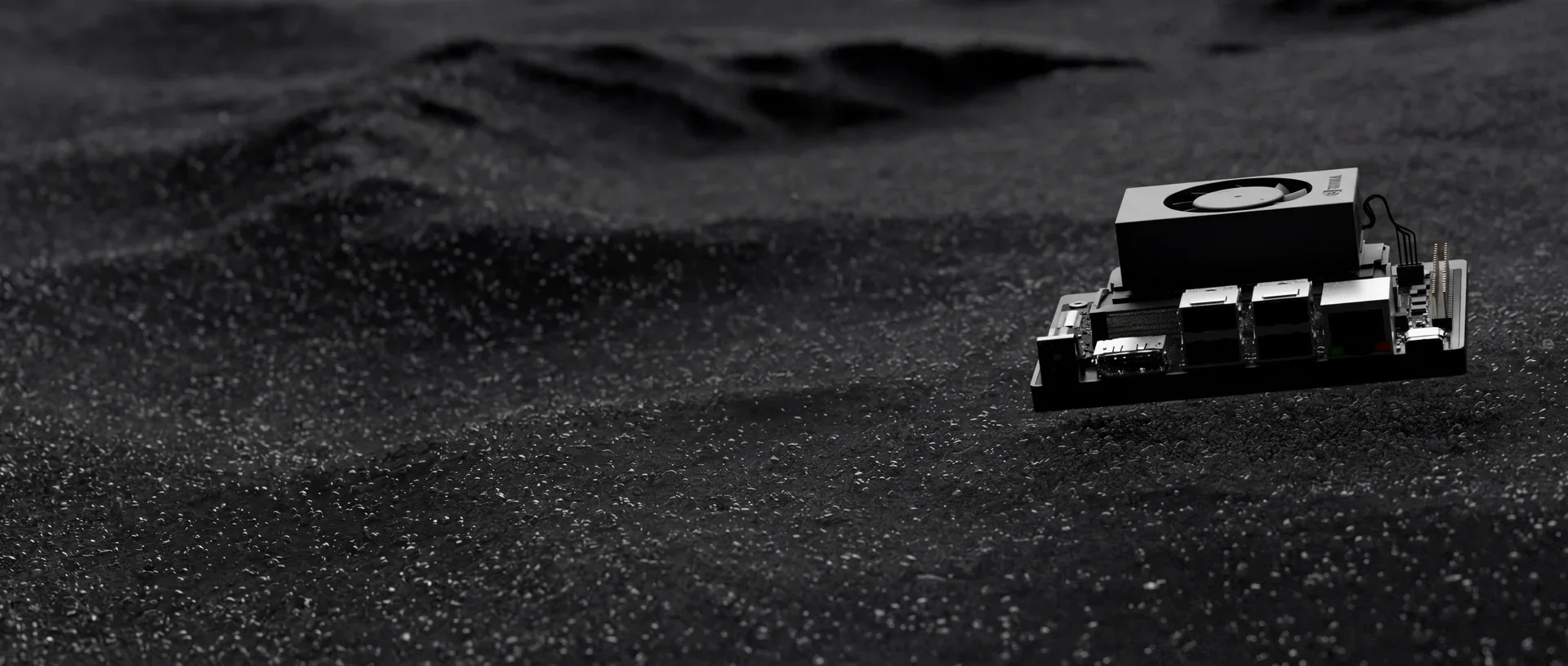
Start with one device. Close the loop around it.
Use WendyOS on your hardware or add Wendy Agent to an existing Linux or Apple Silicon Mac. Connect sensors, run your code, and carry what you learn into the next release.