

From simulation to the real world

The Full Stack Physical AI Platform

Simulate robots and drones on your laptop, ship the same project to real hardware, and run it in the field. Your coding agent can drive every step.

Install the CLI
curl -fsSL https://install.wendy.dev/cli.sh | bash

Runs on

  • NVIDIA
  • Qualcomm
  • Ubuntu
  • Raspberry Pi
Unit viewvm:go2-sim
Coding agent

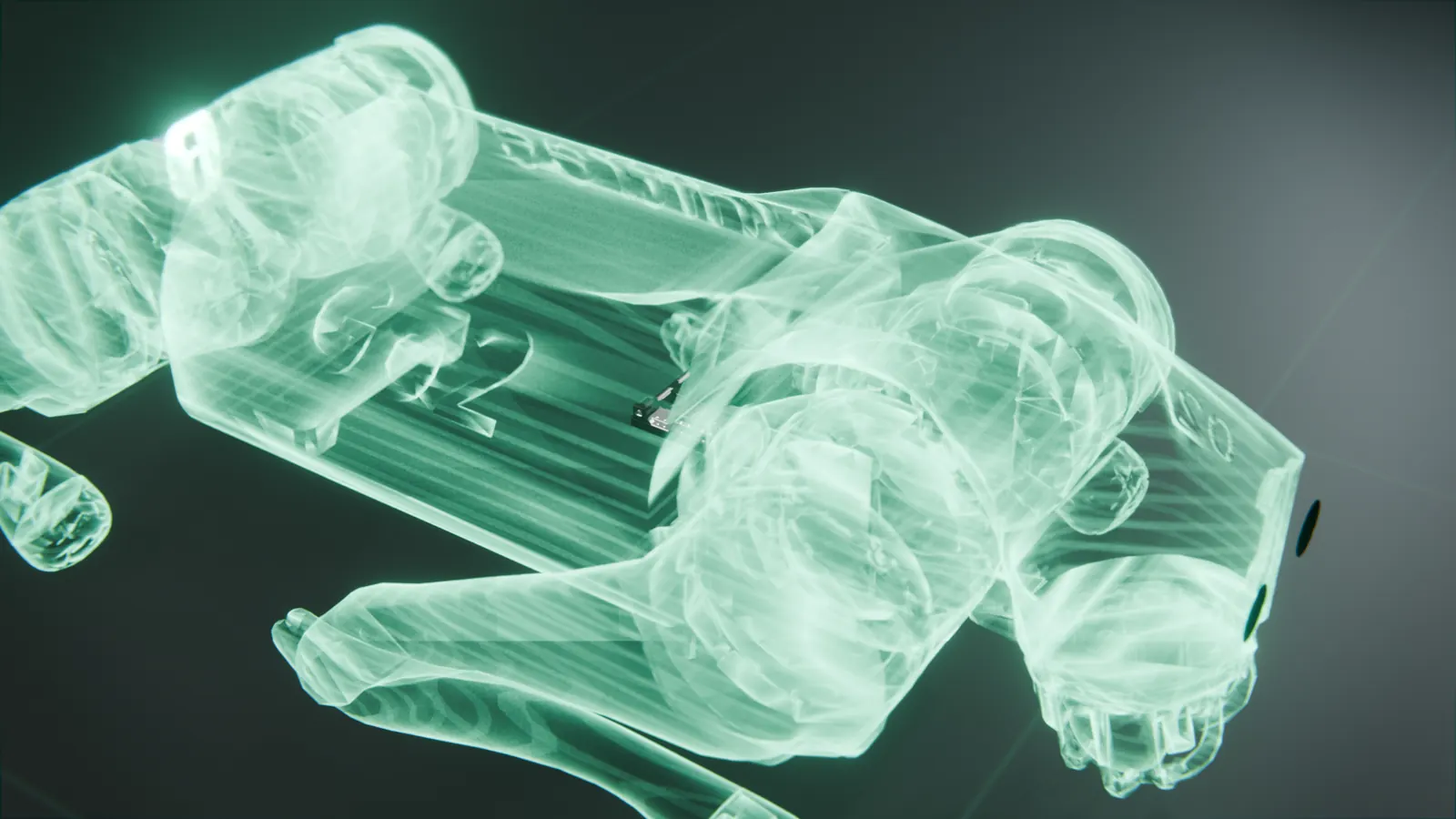
Example session: a coding agent is asked to write a patrol app for a Unitree Go2, test it in simulation, and ship it to the real robot. It edits main.py, starts a simulated Go2 in MuJoCo inside a WendyOS virtual machine, and runs the app there while the simulated dog walks its route. After checking the simulation logs, it deploys the same project to the real robot over USB-C, and the robot reports its waypoints back to the session.

01Simulate

Start in simulation, with no hardware on the desk.

Your agent tests on a simulated robot in a WendyOS VM, with the same wendy run it will use on the real one.

Simulation · MuJoCoDroneFormationMujoco
Twelve quadrotors fly a formation through changing wind, all in one container. View the example
What you can simulate today
  • Unitree Go2

    Preview
    wendy vm create go2-sim --profile go2
  • Unitree G1

    Preview
    wendy vm create g1-sim --profile g1
  • Drone formation

    Example
    wendy run --device docker
  • Any Wendy app

    Shipped
    wendy run --device sim
Sim to real with Unitree
02Ship

When the simulation passes, your agent points wendy run at the robot instead of the VM.

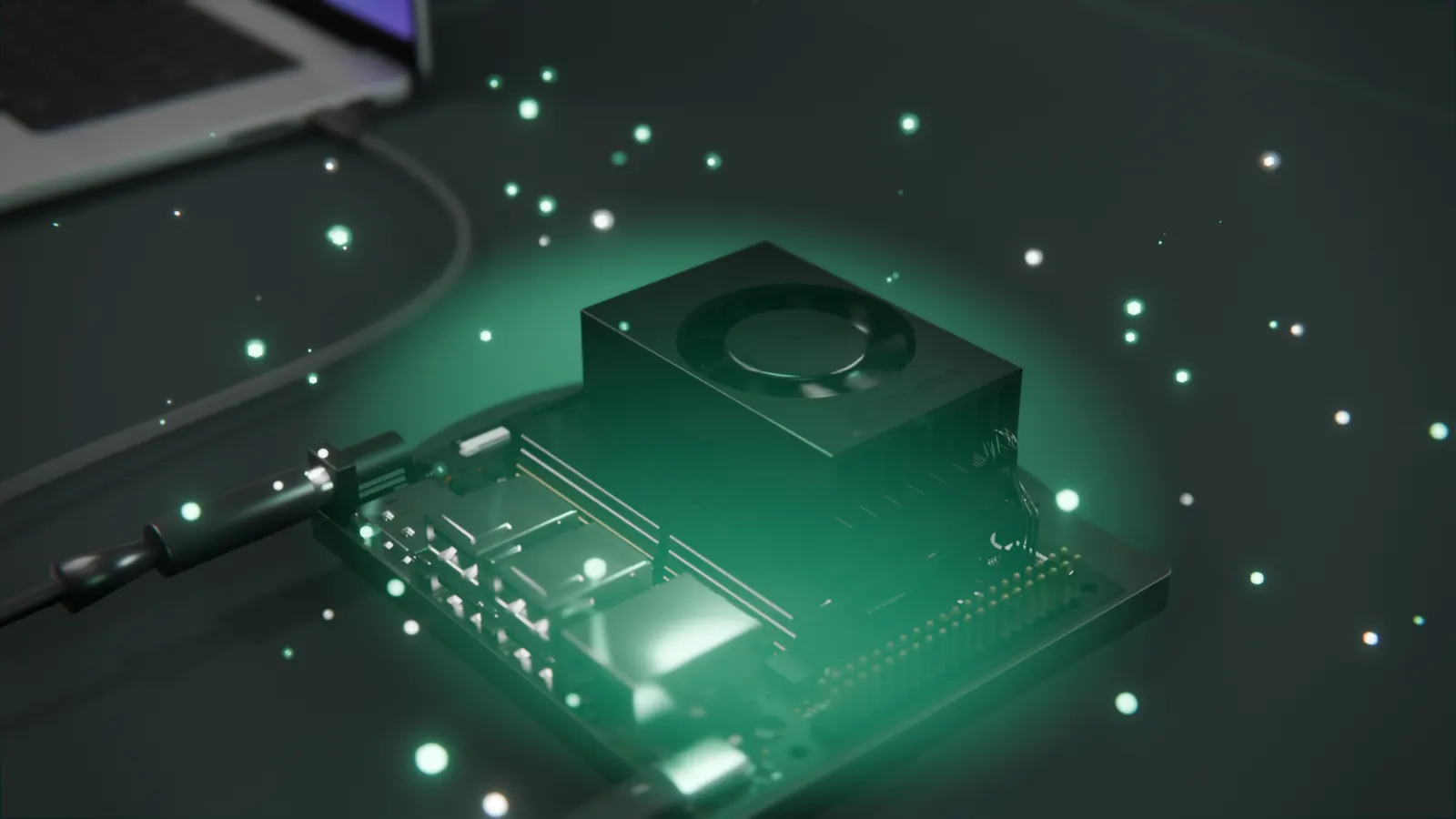
Your computer

wendy CLI

macOS (Apple Silicon), Windows, or Linux

MacBook Pro
  1. USB-C

    Plug in one cable, with no network setup on your laptop.

  2. Local network

    Found by name over mDNS.

  3. Wendy CloudBeta

    Devices dial out, so there are no ports to open.

Your device

Wendy Agent

Jetson, Raspberry Pi, or arm64 and x86_64 Linux

Real quadcopter
  1. Step 01

    $ wendy install

    Flash WendyOS, or add the agent to a Linux machine.

  2. Step 02

    $ wendy init

    Start from a template or any Dockerfile.

  3. Step 03

    $ wendy run

    Build, deploy, and stream logs back.

03Operate

Everything a robot needs once it leaves your desk.

The OS, device agent, and tools to watch, update, and secure every device in the field.

Telemetry01 / 08

See what every app on the robot is doing, live.

Logs, metrics, and traces from every app, streamed to your terminal or read by your agent over MCP.

Telemetry

patrol · cpulive

gpulive

soc templive

$ wendy device logs# live logs

$ wendy device top# CPU, GPU, memory

04Agents

Your coding agent runs every stage, from simulation to the fleet.

Add the Wendy plugin to Claude Code or Codex, or connect any MCP client. Your agent runs the same commands you do.

  • 01 · Fast

    Test every edit on the device.

    A Stagefile rebuilds a Python edit in under 200 ms and only missing chunks are sent, so changes reach the device in seconds.

    • wendy run --watch
  • 02 · Reliable

    Output an agent can parse.

    Most commands answer in JSON when no terminal is attached, and fail with a clear error instead of prompting.

    • wendy discover --json
  • 03 · Repeatable

    One manifest for every deploy.

    One wendy.json, checked against a published schema, deploys the same way from your agent, a teammate, or CI.

    • wendy json validate
  • 04 · Secure

    Guardrails the agent works inside.

    Provisioned devices accept the agent only over mutual TLS, and every MCP tool is tagged read-only, mutating, or destructive.

    • mTLS
    • device pinning
    • entitlements
Connect your agent

claude plugin marketplace add wendylabsinc/wendy-agentic-coding

claude plugin install wendy-agentic-coding@wendy-agentic-coding

Then run /reload-plugins and start with /wendy-agentic-coding:wendy-install.

Then ask your agent

Start a simulated Go2, run my patrol app on it, then ship it to the Go2 on my desk.

Coding agent setup guide
What your agent can do44 MCP tools
  • Create, list, and stop simulators
  • Find devices over USB-C and your network
  • Build, deploy, and restart apps
  • Read logs, metrics, and traces
  • Sample ROS 2 topics and LiDAR
  • Capture a camera frame
  • Join Wi-Fi and pair Bluetooth
  • Update the OS and confirm the result
  • Tunnel to remote devices (Cloud beta)
05Units

Runs on the hardware you already have.

Flash WendyOS to a supported board, or install Wendy Agent on the Linux computer or Mac you already run.

06Field reports

Built with Wendy.

Projects and pilots running on WendyOS today.

Archive 02Wendy product
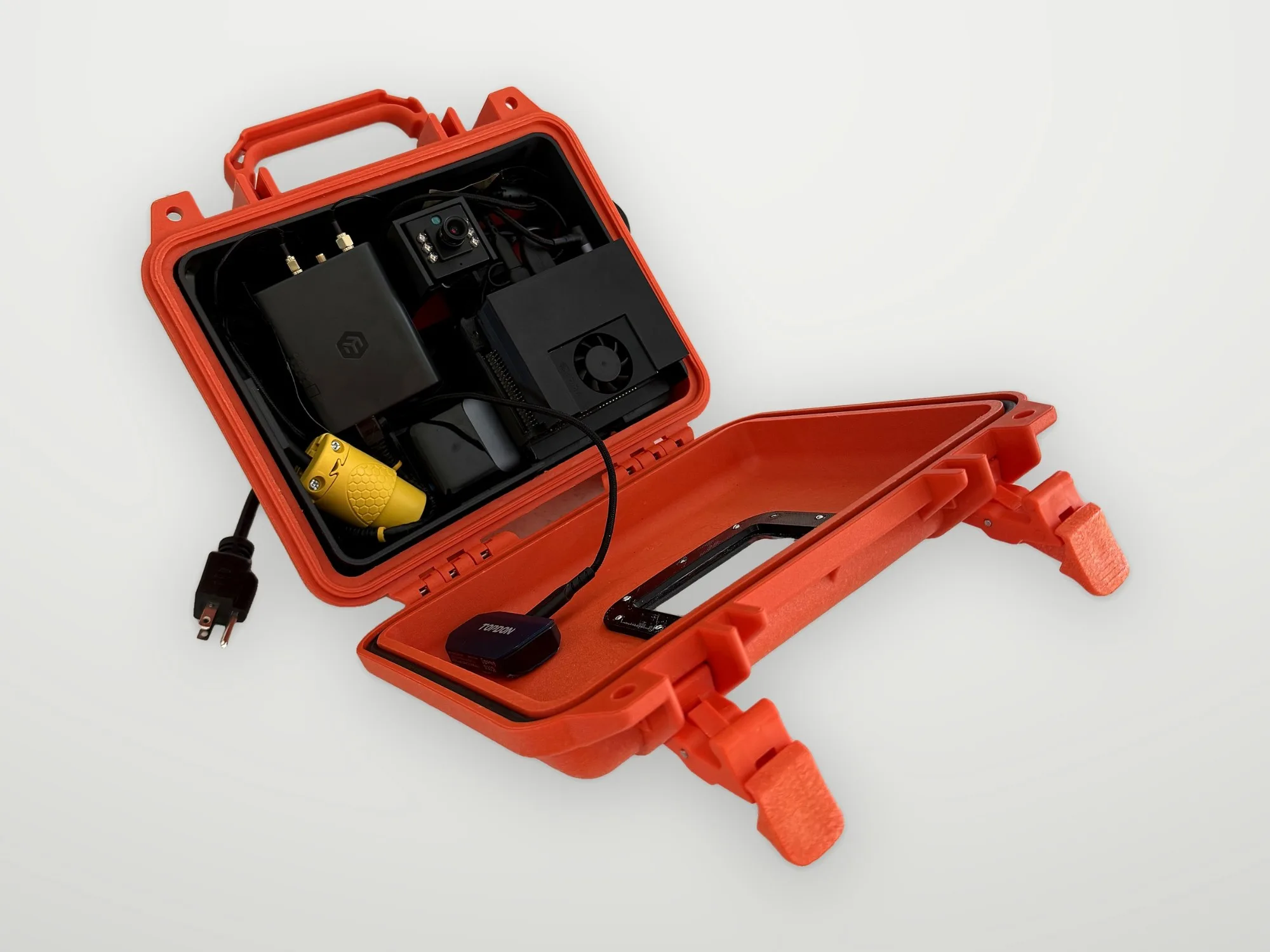
Open orange Wendy Box portable kit with cameras and compute insideWendy Box

Portable fire watch, with local detection.

Color and thermal cameras with on-device detection, in one portable kit running WendyOS.

Supports your qualified fire watch and existing site procedures.

  • Transmission 01Received
    Established robotics company
    “If we found Wendy two years ago, we would have saved $4M in product development costs.”

    CEO & Co-Founder

    Autonomous farm and lawncare equipment

  • Transmission 02Received
    Fortune 50 oil company
    “I’m testing WendyOS on a Jetson to enable in-field AI to tune old, dumb control loops. I call it Automated Dynamic Local Loop Control.”

    Automation Manager

    Refinery production improvement

  • Transmission 03Received
    Fortune 500 construction company
    “We stopped tech projects because they weren’t practical or helpful. But in testing, the Wendy Box is a game changer. We’re already changing how we plan to run our crews.”

    Site Manager

    Turnaround resource management

07Operations

Deploy where the work happens.

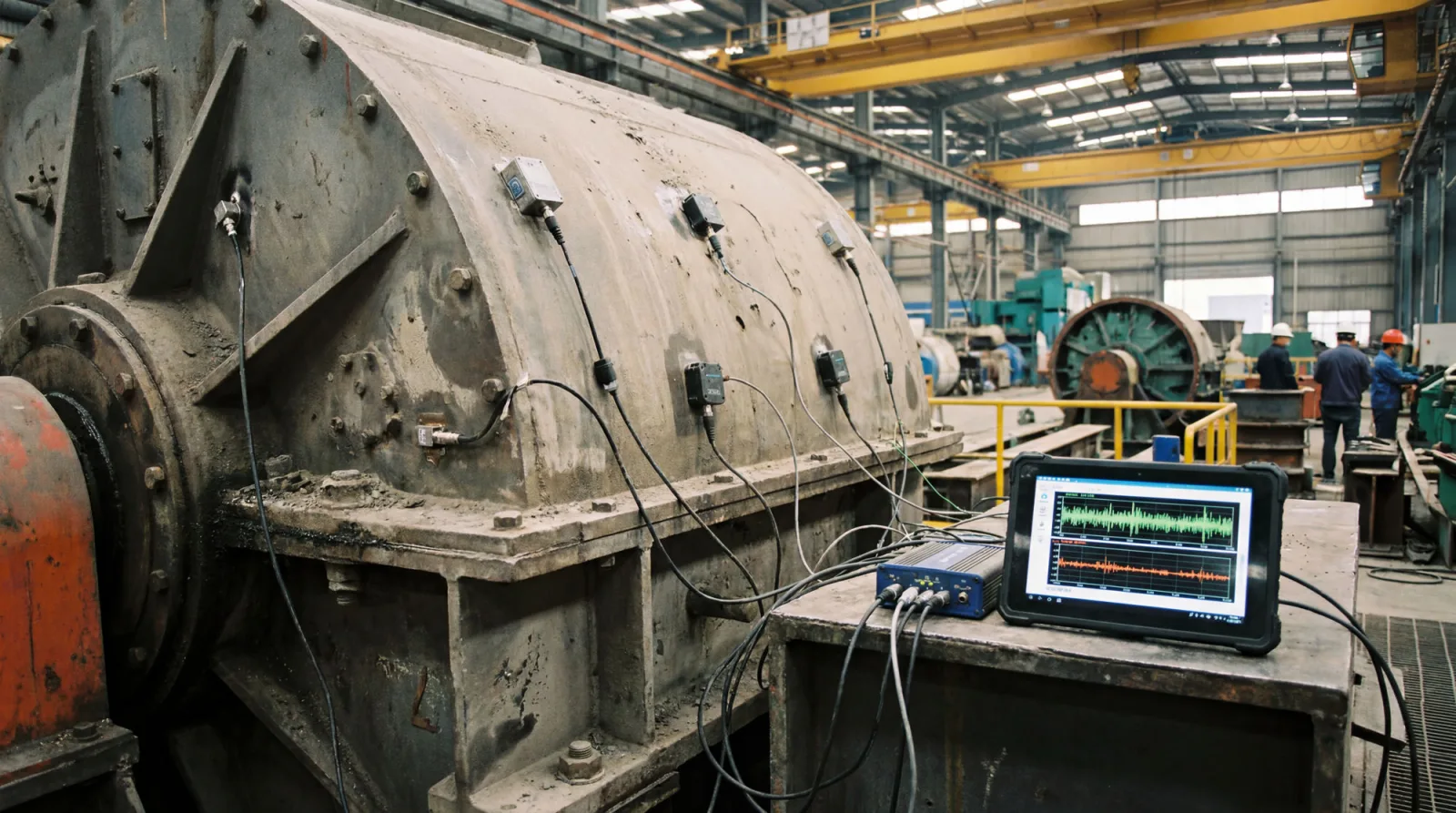
Teams run perception, inspection, and control on devices far from a data center.

08Proposal
ProposalAwaiting input

Start in simulation today, and ship to the real robot when it arrives.

Install the CLI, add the Wendy plugin to Claude Code or Codex, and ask your agent to start a simulated robot.

Install the CLI
curl -fsSL https://install.wendy.dev/cli.sh | bash
For teams

Planning a pilot or a fleet?

Talk with our engineers about your hardware, security review, and rollout.
WendyOS
Free · Apache 2.0
Wendy Cloud
Beta
Support
Pilots and fleets

Ask Wendy

Answers about Wendy and WendyOS

What would you like to know?

Ask about devices, development, and deployment.

Check linked docs for technical details.