From Simulation to a Real Device. Same Code.

Wendy Labs · Wendy Labs Team · September 10, 2026

From Simulation to a Real Device. Same Code.

Article preview. A full walkthrough is being written. The capabilities below are available today.

Keep your code when you leave the simulator

An experiment should bring you closer to a working machine. Wendy lets you ship the same application code to your simulator and then a real device, with no extra deployment steps.

Bring the real world into the experiment

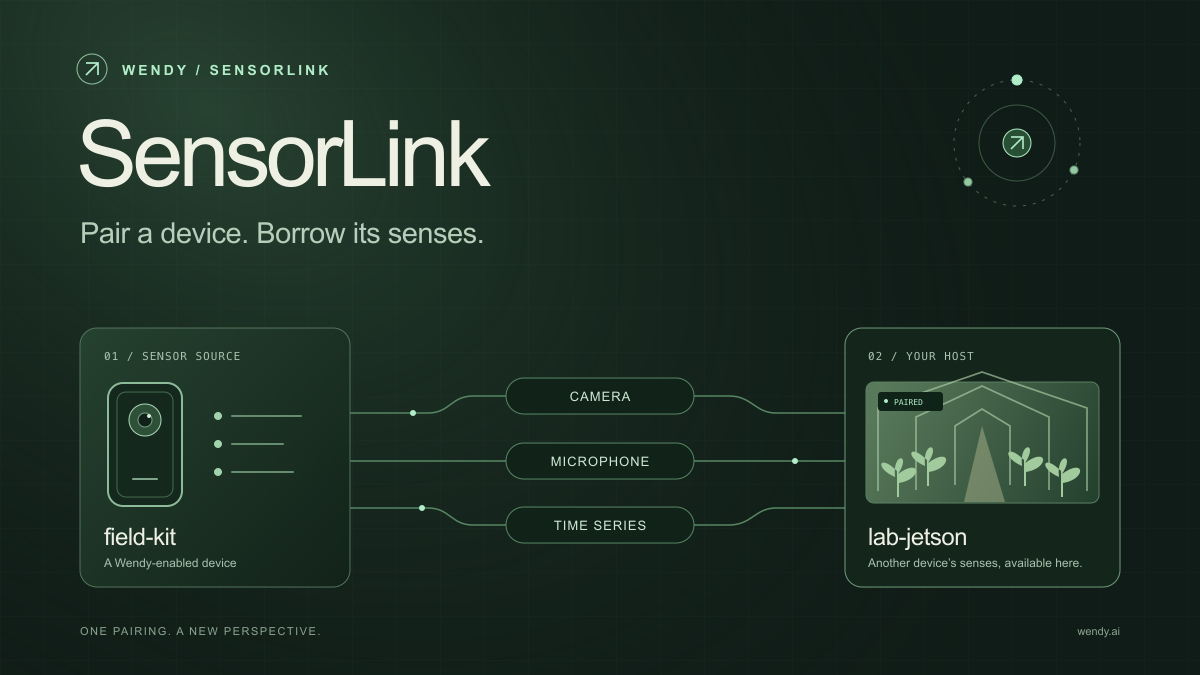
Run MuJoCo on your Mac or a WendyOS device. Mount nearby or remote sensors as inputs, and include hardware or VMs in the loop. Your experiment can use a physical camera or microphone before the rest of the machine is ready.

Render on your Mac with live camera controls while training runs on another device. Clustering lets you bring more compute into the experiment.

What the walkthrough will cover

  • Run an application in the Wendy simulator.
  • Connect a physical sensor to the experiment.
  • Deploy the same code to real hardware and inspect its behavior.

Start building with Wendy, or explore the simulator.

Get started

Start with one device. Close the loop around it.

Use WendyOS on your hardware or add Wendy Agent to an existing Linux or Apple Silicon Mac. Connect sensors, run your code, and carry what you learn into the next release.

Ask Wendy

Answers about Wendy and WendyOS

What would you like to know?

Ask about devices, development, and deployment.

Check linked docs for technical details.