SensorLink: Pair a Device. Borrow Its Senses.
another point of view.
Your Jetson has the compute. Your laptop has a camera pointed at the experiment. A small device across the room has the microphone closest to the machine you want to hear.
SensorLink lets you pair another Wendy-enabled device and bring its sensors to your host. The device running your application can use a camera or microphone attached to a different computer. Put the sensor where the signal is useful, and keep the compute where it makes sense.
The experience is familiar if you have ever paired a Bluetooth Low Energy device: find it, choose it, and make its capabilities available. With SensorLink, that relationship can cover a whole collection of sensors.
One device can give another more senses
There are two roles in a SensorLink pairing. The source has the sensors. The host receives them and runs the application that needs them.
A source advertises its available sensors, and the host subscribes to the ones it needs. Cameras, microphones, and time-series data such as GPS coordinates and temperature readings fit into the same sensor model. You pair the device once, then work with its capabilities.
Think of a field kit beside a greenhouse. Its camera can watch the plants, its microphone can hear a pump, and its temperature sensor can describe the conditions around them. A host with more compute can bring those observations into the same application. The devices have different jobs, but they can contribute to the same experiment.
| Input | What it adds to an application |
|---|---|
| Camera | A view from where the action happens |
| Microphone | Sound from beside the person or machine |
| GPS | A location for an observation |
| Temperature | Environmental context over time |
The sensor protocol includes a schema and sampling information for time-series channels. The current WendyOS host integration mounts cameras and microphones as local Linux devices; GPS and temperature consumers need the corresponding source and host integration. The walkthrough below uses the camera and microphone path available today.
Pair the source to the host
Start with a WendyOS host and a Wendy-enabled source that advertises SensorLink sensors. Both devices must belong to the same Wendy organization, be reachable on your network, and run builds with SensorLink support. Sign in with the Wendy CLI. On a Mac source, allow camera and microphone access for the sensors you want to share.
In this example, lab-jetson is the receiving host. Run this from your workstation, replacing that name with your host's name:
wendy --device lab-jetson device pair --name field-kitThe CLI shows a picker of sensor sources discovered on the local network. Choose the device whose sensors you want. field-kit is the friendly name for the saved pairing; it does not select the source.
The BLE comparison describes the interaction. The sensor streams use your network connection, so a camera feed can travel over a suitable IP network while pairing stays a simple device-level action.
By default, the pairing includes all advertised sensors. Use --sensors with comma-separated advertised sensor names when you want a smaller set. Sensor names come from the source, so use its actual names rather than assuming every camera is called cam0.
An input right here.
See what arrived
Check the pairing and the host's camera and audio inventories:
wendy --device lab-jetson device pair --list
wendy --device lab-jetson device camera list
wendy --device lab-jetson device audio list
A saved pairing and an active stream are different states. The pairing list reports whether the source is connected. If it stays disconnected, check that the source is reachable and has permission to capture the sensors you selected.
On a supported Linux host, SensorLink exposes remote cameras through V4L2 and microphones through ALSA. These are the video and audio interfaces that Linux applications already use. Select the mounted input in your application. For a containerized Wendy application, enable the camera and/or audio entitlements for the inputs it needs.
That makes a particularly useful first experiment: run inference on the Jetson using your laptop's camera and microphone. Your laptop supplies the viewpoint and sound; the Jetson runs the model. A recorder or a preview application can use those inputs too.
The open-source vision stack is one place to start with a camera pipeline. The edge voice agents article explores what you can build around a microphone.
A pairing that remembers the device
SensorLink stores the pairing on the receiving host and restores it when the host restarts. It identifies the source by its device identity and resolves its current network address when reconnecting. You can move a laptop between connections without baking its old IP address into your application.
If the source disappears, the host retries the connection. Your application still needs to handle an interrupted input, but the pairing relationship remains in place. You do not have to recreate it after every brief disconnect.
When the experiment is finished, remove the relationship through the unpair picker:
wendy --device lab-jetson device unpairBuild around the observation
A second viewpoint can be more valuable than a larger model. Put a camera where it can see behind the robot's gripper. Move a microphone closer to the bearing you are listening to. Use a laptop's existing sensors to try an idea before choosing the hardware for the finished product.
For data collection, this changes where you can capture an experiment. Bring the useful inputs to the host, record them with your application's collection tools, then review the run or prepare the next training dataset. SensorLink supplies access to the sensors; your recording workflow determines what you keep and how you align it.
As sources and consumers integrate time-series channels, the same pairing model can bring location and environmental measurements alongside sight and sound. A useful observation becomes more than a frame: it can include where the device was and what was happening around it.
Start with two devices and one sensor you wish your host could reach. Set up Wendy, pair the source, and give your application another way to observe the world.
For the implementation details, explore the pairing commands, host integration, and SensorLink protocol.
Related post
Expand your knowledge with these hand-picked posts.

Free NVIDIA DGX Spark 3D model
Download our free NVIDIA DGX Spark 3D model as a GLB or an editable Blender scene with studio lighting, materials, and cameras. No signup required.
Wendy Labs - Wendy Labs Team
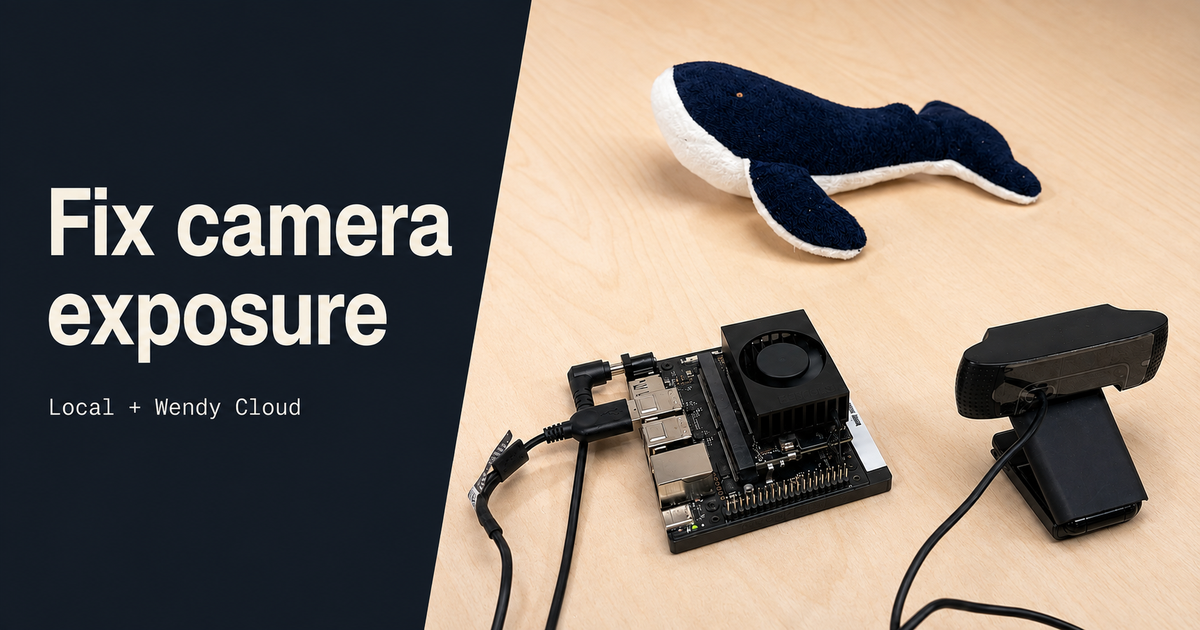
Adjust USB camera exposure on WendyOS
Tune a Logitech C920 on a Jetson Orin Nano with the Wendy CLI. Inspect camera controls, compare manual exposure settings, and make changes over Wendy Cloud.
Wendy Labs - Wendy Labs Team


Start with one device. Close the loop around it.
Use WendyOS on your hardware or add Wendy Agent to an existing Linux or Apple Silicon Mac. Connect sensors, run your code, and carry what you learn into the next release.