Free NVIDIA DGX Spark 3D model

Download the free files: device-only GLB, 1.3 MB or full Blender scene, 7.0 MB. No signup required.
We are releasing a free 3D model of the NVIDIA DGX Spark. Use it in hardware renders, documentation, product videos, and system diagrams without having to model the enclosure yourself.
The model includes the champagne-gold shell, irregular porous metal front, recessed grips, NVIDIA branding, rubber feet, and rear connectors. The front grille is actual geometry, so it has depth when you move the camera or change the lighting.
We also built a studio scene around the device, with a neutral floor, soft lighting, and three cameras. Download the complete Blender scene to make your own renders, or take just the device into another scene with the GLB.
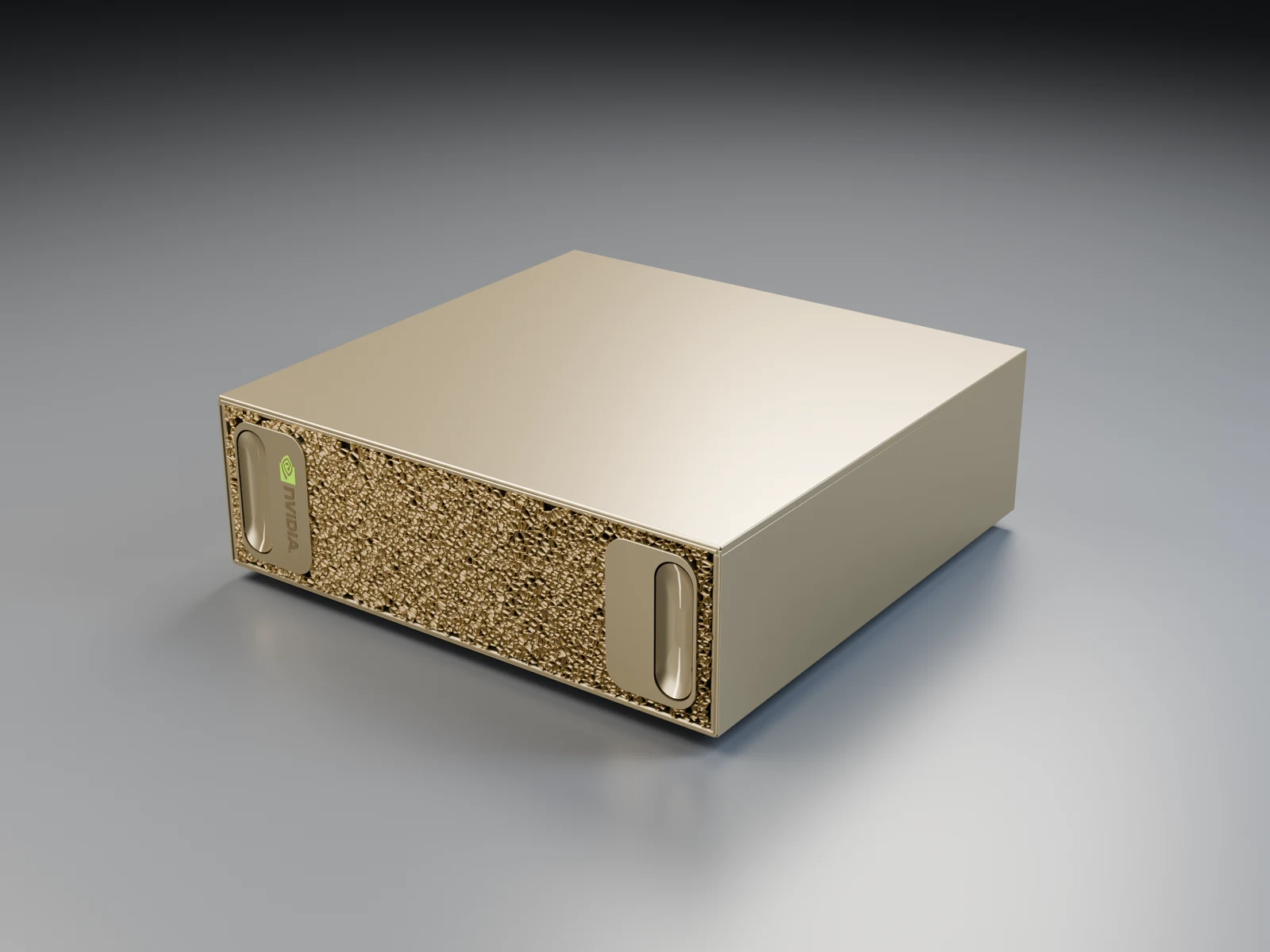
Choose your format
Download the GLB, 1.3 MB for a portable copy of the device. It contains the geometry and materials, with no floor, lights, or cameras. The interactive preview above loads this same file when you select Explore in 3D.
Download the Blender file, 7.0 MB for the editable source model and the full studio setup. The file opens with the front three-quarter camera active. Materials, branding, grille geometry, lighting, and cameras remain editable, and fonts are packed into the file.
Both downloads are single files hosted on the Wendy website. There is no account or email form between you and the asset.
Make a render in Blender
- Open
nvidia-dgx-spark.blendin Blender 5.2 or newer. - Render the active camera with Render → Render Image. The supplied scene uses Cycles and includes the lighting and materials used for the preview above.
- To change the view, select the rear connectivity camera or the front detail camera in the Cameras collection and make it the active camera.
- To move the device into another composition, select the DGX Spark · product root object. Its children contain the device parts; the studio and cameras are in separate collections.
For a transparent render, hide the Seamless studio surface floor object from rendering and enable Render Properties → Film → Transparent. Keep the studio lights enabled. You can also keep the supplied floor and adjust the lights to change the gold finish and reflections.
Use the GLB in another scene
Import the GLB into a glTF-compatible tool with Draco support. For Three.js, configure GLTFLoader with a DRACOLoader before loading the file. The device uses meters: its modeled envelope is 0.15 × 0.15 × 0.0505 meters, matching NVIDIA's published 150 × 150 × 50.5 mm dimensions. glTF uses a Y-up coordinate system.
Add your own environment and lighting. The gold surfaces need something to reflect, so a studio environment or broad area lights will show the finish more clearly than ambient light alone. Portable GLB materials can look slightly different from Blender's procedural materials; the Blender file preserves the original render setup.
Built for visualization
We modeled the enclosure from product photographs and NVIDIA's hardware guide. This is an unofficial Wendy Labs visualization asset, not NVIDIA CAD. The organic grille, small mechanical details, and connector interiors are approximations for visual work.
Use it for product shots, camera animations, hardware explainers, and Physical AI diagrams. For mechanical design or connector clearances, use manufacturer drawings and measurements from the physical device.
More free hardware models
We also share models of the Qualcomm Dragonwing IQ-9075 Evaluation Kit, NVIDIA Jetson Thor, and NVIDIA Jetson Orin Nano.
Working with a real Spark? Read about DGX Spark support in Wendy, or get started with Wendy.
Related post
Expand your knowledge with these hand-picked posts.
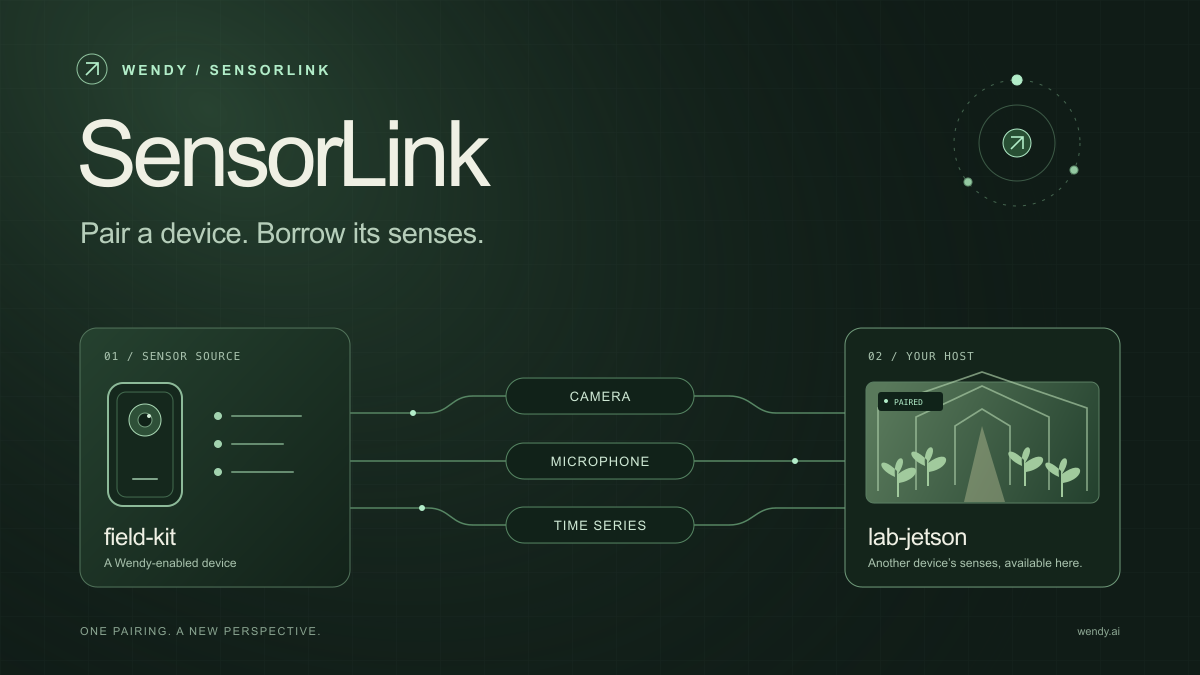
SensorLink: Pair a Device. Borrow Its Senses.
Give your Wendy host the eyes and ears of another device. SensorLink brings cameras, microphones, and a shared model for time-series sensors into a familiar pairing workflow.
Wendy Labs - Wendy Labs Team
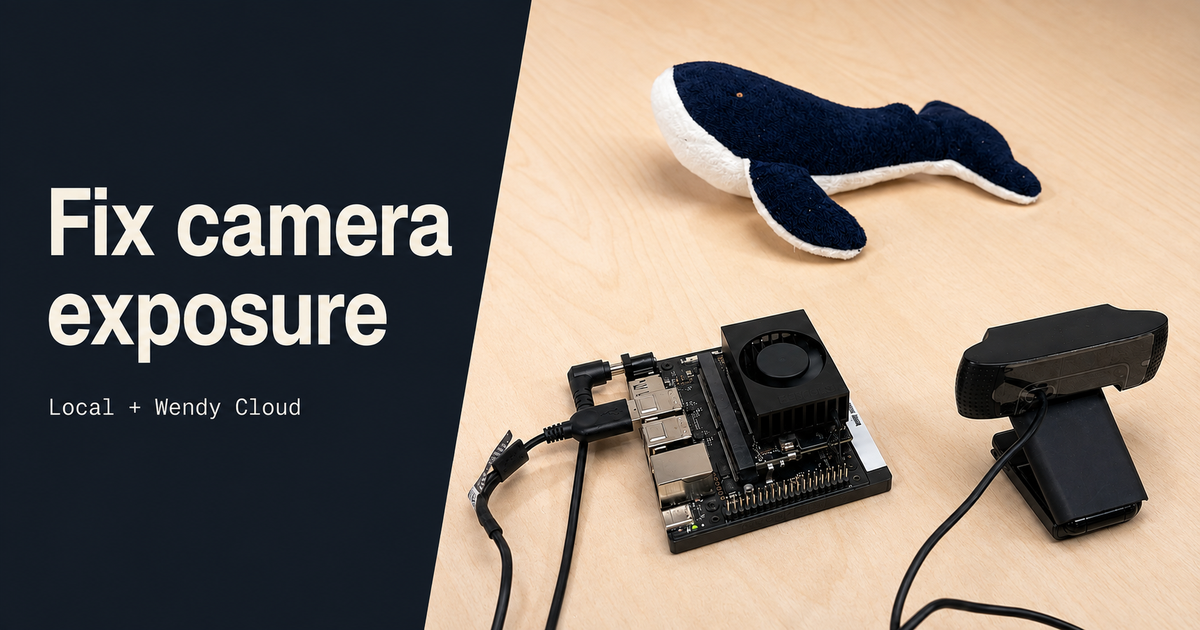
Adjust USB camera exposure on WendyOS
Tune a Logitech C920 on a Jetson Orin Nano with the Wendy CLI. Inspect camera controls, compare manual exposure settings, and make changes over Wendy Cloud.
Wendy Labs - Wendy Labs Team


Start with one device. Close the loop around it.
Use WendyOS on your hardware or add Wendy Agent to an existing Linux or Apple Silicon Mac. Connect sensors, run your code, and carry what you learn into the next release.