Wendy Now Supports NVIDIA DGX Spark
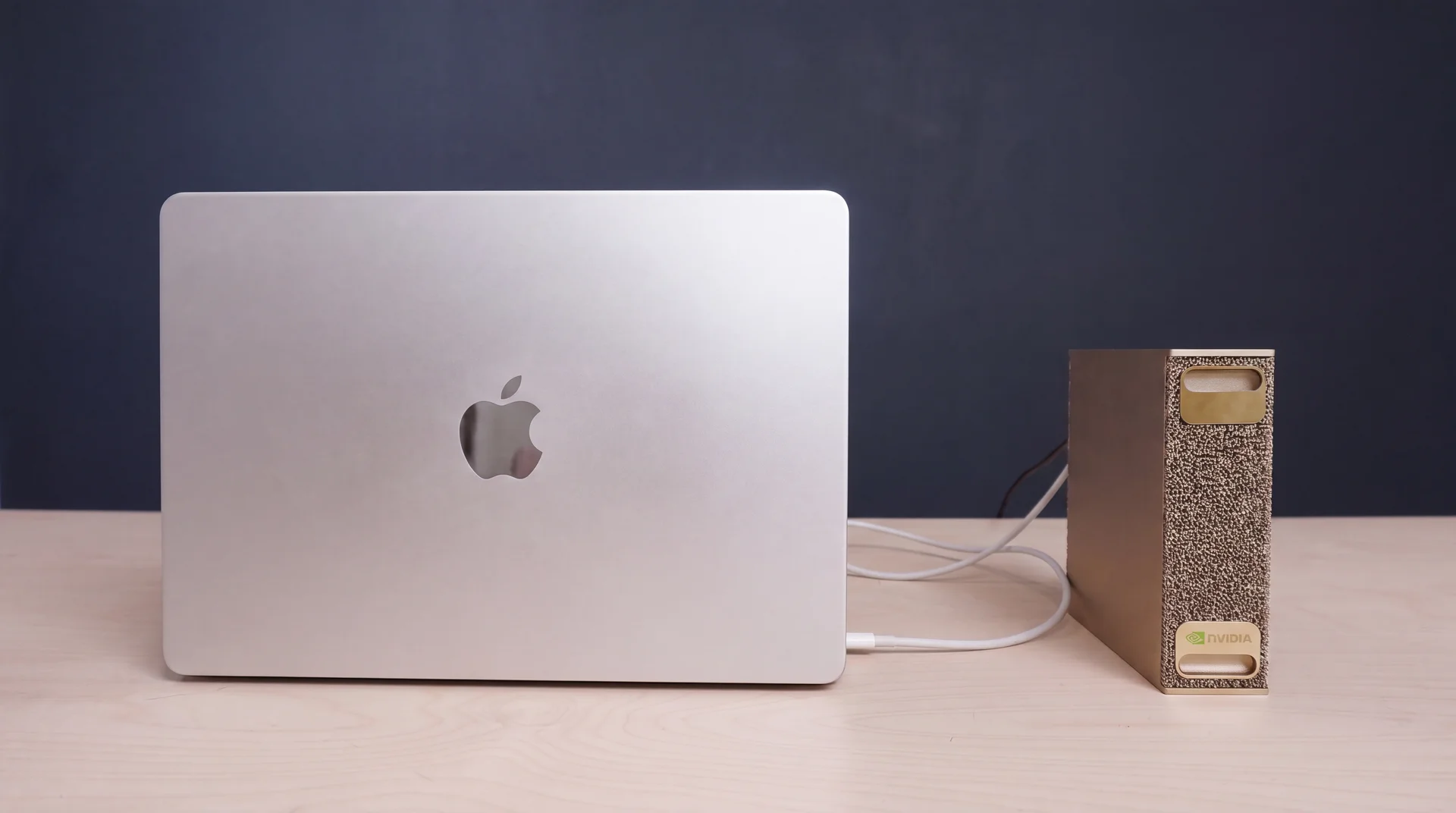
Wendy now supports NVIDIA DGX Spark as a deployment target. Install the Wendy CLI on your developer machine, install wendy-agent on the DGX Spark, then deploy GPU-enabled applications with wendy run.
NVIDIA DGX Spark brings Grace Blackwell AI compute into a compact desktop system. NVIDIA describes DGX Spark as a personal AI supercomputer with 128 GB of unified system memory, and the DGX Spark user guide lists a 20-core Arm CPU, integrated GPU architecture, Wi-Fi 7, 10 GbE, and ConnectX-7 connectivity. That makes it a strong target for local inference services, robotics backends, physical AI demos, model servers, and GPU-heavy application stacks that should run close to the hardware.
Wendy support means DGX Spark can be treated like a normal deployment target in your development loop. You write the application on your laptop or workstation, declare the hardware capabilities it needs in wendy.json, and let Wendy build, sync, launch, and stream logs from the Spark.
Install or Upgrade the Wendy CLI
On macOS or Linux, install or upgrade Wendy with the install script:
curl -fsSL https://install.wendy.dev/cli.sh | bashOn Windows, install Wendy through winget:
winget install WendyLabs.Wendy --source wingetKeep the CLI on the machine where you write code, because this is where wendy init, wendy build, and wendy run happen. The CLI discovers your Wendy devices, builds the application image, pushes it to the target, and keeps your terminal attached to the logs while the app starts.
Install wendy-agent on the DGX Spark
On the DGX Spark, open a terminal and install the device-side runtime:
curl -fsSL https://install.wendy.dev/agent.sh | bashThe wendy-agent service receives builds from the CLI, starts the application, applies requested hardware access, and streams runtime output back to your terminal. After the agent is running, the DGX Spark becomes a Wendy deployment target with GPU access available to applications that ask for it.
By default, deploy to the DGX Spark over the network. Your DGX Spark and development machine should be on the same Wi-Fi or LAN network so the Wendy CLI can discover the target and send builds to wendy-agent.
Add GPU Access to wendy.json
Wendy apps declare device access explicitly. We verified the current app schema with:
wendy json schemaThe schema defines entitlements as the capabilities an app requires, and it includes a gpu entitlement for AI inference or compute. In your wendy.json, add { "type": "gpu" } under entitlements, alongside any other access your application needs:
{
  "$schema": "https://wendy.sh/schemas/wendy.json",
  "appId": "dgx-spark-inference",
  "version": "0.1.0",
  "platform": "linux",
  "entitlements": [
    { "type": "network", "mode": "host" },
    { "type": "gpu" }
  ],
  "readiness": {
    "tcpSocket": { "port": 8000 },
    "timeoutSeconds": 120
  }
}
The important entitlement is:
{ "type": "gpu" }Keep the rest of the file scoped to your app. If your service exposes an HTTP API, add the network entitlement and a readiness probe. If it stores model weights, datasets, or runtime caches, add a persist entitlement with the mount path your container expects.
Deploy a Workstation-Class LLM from a Template
DGX Spark is also a good target for the Wendy LLM template. The template builds a multi-service app with an Ollama model server and an Open WebUI frontend, then gives the Ollama service GPU access through wendy.json.
Start from the interactive template picker:
wendy init --templateIn the picker, choose the llm template and select Gemma 4 26B as the Ollama model. The current model picker includes gemma4:26b, which is marked as a workstation-class option with 26B/4B active parameters. On a DGX Spark, that gives you a much stronger local model target than the small edge defaults intended for Raspberry Pi or compact Jetson boards.
If you want to skip the picker and create the same app directly, this is the command we tested in /tmp:
wendy init \
  --app-id dgx-spark-llm \
  --target wendyos \
  --language python \
  --template llm \
  --var OLLAMA_MODEL=gemma4:26b \
  --assistant skip \
  --git-init no
That scaffold writes the model choice into docker-compose.yml:
services:
  ollama:
    environment:
      OLLAMA_MODEL: "gemma4:26b"
It also writes the GPU entitlement into the companion wendy.json for the Ollama service:
{
  "appId": "dgx-spark-llm",
  "version": "0.1.0",
  "platform": "linux",
  "services": {
    "ollama": {
      "entitlements": [
        { "type": "gpu" }
      ]
    },
    "open-webui": {}
  }
}
After the app is scaffolded, deploy it to the DGX Spark:
cd dgx-spark-llm
wendy run
The first start pulls the selected Ollama model into the persistent model volume. Open WebUI may show an empty model list while the download is still running, so watch the ollama log stream until the pull finishes.
Deploy Any Application with GPU Access
With the CLI installed, wendy-agent running on the DGX Spark, and the GPU entitlement declared in wendy.json, you can deploy any type of Wendy application to the DGX Spark with full GPU access:
wendy runUse the same workflow for CUDA inference APIs, local model servers, robotics perception services, multimodal agents, vision pipelines, or custom physical AI applications. Wendy handles the deploy loop, while your app keeps direct access to the GPU capability it declared in wendy.json.
Fastest Hardware Setup for Rapid Iteration
For the fastest developer loop, put your development machine and the DGX Spark on a wired network. If your laptop does not have Ethernet, we recommend buying a USB C to Ethernet Cable 6 FT, Gigabit Network, Round Type C to RJ45 LAN Cord, Directly Connected, Thunderbolt 3/4 Compatible, for MacBook Pro/Air, iPhone 15, iPad Pro, Galaxy, Smartphone, Laptop, PC.
That cable gives you a simple USB-C-to-RJ45 path without stacking a dongle and a separate Ethernet cable. For large model pulls, image pushes, log streaming, and repeated wendy run cycles, a wired gigabit link is much more predictable than Wi-Fi.
Storefront links we checked:
- Amazon: USB C to Ethernet Cable 6FT
- Newegg: USB C to Ethernet Cable 6 FT
- Seeed Studio search: USB C Ethernet
Amazon and Newegg both showed exact 6 ft USB-C-to-RJ45 gigabit cable listings when checked. Seeed Studio did not surface the same exact cable in its search, so treat that link as a vendor search for current Ethernet adapter and cable inventory.
If you want to compare the hardware target against NVIDIA's own reference material, start with the NVIDIA DGX Spark product page and the DGX Spark hardware overview.
Related post
Expand your knowledge with these hand-picked posts.
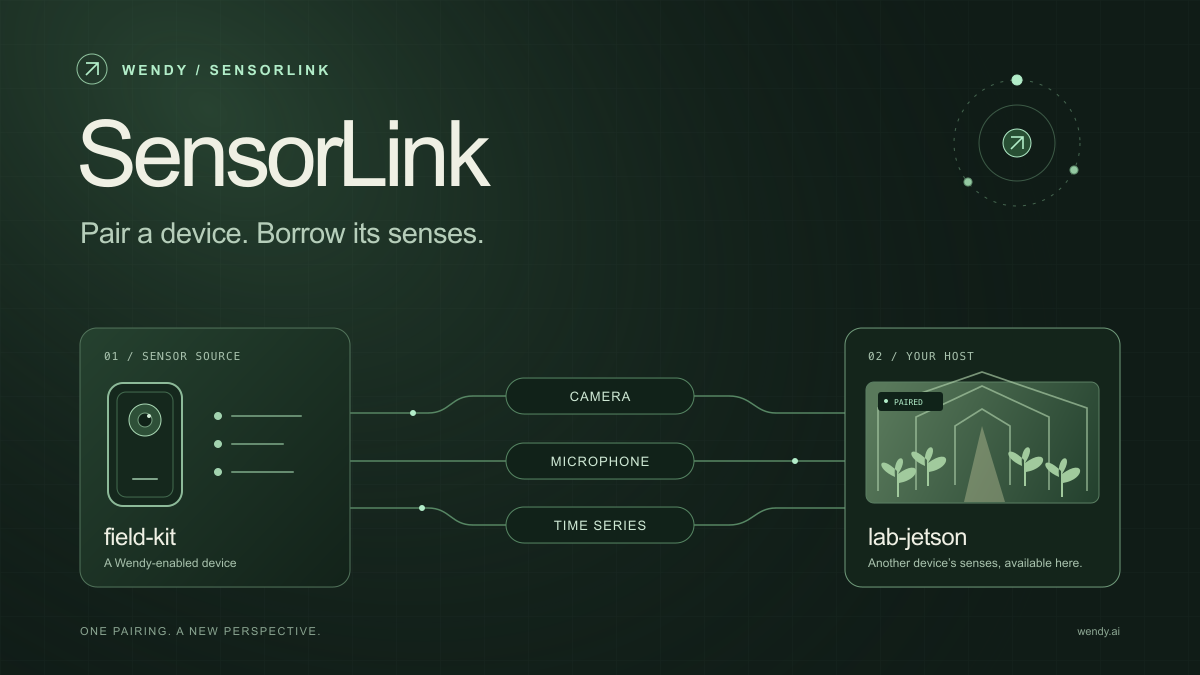
SensorLink: Pair a Device. Borrow Its Senses.
Give your Wendy host the eyes and ears of another device. SensorLink brings cameras, microphones, and a shared model for time-series sensors into a familiar pairing workflow.
Wendy Labs - Wendy Labs Team

Free NVIDIA DGX Spark 3D model
Download our free NVIDIA DGX Spark 3D model as a GLB or an editable Blender scene with studio lighting, materials, and cameras. No signup required.
Wendy Labs - Wendy Labs Team


Start with one device. Close the loop around it.
Use WendyOS on your hardware or add Wendy Agent to an existing Linux or Apple Silicon Mac. Connect sensors, run your code, and carry what you learn into the next release.