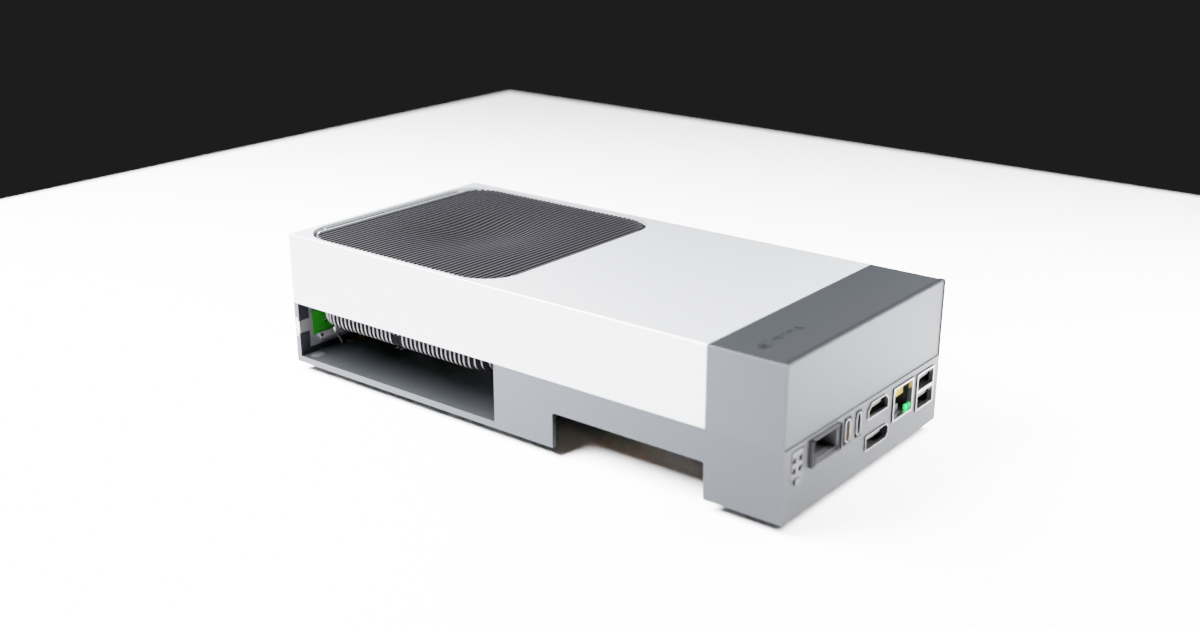
We are releasing a free 3D model of the NVIDIA Jetson Thor Developer Kit. If you need visualizations for docs, demos, product renders, product videos, architecture diagrams, robotics explainers, or Physical AI prototypes, you can use this model as a clean starting point.
Thor is the kind of board that should show up clearly in product storytelling: a developer kit for serious robotics and edge AI work, with enough visual detail to make diagrams and demos feel grounded instead of generic.
We made this model because high-quality, web-ready hardware assets are still harder to find than they should be. The source asset is a Blender file, and we have also exported a GLB copy so it can fit directly into common web, Three.js, and 3D workflows.
Interactive view of the Jetson Thor GLB. Drag to orbit, scroll to zoom.
Built for Visualization
The model was built as a Wendy Labs visualization asset. It is useful when the NVIDIA Jetson Thor Developer Kit needs to look correct at a glance in marketing, documentation, video, or web scenes, but it should not be treated as a manufacturing reference. Some differences may occur.
The embedded viewer above uses the GLB through a Three.js scene, which is the format we recommend when you want to place the model directly into a React or web visualization.
Useful for Physical AI Content
Use it anywhere you need a Thor visual without rebuilding the hardware from scratch: launch visuals, hardware explainers, platform diagrams, robotics demos, investor decks, and product videos.
If you use the model in a project, we would love to see what you build with it.
Trending
Related posts
Expand your knowledge with these hand-picked posts.
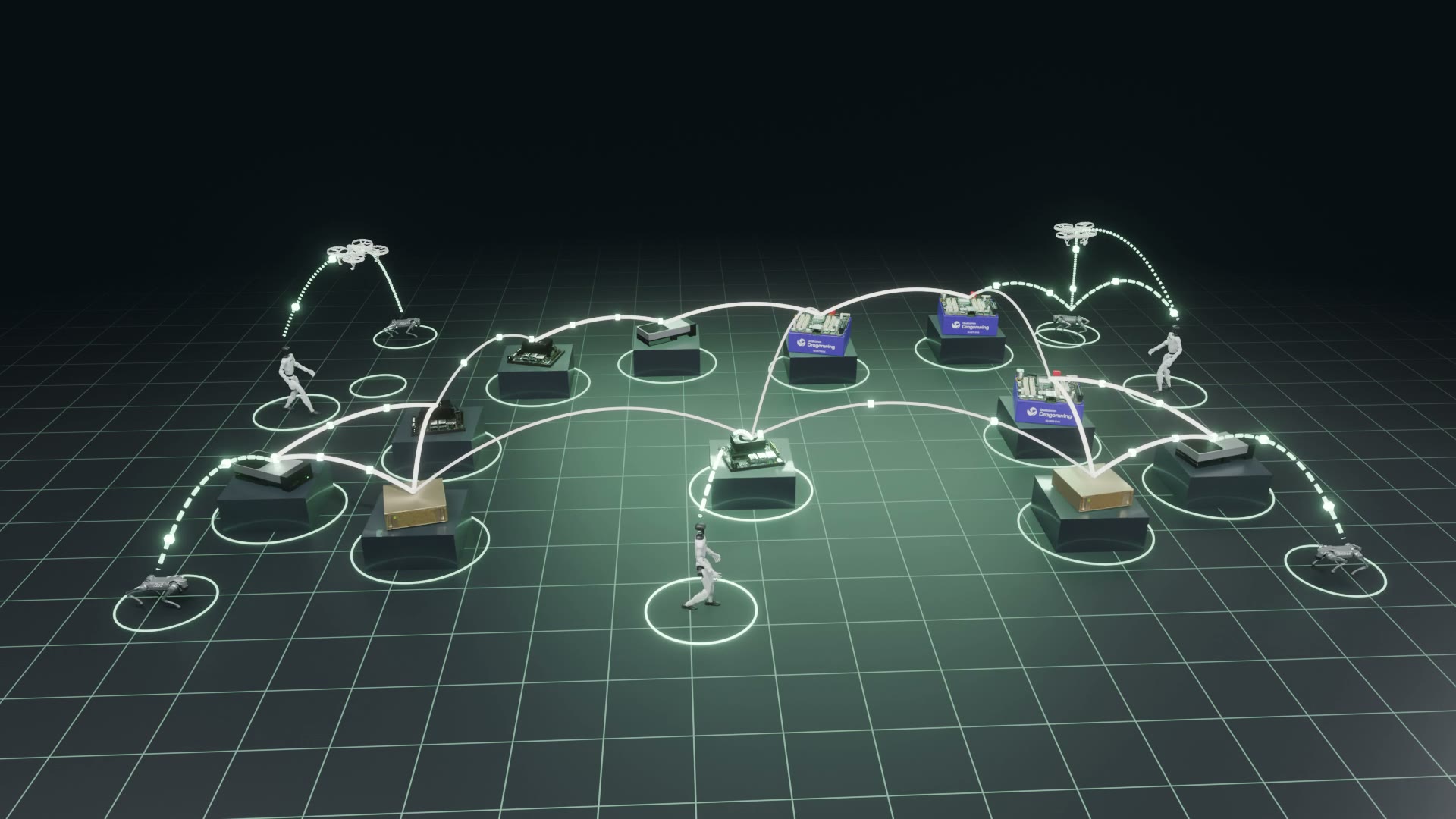
Wendy Net is a private, zero trust network built into WendyOS. Devices connect over Ethernet, Wi-Fi, Wi-Fi Aware, Bluetooth Low Energy and Wendy Cloud, and your apps find each other with ordinary mDNS and talk over plain HTTP, TCP and UDP.
Build one small Python app that lets a Qualcomm Dragonwing IQ9, a Raspberry Pi 5 and an NVIDIA Jetson find each other, encrypt their messages and hold them when a board goes dark, all without an internet connection.
Wendy Labs · Wendy Labs Team
Get started
Start with one device. Close the loop around it.
Use WendyOS on your hardware or add Wendy Agent to an existing Linux or Apple Silicon Mac. Connect sensors, run your code, and carry what you learn into the next release.