Three computers, no internet: building with Offline Protocol on WendyOS
Wendy Labs · Wendy Labs Team · November 10, 2026
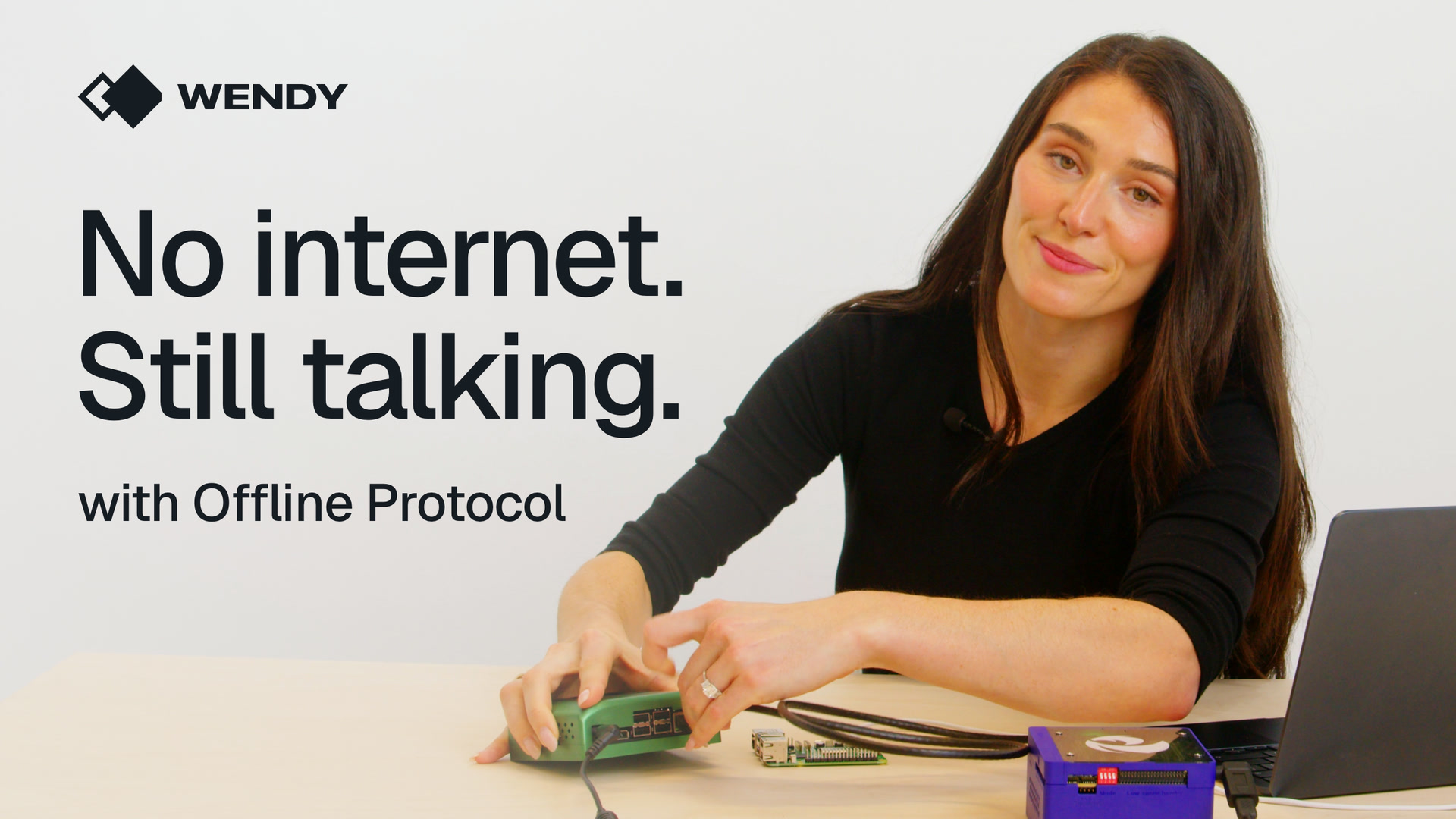
Three computers sit on a table: a Qualcomm Dragonwing IQ9, a Raspberry Pi 5 and an NVIDIA Jetson Orin Nano. None of them can reach the internet. There is no cloud, no broker and no server.
In this tutorial we build one small Python app with Offline Protocol and deploy it to all three boards with WendyOS. By the end, the boards find each other, encrypt everything they say, hold on to messages when one of them goes dark, and carry messages for a board they can't reach directly.
Why this matters
Most software assumes the network is always there. Machines in the real world don't get that promise. A robot drives behind a steel rack. A drone flies past the last cell tower. A pump station loses its uplink in a storm. The cloud is gone, but the machines are still right next to each other, and they still need to talk.
Offline Protocol gives every device its own identity, encrypted messaging, and a way to find the devices around it. WendyOS is the operating system on each board. It is how your code gets there, how it runs, and how you update it.
So here is the split. Wendy gets your app onto the hardware. Offline Protocol lets the hardware talk when the network won't.
What you need
Three boards running WendyOS. We used a Qualcomm Dragonwing IQ9, a Raspberry Pi 5 and an NVIDIA Jetson Orin Nano. All three are 64-bit Arm, so one app from one Dockerfile runs on every one of them.
The Wendy CLI on your laptop. If you are setting up for the first time, follow the CLI installation guide.
A small router with no internet connection. In the video the IQ9 and the Jetson are on Ethernet and the Pi is on the router's Wi-Fi. The app doesn't care which.
Your laptop keeps its own internet connection, because it builds the app. The boards have none.
Set the clocks
One thing before any code. With no internet, the boards have no time server, and encryption cares what time it is. If a board's clock is wrong, its keys look invalid and sessions won't form.
wendy device sync-time
The laptop fetches a signed timestamp and multicasts it to every WendyOS board on the local network. Each board checks the signature itself, so none of them have to trust the laptop.
Three files
Start with an empty folder:
mkdir table-talkcd table-talk
Everything lives in three files: wendy.json, a Dockerfile and app.py.
wendy.json
This tells WendyOS what the app is and what it is allowed to do.
On WendyOS, an app only gets what it declares here. This one needs two things.
The first is the network in host mode. Offline Protocol finds its neighbors using multicast DNS, and multicast doesn't leave a container's private network, so the app shares the board's own network.
The second is persistent storage. The SDK keeps two things on disk: who this board is, and the messages it is still waiting to deliver. Containers get replaced every time you deploy. A persistent volume doesn't. Without it, the board would get a new address on every deploy.
Dockerfile
Dockerfile
# Debian on purpose: the SDK's Linux wheels need glibc 2.34 or newer, so Alpine won't work.FROM python:3.12-slimENV PYTHONUNBUFFERED=1WORKDIR /appRUN pip install --no-cache-dir 'offline-protocol-sdk[lan]==0.32.0'COPY app.py .CMD ["python", "app.py"]
It starts from python:3.12-slim, which is Debian, and that matters. The SDK ships prebuilt wheels for 64-bit Arm Linux, and they need glibc 2.34 or newer, so Alpine won't work.
PYTHONUNBUFFERED makes Python print right away, so the logs reach your terminal as they happen.
Pin the SDK version. This tutorial uses 0.32, and the lan extra adds local network discovery. The SDK is open source under the AGPL, and Offline Protocol offers a commercial license if that doesn't fit your product.
app.py
The app is one file. We'll go through the parts that matter, and the whole file is at the end of this section.
Settings. Each board gets its name from the environment, so the same code runs on every board. DATA is the folder where the persistent volume is mounted, PORT is where boards listen for each other, and EVERY is how often we send. We'll use TALK_ONLY_TO near the end.
NAME = os.environ.get("BOARD_NAME") or socket.gethostname()DATA = Path(os.environ.get("DATA_DIR", "/data"))PORT = int(os.environ.get("LISTEN_PORT", "7878"))EVERY = float(os.environ.get("SEND_EVERY", "5"))# Comma-separated host:port list. Set it to turn off discovery and choose links by hand.FIXED_LINKS = [link for link in os.environ.get("TALK_ONLY_TO", "").split(",") if link]
Events. Everything the SDK does comes back to you as an event, so most of the app is one function.
def on_event(event):
    kind = event.get("type")

    if kind == "neighbor_discovered":
        peer = event["peer_id"]
        if peer not in peers:
            peers.add(peer)
            say(f"found {label(peer)} over {event.get('transport')}")

    elif kind == "secure_session_established":
        say(f"encrypted session with {label(event['peer_id'])}")

    elif kind == "message_received":
        body = json.loads(event["content"])
        names[event["sender"]] = body["from"]
        peers.add(event["sender"])
        for address, name in body["knows"].items():
            if address != me:
                peers.add(address)
                names[address] = name
        say(f"<- {body['from']} #{body['seq']}  hops: {event.get('hop_count', 0)}")

    elif kind == "message_delivered":
        if event["message_id"] in sent:
            address, seq = sent.pop(event["message_id"])
            say(f"ok {label(address)} has #{seq}  via {event.get('transport')}")

    elif kind == "message_relayed":
        say(f"carrying a message from {label(event['sender'])} to {label(event['recipient'])}")
neighbor_discovered means we heard another board.
secure_session_established means the two boards finished exchanging keys.
message_received is a message for us. We read who it is from, remember any boards it knows about, and print how many hops it took.
message_delivered is the receipt for a message we sent.
message_relayed means we passed along a message for somebody else.
Config. There is no account here and no API key. gateway is the profile from Offline Protocol's Python and Linux guide.
config = ProtocolConfig( app_id="table-talk", profile="gateway", ble_enabled=False, wifi_direct_enabled=True, # the slot for peer streams over local IP internet_enabled=False, reticulum_enabled=False, nostr_enabled=False, prefer_online=False, initial_ttl=8, encryption_enabled=True, require_encryption=True, auto_key_exchange=True, store_pending=True, max_pending_per_peer=64, max_pending_global=4096, pending_ttl_ms=86_400_000, # keep undelivered messages for a day overflow_policy=OverflowPolicy.DROP_OLDEST,)
Offline Protocol can use Bluetooth, the internet, Reticulum and Nostr. We turn all of those off so you can see exactly what carries the traffic.
We leave wifi_direct_enabled on. On Linux that name is a little misleading. It is the SDK's slot for peer streams, and here a peer stream is plain TCP on the local network. You'll see the name again in the logs.
require_encryption means that if a message can't be encrypted, the send fails. It never goes out in the clear.
store_pending means messages for a board we can't reach wait on disk. We keep 64 per board for one day, and past that the oldest get dropped.
Main.ProtocolManager takes the config, the event handler, and where to keep its files. We print this board's address and how it is connected, then start the peer stream: listen on port 7878, advertise ourselves, and look for others. The loop at the bottom sends a numbered message to every board we know about, every five seconds. Each message carries the sender's name and the list of boards it knows. That is how boards learn about each other, even ones they can't hear.
async def main():
    global me
    async with ProtocolManager(
        config,
        event_handler=on_event,
        store_key=store_key(),
        mls_root=DATA / "keys",
        state_root=DATA / "state",
    ) as pm:
        me = pm.local_address
        names[me] = NAME
        say(f"I am {me}")
        say(f"on {links()}")

        pm.peer_stream.configure(
            listen_host="0.0.0.0",
            listen_port=PORT,
            advertise=not FIXED_LINKS,
            discover=not FIXED_LINKS,
            peers=FIXED_LINKS or None,
        )
        await pm.peer_stream.start()

        seq = 0
        while True:
            await asyncio.sleep(EVERY)
            seq += 1
            roster = {a: n for a, n in names.items() if n}
            body = json.dumps({"from": NAME, "seq": seq, "knows": roster})
            for peer in list(peers):
                sent[pm.send_message(peer, body)] = (peer, seq)

            # Anything still in `sent` hasn't been acknowledged yet.
            waiting = Counter(label(address) for address, _ in list(sent.values()))
            for name, count in waiting.items():
                if count > 2:
                    say(f"holding {count} messages for {name}")
The SDK seals its keys on disk using a key that you provide. To keep this to one command, store_key() has each board make its own on first boot and keep it on the same volume. That is fine for a demo. In production, hand it in from a real secret store.
The full app.py
app.py
"""Table Talk: three boards, Offline Protocol, no internet.The same program runs on every board. Each board finds the others, opens anencrypted session with each one, and sends a numbered message every few seconds."""import asyncioimport jsonimport osimport secretsimport socketfrom collections import Counterfrom pathlib import Pathfrom offline_protocol_sdk import ProtocolManagerfrom offline_protocol_sdk.offline_protocol import OverflowPolicy, ProtocolConfigNAME = os.environ.get("BOARD_NAME") or socket.gethostname()DATA = Path(os.environ.get("DATA_DIR", "/data"))PORT = int(os.environ.get("LISTEN_PORT", "7878"))EVERY = float(os.environ.get("SEND_EVERY", "5"))# Comma-separated host:port list. Set it to turn off discovery and choose links by hand.FIXED_LINKS = [link for link in os.environ.get("TALK_ONLY_TO", "").split(",") if link]me = None # this board's address, set once the identity is readypeers = set() # every board we have heard ofnames = {} # address -> board name, learned as boards introduce themselvessent = {} # message id -> (address, sequence number)def say(text): print(f"[{NAME}] {text}", flush=True)def label(address): return names.get(address) or address[:12] + "..."def links(): """How this board is connected, read from its network interfaces.""" up = [n.name for n in Path("/sys/class/net").glob("*") if (n / "operstate").read_text().strip() == "up"] kinds = {"Wi-Fi" if n.startswith("wl") else "Ethernet" for n in up if n.startswith(("wl", "en", "eth"))} return " and ".join(sorted(kinds)) or "an unknown link"def on_event(event): kind = event.get("type") if kind == "neighbor_discovered": peer = event["peer_id"] if peer not in peers: peers.add(peer) say(f"found {label(peer)} over {event.get('transport')}") elif kind == "secure_session_established": say(f"encrypted session with {label(event['peer_id'])}") elif kind == "message_received": body = json.loads(event["content"]) names[event["sender"]] = body["from"] peers.add(event["sender"]) for address, name in body["knows"].items(): if address != me: peers.add(address) names[address] = name say(f"<- {body['from']} #{body['seq']} hops: {event.get('hop_count', 0)}") elif kind == "message_delivered": if event["message_id"] in sent: address, seq = sent.pop(event["message_id"]) say(f"ok {label(address)} has #{seq} via {event.get('transport')}") elif kind == "message_relayed": say(f"carrying a message from {label(event['sender'])} to {label(event['recipient'])}")config = ProtocolConfig( app_id="table-talk", profile="gateway", ble_enabled=False, wifi_direct_enabled=True, # the slot for peer streams over local IP internet_enabled=False, reticulum_enabled=False, nostr_enabled=False, prefer_online=False, initial_ttl=8, encryption_enabled=True, require_encryption=True, auto_key_exchange=True, store_pending=True, max_pending_per_peer=64, max_pending_global=4096, pending_ttl_ms=86_400_000, # keep undelivered messages for a day overflow_policy=OverflowPolicy.DROP_OLDEST,)def store_key(): """One key per board, made on first boot. Use a real secret store in production.""" path = DATA / "store.key" if not path.exists(): DATA.mkdir(parents=True, exist_ok=True) path.write_text(secrets.token_hex(32)) path.chmod(0o600) return bytes.fromhex(path.read_text())async def main(): global me async with ProtocolManager( config, event_handler=on_event, store_key=store_key(), mls_root=DATA / "keys", state_root=DATA / "state", ) as pm: me = pm.local_address names[me] = NAME say(f"I am {me}") say(f"on {links()}") pm.peer_stream.configure( listen_host="0.0.0.0", listen_port=PORT, advertise=not FIXED_LINKS, discover=not FIXED_LINKS, peers=FIXED_LINKS or None, ) await pm.peer_stream.start() seq = 0 while True: await asyncio.sleep(EVERY) seq += 1 roster = {a: n for a, n in names.items() if n} body = json.dumps({"from": NAME, "seq": seq, "knows": roster}) for peer in list(peers): sent[pm.send_message(peer, body)] = (peer, seq) # Anything still in `sent` hasn't been acknowledged yet. waiting = Counter(label(address) for address, _ in list(sent.values())) for name, count in waiting.items(): if count > 2: say(f"holding {count} messages for {name}")asyncio.run(main())
Deploy to the first board
One command:
wendy run --device wendyos-pi.local --env BOARD_NAME=pi
wendy run builds the container on your laptop, pushes it to the Pi, starts it, and streams the logs back. The first build takes a minute. After that it is quick.
[pi] I am off1qx7ey8znppjclm2sc99728r4rn9xlfyvgs4fljah[pi] on Wi-Fi
The first line is this board's address. It comes from a key the board generated itself. No sign-up, no server, nobody issued it. Yours will be different.
Stop the app and run the same command again. You get the same address. That is the persistent volume doing its job.
Add two more boards
Use the same command with a different device and a different name, each in its own terminal:
wendy run --device wendyos-iq9.local --env BOARD_NAME=iq9wendy run --device wendyos-jetson.local --env BOARD_NAME=jetson
We never tell any board where the others are. Now read the Pi's log from the top:
[pi] found off1qym97ysv... over WiFiDirect[pi] encrypted session with off1qym97ysv...[pi] <- iq9 #1 hops: 0[pi] ok iq9 has #1 via wifiDirect
found means the Pi heard the IQ9 on the local network. We never gave it an address.
WiFiDirect is that peer stream name again. It isn't actually Wi-Fi Direct. The Pi is on Wi-Fi and the IQ9 is on Ethernet, and to the SDK both are just a TCP stream on the local network.
encrypted session means the two boards exchanged keys by themselves, using MLS, the IETF standard for encrypted group messaging.
The arrow is message number one coming in from the IQ9. Zero hops means it came straight from the IQ9.
ok means the IQ9 has our message. That is the receipt.
One thing about that receipt before you build on it. It means the SDK on the other board received the message. It doesn't mean your app saved it. If you are moving a work order or a robot command, write it down first, then send your own receipt back.
Break the network
So far the network has been perfect. Real networks aren't, so pull the Jetson's network cable.
The Pi and the IQ9 can't reach it, and they have no idea when it is coming back, but they keep sending it messages. Those messages sit on disk on each board, waiting for a way through:
[pi] holding 3 messages for jetson[pi] holding 4 messages for jetson[pi] holding 5 messages for jetson
Meanwhile the Pi keeps talking to the IQ9 like nothing happened.
Everything it missed is delivered as soon as it has a way back. Nobody wrote any retry code. We didn't build a queue, and we didn't call a reconnect. That is the SDK doing its job.
Two things to know:
The messages may not land in order. In our testing, sometimes they did and sometimes they didn't. If order matters in your app, number your messages like we did.
This isn't magic. It is a buffer, and you size it. We set 64 messages per board for one day, and past that the oldest get dropped.
Send a message through another board
Here is a harder one. What if two of these boards can't reach each other at all? Say they are at opposite ends of a warehouse, and only the board in the middle can hear both of them.
Out in the field, distance does this for you. On the table we draw that line ourselves with TALK_ONLY_TO. When it is set, a board turns off discovery and connects only to the addresses on that list. Give the Pi and the Jetson exactly one address, the IQ9's:
wendy run --device wendyos-pi.local --env BOARD_NAME=pi --env TALK_ONLY_TO=<iq9-ip>:7878wendy run --device wendyos-jetson.local --env BOARD_NAME=jetson --env TALK_ONLY_TO=<iq9-ip>:7878
Look at the IQ9, then at the Jetson:
[iq9] carrying a message from pi to jetson[jetson] <- pi #4 hops: 1
One hop. The Pi just reached the Jetson with no direct link between them. The message left the Pi over Wi-Fi and reached the Jetson over Ethernet. The IQ9 carried it, and the IQ9 can't read it. It is encrypted for the Jetson and only the Jetson.
Where Wendy Net fits
If you have seen our Wendy Net videos, you might be wondering how this fits.
Wendy Net puts the devices in your organization on one private network. Offline Protocol lives inside your app. It holds messages until they can be delivered, and it reaches devices that aren't running Wendy at all, like the phone in your pocket. Here is the Wendy Net overview if you want the other half of the picture.
We used Wi-Fi and Ethernet on one small router. Offline Protocol also runs over Bluetooth, and phones can join in too.
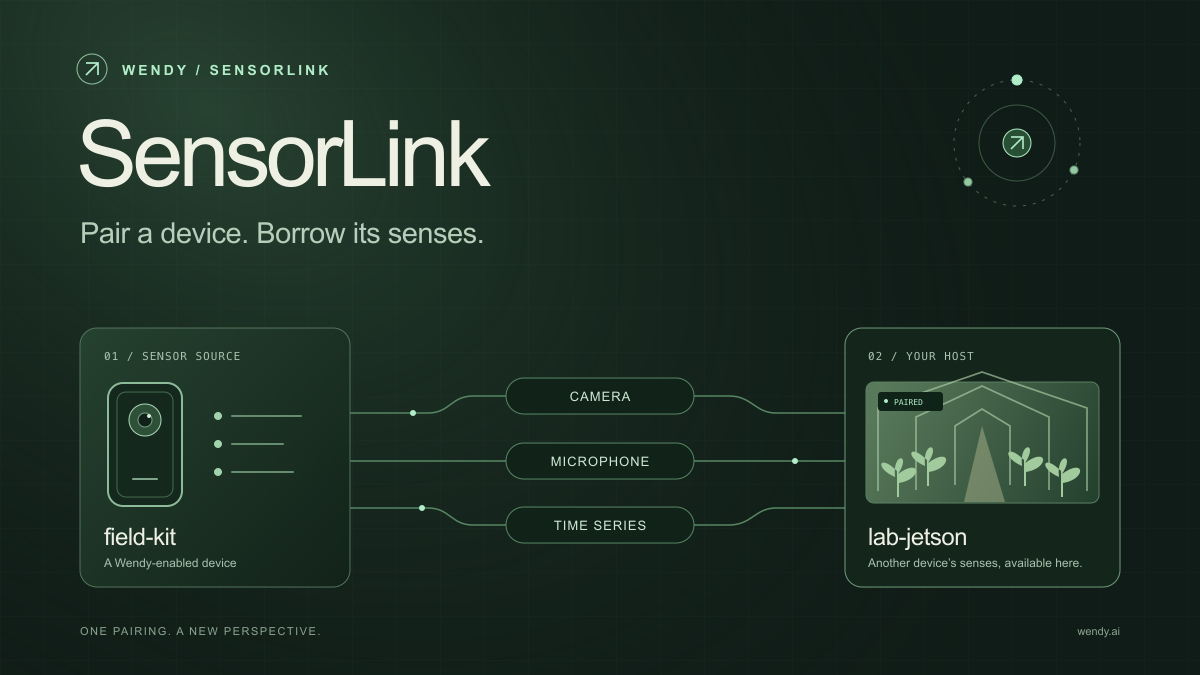
Give your Wendy host the eyes and ears of another device. SensorLink brings cameras, microphones, and a shared model for time-series sensors into a familiar pairing workflow.
Download our free NVIDIA DGX Spark 3D model as a GLB or an editable Blender scene with studio lighting, materials, and cameras. No signup required.
Wendy Labs · Wendy Labs Team
Get started
Start with one device. Close the loop around it.
Use WendyOS on your hardware or add Wendy Agent to an existing Linux or Apple Silicon Mac. Connect sensors, run your code, and carry what you learn into the next release.