
Links fanning out from a glowing Wendy Cloud orb to a constellation of devices

The Wendy platform

Simulate, ship, and operate physical AI with your coding agent

Wendy is the full-stack platform for physical AI: an open-source OS, CLI, and cloud for robots, drones, and edge devices.

Simulate, ship, operate

One path from the desk to the field

Start with a simulated robot on your laptop, ship the same project to real hardware, and run it in the field with telemetry, updates over the air, and fleet access. Claude Code, Codex, and Cursor drive every step with the same commands and authenticated connections you use.

Shipped
in the current release
Beta, Preview
available, still changing
In progress
being built now
Planned
on the roadmap

System

How the parts fit together

You or your coding agent run the CLI on your laptop, and it talks to the Wendy Agent on each device over mutual TLS. The same CLI targets a simulated robot in a WendyOS VM, WendyOS gives the Wendy Agent a hardened base on hardware, and Wendy Cloud extends the same commands to devices anywhere.

On your laptopShipped
MacBook Pro
MacBook Pro

Wendy CLI

  • Builds, deploys, updates, and debugs
  • Driven by you or your coding agent
  • Plugin for Claude Code and Codex, and an MCP server
On every deviceShipped
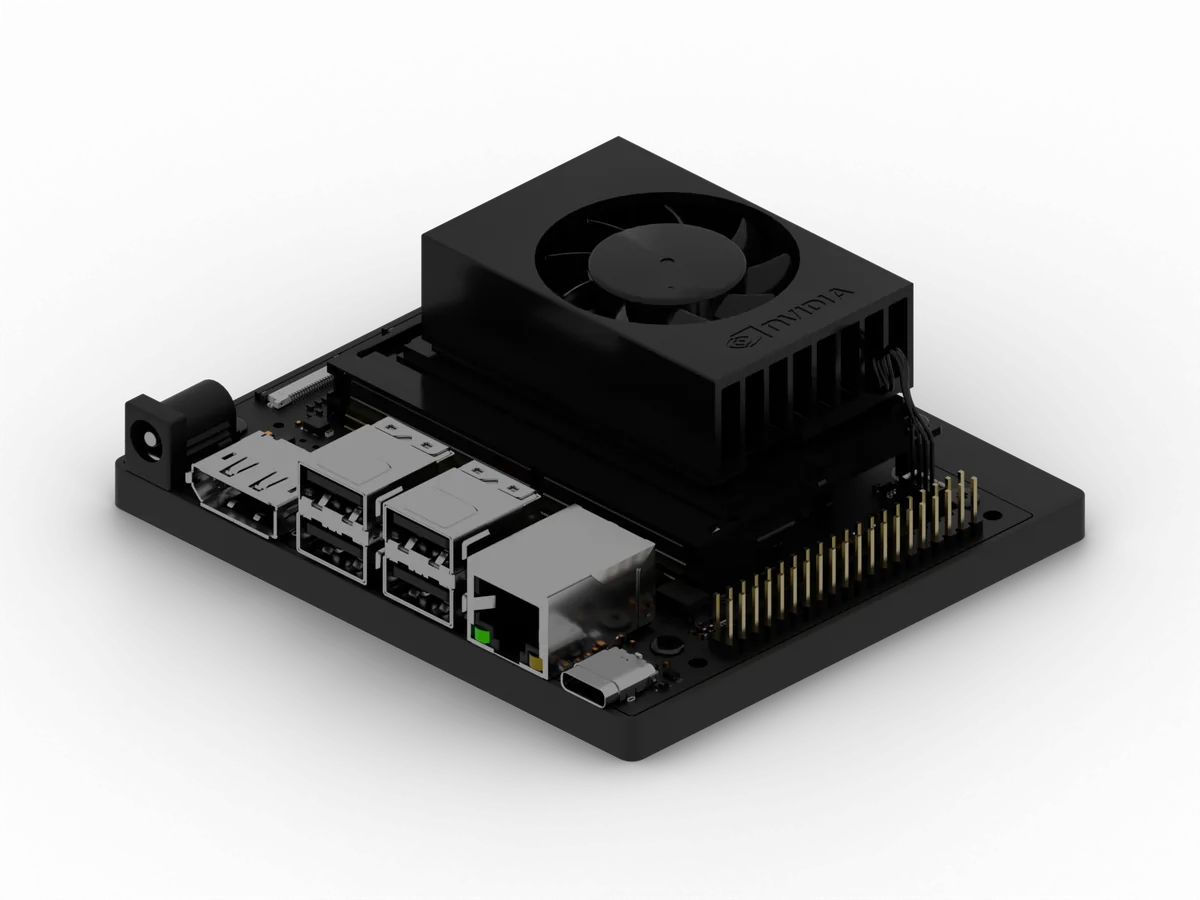
NVIDIA Jetson Orin Nano developer kit
Jetson Orin Nano

Wendy Agent on WendyOS

  • Runs apps in sandboxed containers
  • Applies OS and app updates
  • Also installs on Ubuntu and Apple Silicon Macs
OptionalBeta
Tunnel broker

Wendy Cloud

  • Enrolls devices with their own certificates
  • Reaches them through an outbound tunnel
  • Not needed for anything else

Zero-setup USB-C

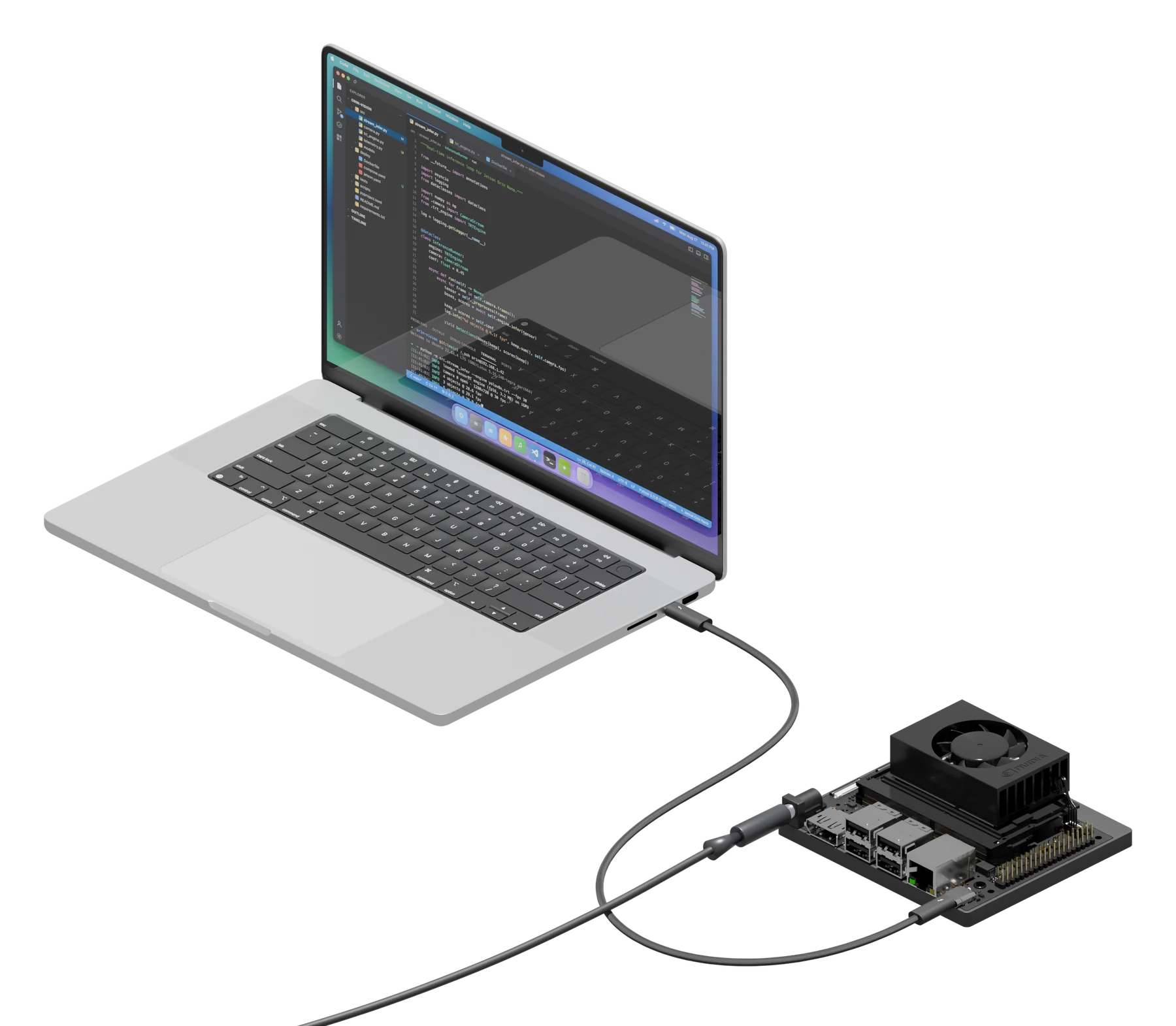
Plug a Jetson or a Raspberry Pi 4 or 5 into your laptop and it appears as a USB network adapter at a fixed link-local address. The CLI finds it with no DHCP, no router, and no admin rights on your laptop.

Works without the cloud

Develop, deploy, update, and debug over USB-C or your local network, with no cloud account and no internet connection on the device.

Open source

WendyOS, the CLI, and the agent are open source under Apache 2.0, so your team can read, audit, and build every line that runs on the device. View on GitHub

Coding agents

Your coding agent drives every stage, from simulation to the fleet.

Every Wendy customer builds with a coding agent. Claude Code and Codex install the Wendy plugin, any MCP client can use the Wendy MCP server, and most CLI commands answer in JSON when an agent runs them. Your agent starts the simulator, deploys the app, ships it to the robot, reads the telemetry, and fixes what broke.

Fig. 01The coding agent loop
> Make the Go2 patrol the loading dockCoding agentedits code and wendy.jsonShell$ wendy runToolsWendy MCP servermTLSDevice · WendyOSWendy Agentapp: greeterlogsresults
Your coding agent runs the same commands you do, through the CLI or the MCP server. Logs and results come back over the same authenticated link, so it can check its work on the device and try again.
  • A plugin for Claude Code and Codex, with skills for setup, templates, entitlements, deploys, logs, ROS 2, and device debugging.

    $ claude plugin marketplace add wendylabsinc/wendy-agentic-codingShipped

  • The Wendy MCP server, added to Claude Code, Codex, Cursor, Windsurf, and Claude Desktop in one step.

    $ wendy mcp setupShipped

  • MCP tools for devices, apps, logs and traces, ROS 2, cameras, Wi-Fi, Bluetooth, Wendy Cloud, and OS updates, each with safety annotations.

    Shipped

  • Create, list, and stop simulators through MCP, and deploy to one by name, such as vm:go2-sim.

    Preview

  • Size-capped results for logs, telemetry, and command output, with a hint on how to narrow the query.

    Shipped

  • JSON output whenever the CLI is not attached to a terminal, and a clear error instead of a prompt when input is missing.

    $ wendy discover --jsonShipped

  • Hand a new project to Claude Code or Codex with a generated project prompt.

    $ wendy init --assistant claudeShipped

  • Apps can add their own MCP tools to the session with the mcp entitlement.

    Shipped

  • Docs for agents: llms.txt, Markdown for every page, a machine-readable CLI reference, and wendy docs offline.

    Shipped

  • Build and deploy through MCP to devices enrolled in Wendy Cloud.

    Beta
Stage 01 · Simulate

Start without hardware.

Develop against a simulated robot on your laptop, with the same project and commands you will use on the real one.

SimulationPreview

Develop against a simulated robot before you have one.

Wendy runs simulated robots inside WendyOS virtual machines on your laptop. Each robot profile runs MuJoCo, a pinned locomotion policy, ROS 2 Humble, and a browser sandbox beside your app, and your agent deploys to it with the same wendy run it will use on hardware. Apple Silicon runs the VM with hardware acceleration.

Fig. 02Same project, two targets
Your laptop · WendyOS VMSimulated Go2MuJoCo + policyYour apppatrolROS 2 · domain 0$ wendy run --device vm:go2-simsame projectsame wendy.jsonReal robot · Go2 with a JetsonRobotGo2 hardwareYour apppatrol$ wendy run --device <robot>
The simulated Go2 runs in a WendyOS VM on your laptop, with your app beside it on the same ROS 2 bus. When it passes, the same project and wendy.json deploy to the robot.
  • WendyOS virtual machines that run any Wendy app with no board attached.

    $ wendy run --device simShipped

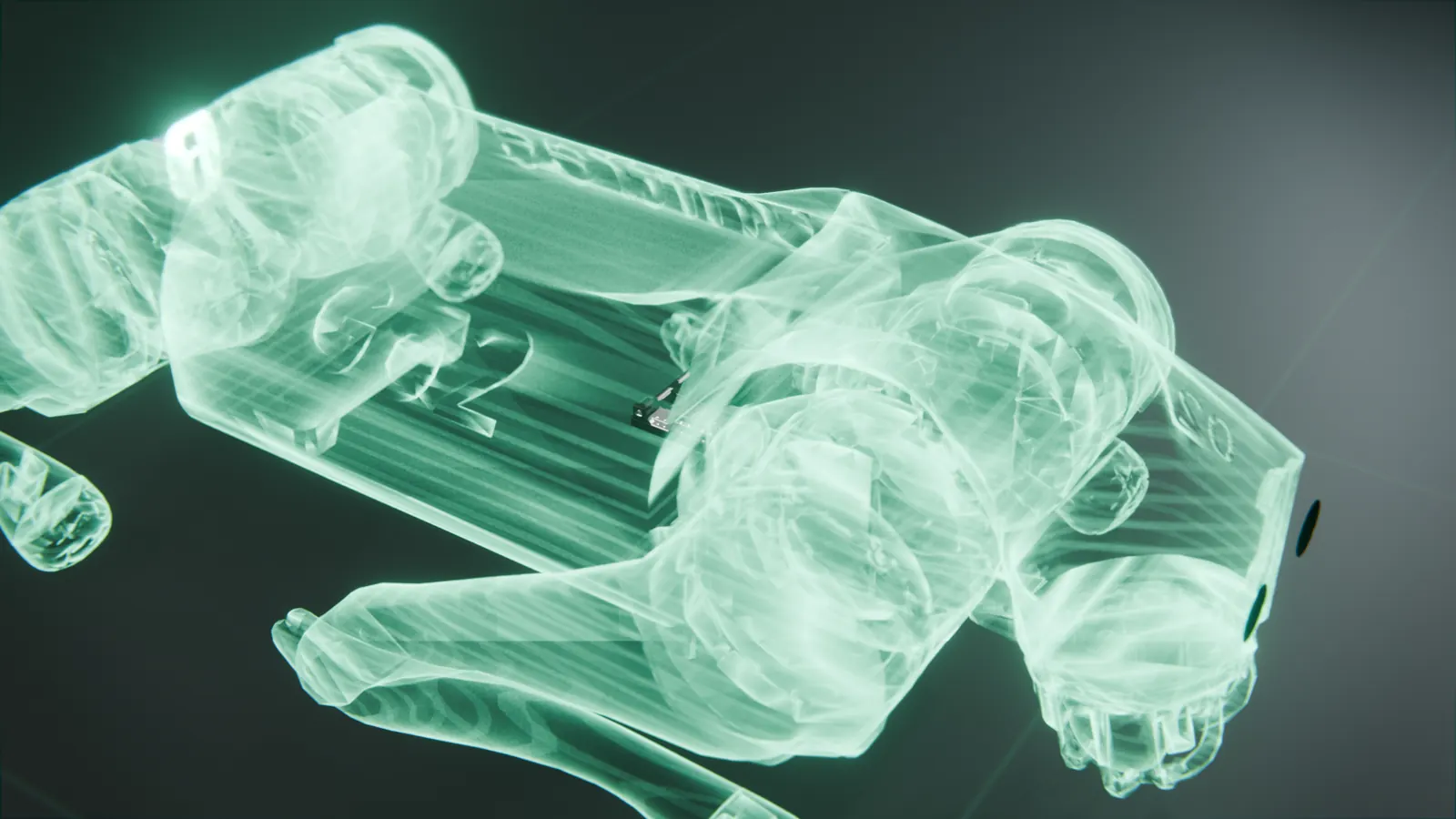
  • A Unitree Go2 profile with the native sport and motor interfaces, lidar, camera, odometry, and IMU.

    $ wendy vm create go2-sim --profile go2Preview

  • A Unitree G1 profile: a 29-joint humanoid on a pinned velocity policy.

    $ wendy vm create g1-sim --profile g1Preview

  • Start, check, reset, and open each simulated robot from the CLI.

    $ wendy vm robot start go2-simPreview

  • ROS 2 tools that run through the VM’s Wendy Agent, with nothing to install on your laptop.

    $ wendy device ros2 topics --device vm:go2-simPreview

  • A drone formation example: twelve Crazyflie quadrotors in MuJoCo, flying through changing wind in one container.

    $ wendy run --device dockerPreview

  • A sim-to-real guide that lists what to check on hardware first: firmware, ROS 2 QoS, calibration, and stopping distance.

    Shipped

Stage 02 · Ship

Move the same project to the real machine.

Deploy to a Jetson, a Raspberry Pi, or any Linux computer, with exactly the hardware access the app declares.

Deploys

Pinned, repeatable deploys, with no SSH on the device.

wendy run builds your app, sends only the chunks of each image the device is missing, and restarts it. Stagefile builds pin their base images in a committed lockfile, and release images have no SSH server, so every change to a device goes through the same command over USB-C, your network, or the internet.

Fig. 03Chunk-level transfer
Your laptopDeviceapp codechangedapp codenewmodel weightsmodel weightscachedpip packagespip packagescachedpython 3.12python 3.12cacheddebian slimdebian slimcached$ wendy run --watchapp restarted
wendy run splits image layers into small chunks and compares them with the device. Only the chunks it is missing cross the cable, then the app restarts.
  • Stagefile builds pin base images by digest in a committed lockfile and install packages from frozen lockfiles.

    Shipped

  • Content-addressed transfers: images move as chunks named by their SHA-256, and only the chunks the device is missing cross the link.

    Shipped

  • Stagefile builds rebuild a Python edit in under 200 ms, versus about 30 s with a Dockerfile.

    Shipped

  • Watch mode rebuilds and redeploys on every save.

    $ wendy run --watchShipped

  • Dockerfile, Compose, and Stagefile builds, with several apps per device.

    Shipped

  • Build once on a remote build host and deploy to several devices.

    Shipped

  • Release Jetson and Raspberry Pi images ship without an SSH server; changes go through the Wendy API.

    Shipped

  • Kernel driver add-ons, installed without reflashing the OS.

    Shipped

  • Deploy to devices anywhere through Wendy Cloud.

    Beta

  • Signed container images, verified by the agent before they run.

    In progress

Hardware and AI

One permission model for GPUs, NPUs, cameras, and sensors.

Each app lists the hardware it needs in wendy.json. The agent grants that access when the app is deployed and denies everything else, so moving from the simulator to the robot changes only the target.

Fig. 04Declared access
wendy.json{  "appId": "detector",  "platform": "linux",  "entitlements": [    { "type": "gpu" },    { "type": "camera" },    { "type": "network" }  ]}On the deviceGPUCameraNetworkNPUAudioSerial
The agent reads wendy.json at deploy time. The app gets the GPU, camera, and network it lists, and nothing it leaves out.
  • GPU access for NVIDIA CUDA, AMD ROCm, and Qualcomm Adreno.

    Shipped

  • Qualcomm Hexagon NPU access on Dragonwing IQ-8275.

    Preview

  • USB, CSI, and network cameras, microphones, speakers, Bluetooth, and serial devices.

    Shipped

  • ROS 2 in stock containers with your choice of middleware, plus remote ROS 2 tools.

    $ wendy device ros2Shipped

  • Persistent storage that survives app updates.

    Shipped

Stage 03 · Operate

Run it in the real world.

Telemetry, connectivity, updates over the air, data, and fleet access for every device once it leaves your desk.

Telemetry

Telemetry from every app, live from the device.

The Wendy Agent on every device has a built-in OpenTelemetry endpoint. Apps send it logs, metrics, and traces, and the agent adds kernel messages and resource use for each app.

Fig. 05Telemetry on the device
Devicecamera-appplannerweb-uiCollectorOTel :4317Agent+ healthkernel · CPU · GPU · temps$ wendy device logsAI assistant · MCP
Apps send OpenTelemetry to a collector on the device. The agent adds its own health data and serves both to the CLI and to AI assistants.
  • Live logs from any device, filtered by app, service, or level.

    $ wendy device logsShipped

  • App output streams to your terminal while you develop with wendy run.

    Shipped

  • Device health at a glance: CPU, memory, disk, GPU, temperatures, and battery.

    $ wendy device topShipped

  • An OTLP endpoint in the Wendy Agent for app logs, metrics, and traces, buffered on the device.

    Shipped

  • Coding agents read bounded logs, metrics, and traces through the Wendy MCP server.

    Shipped

  • Pull logs and device health from devices anywhere through Wendy Cloud.

    Beta

  • Stored, searchable fleet logs and telemetry in Wendy Cloud.

    Planned

Connectivity

Reach the device over USB-C, Wi-Fi, or the cloud.

A WendyOS device shows up over a USB-C cable with no network setup and joins Wi-Fi from the CLI. Once enrolled, it dials out to Wendy Cloud over mutual TLS, so you can reach it from anywhere without opening a port.

Fig. 06Every way in
Wendy Cloud · betaBrokerYour laptopwendy CLIDeviceWendy AgentoutboundmTLSUSB-C · link-localLAN or Wi-Fi · mDNSPeripheralBluetoothPeer devicemesh
USB-C and your network work with no cloud account. Enrolled devices also dial out to Wendy Cloud, so you can reach them from anywhere.
  • USB-C with a fixed link-local address: no DHCP, no router, and no admin rights on your laptop.

    Shipped

  • Readable device names on your local network over mDNS.

    $ wendy discoverShipped

  • List, join, rank, and forget Wi-Fi networks from the CLI, or set Wi-Fi when you flash the device.

    $ wendy device wifi connectShipped

  • Bluetooth peripherals, paired from the CLI for apps with the bluetooth entitlement.

    Shipped

  • A mesh network mode for apps to talk device to device, directly on the LAN or through the Wendy Cloud relay.

    Preview

  • Outbound mutual TLS to Wendy Cloud, with no inbound ports, VPN, or static IPs.

    Beta

  • Tunnels to ports on a device behind NAT or a firewall.

    $ wendy cloud tunnelBeta

Over-the-air updates

Updates over the air that roll back on their own.

WendyOS writes each update to a second system partition and switches to it on reboot. If the new system fails to boot or fails its post-update checks, the device returns to the previous version by itself. The Wendy Agent keeps itself current between OS releases.

Fig. 07A/B update with rollback
$ wendy os updateSlot AWendyOS 0.19.3RunningSlot BWendyOS 0.19.4Update writtenReboot into slot BVerify the new slotfailpassBoot slot A againautomatic rollbackKeep 0.19.4update committed
The running system is never overwritten. A failed boot or failed post-update check sends the device back to the slot it came from.
  • A/B system partitions with automatic rollback on a failed boot or failed post-update checks.

    Shipped

  • Update from your laptop over USB-C or the local network, without reflashing.

    $ wendy os updateShipped

  • Jetson bootloader and firmware updates, delivered as UEFI capsules.

    Shipped

  • Each update is checked before the device switches to it: SHA-256 checksum, device type, and partition size.

    Shipped

  • The Wendy Agent updates itself daily from published releases.

    Shipped

  • Supported on NVIDIA Jetson Orin and Raspberry Pi 3, 4, and 5.

    Shipped

  • Jetson AGX Thor and x86-64 devices.

    Preview

  • Start an update on a remote device through Wendy Cloud.

    $ wendy cloud device updateBeta

  • Signed OS images, verified on the device before install.

    In progress

DataPreview

Record the sensor data your models learn from.

Wendy Data records synchronized sensor streams on the device as checksummed episodes, and campaigns capture data when a trigger fires. ROS 2 bags and a Foxglove bridge work on any device today.

Fig. 08Episodes from the field
Device · WendyOScameralidarIMU$ wendy data recordepisode 0042sha256 9f2c…e41acampaign: record on triggerdownloadYour laptoptraining setFoxglovelive topics
Sensor streams are recorded together on the device as episodes, each with a SHA-256 checksum, then downloaded for training. Recording and campaigns are in preview.
  • Record, stop, inspect, and download episodes from the CLI, each with a SHA-256 checksum.

    $ wendy data recordPreview

  • Campaigns that capture data when a trigger fires, including a model detection.

    $ wendy data campaign deployPreview

  • Record ROS 2 bags on the device and download them.

    $ wendy device ros2 bag recordShipped

  • Serve a Foxglove bridge from the device to inspect live topics.

    $ wendy device foxglove serveShipped

  • Upload episodes from devices to cloud storage.

    In progress

  • Search, replay, and evaluate data across the fleet.

    Planned

Digital twinsPlanned

A digital twin of every device and site.

A 3D, geospatial digital twin of your devices and sites is on the Wendy roadmap. Until it ships, the simulator gives you a working copy of a Go2 or G1 to test against, and Wendy Cloud keeps an inventory of every enrolled device.

Fig. 09Twin, on the roadmap
On the roadmapRobot in the fieldGo2 · JetsonDigital twin3D, by siteplannedAvailable todaySimulator · previewvm:go2-simFleet inventory · betawendy cloud discover
The dashed parts are planned. The simulator and the fleet inventory are what you can use today.
  • Simulated Go2 and G1 robots to test against, in WendyOS virtual machines.

    Preview

  • A fleet inventory with online status, device type, and agent version.

    $ wendy cloud discoverBeta

  • A 3D, geospatial twin of devices and sites.

    Planned

Fleet managementBeta

Reach every device, wherever it runs.

Devices enroll once and receive their own certificate. They connect out to Wendy Cloud over mutual TLS, so you can reach them by name without opening ports, running a VPN, or assigning static IPs.

Fig. 10Outbound tunnel
Your laptopwendy CLIWendy Cloud · betaTunnel brokerno inboundYour site · NAT and firewalljetson-01Wendy Agentpi-02Wendy Agentiq9075-03Wendy Agentoutbound mTLS
Devices dial out to Wendy Cloud over mutual TLS. You reach them by name through the broker, with no ports opened on your network.
  • Enroll devices over USB-C, or build enrollment into the image at install time.

    Beta

  • A fleet inventory with online status, device type, and agent version.

    $ wendy cloud discoverBeta

  • Run device commands remotely: logs, health, app control, and updates.

    $ wendy cloud deviceBeta

  • Tunnel to a device behind NAT or a firewall, with no inbound ports.

    $ wendy cloud tunnelBeta

  • Organizations, with separate named logins in the CLI.

    Beta

  • Notifications from device apps to operators in the Wendy Companion iOS app.

    Beta

  • Device groups, fleet-wide rollouts, and fleet management in the web console.

    In progress

  • Roles, single sign-on, and audit logs for organizations.

    In progress

Security

Security controls you can check, at every stage.

Your coding agent works inside the same controls as you. Once a device is provisioned, every connection is mutually authenticated and encrypted, apps get only the access they declare, and each release ships with an SBOM and build provenance. The docs keep a public status for every control, including the ones still in progress.

Fig. 11Trust boundaries
WendyOS · root account lockedWendy AgentmTLS :50052app: detectorseccomp · PID limitgrants: gpu, cameraapp: plannerseccomp · PID limitgrants: networkD-Bus proxy → Wi-Fi, Bluetoothwendy CLImTLSCompanionBluetooth mTLSWendy Cloudoutbound mTLS
Once a device is provisioned, every connection into the agent is mutually authenticated. Apps reach hardware and system services only through what they declare.
  • Mutual TLS on every connection between the CLI, the device, and Wendy Cloud once a device is provisioned.

    Shipped

  • Post-quantum cryptography for data in transit.

    Shipped

  • Certificate-based enrollment: each device gets its own identity from Wendy’s PKI.

    Shipped

  • The CLI pins the default device’s identity and organization when you select it.

    Shipped

  • Safety annotations on every MCP tool, so agent clients can tell read-only calls from ones that change a device.

    Shipped

  • Sandboxed apps: a seccomp baseline, process limits, and explicit entitlements for hardware and host networking.

    Shipped

  • Release Jetson and Raspberry Pi images ship without an SSH server, with the root account locked and no console login.

    Shipped

  • SBOMs and SLSA build provenance for every release.

    Shipped

  • Encrypted app data (LUKS2) sealed to the TPM, as a build option for custom images.

    Opt-in

  • Signed OS, agent, and container updates.

    In progress

  • Hardware-backed key storage and certificate revocation.

    In progress

  • Scoped permissions in developer certificates.

    In progress

  • Secure boot.

    In progress

  • Immutable RootFS.

    In progress

  • E-fuse burning on supported platforms.

    Planned

  • Tamper-evident audit logs.

    Planned

Targets

Where Wendy runs today

Use WendyOS on supported boards, or add the Wendy Agent to a Linux or macOS system you already run. Each target shows the status from the public roadmap.

  • NVIDIA Jetson Orin Nano developer kitJetson Orin Nano

    NVIDIA Jetson Orin

    AGX Orin and Orin Nano

    Shipped
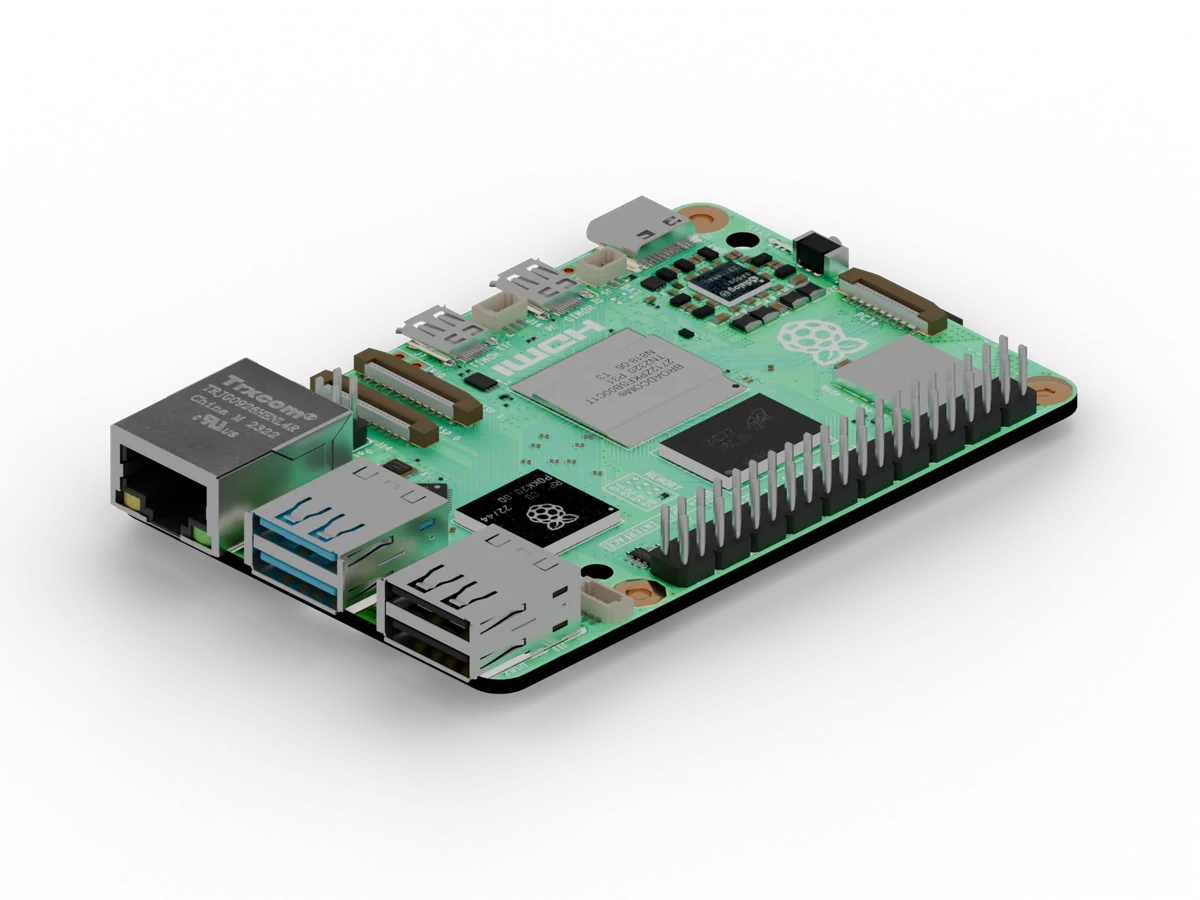
  • Raspberry Pi 5Raspberry Pi 5

    Raspberry Pi

    Pi 3, 4, and 5

    Shipped
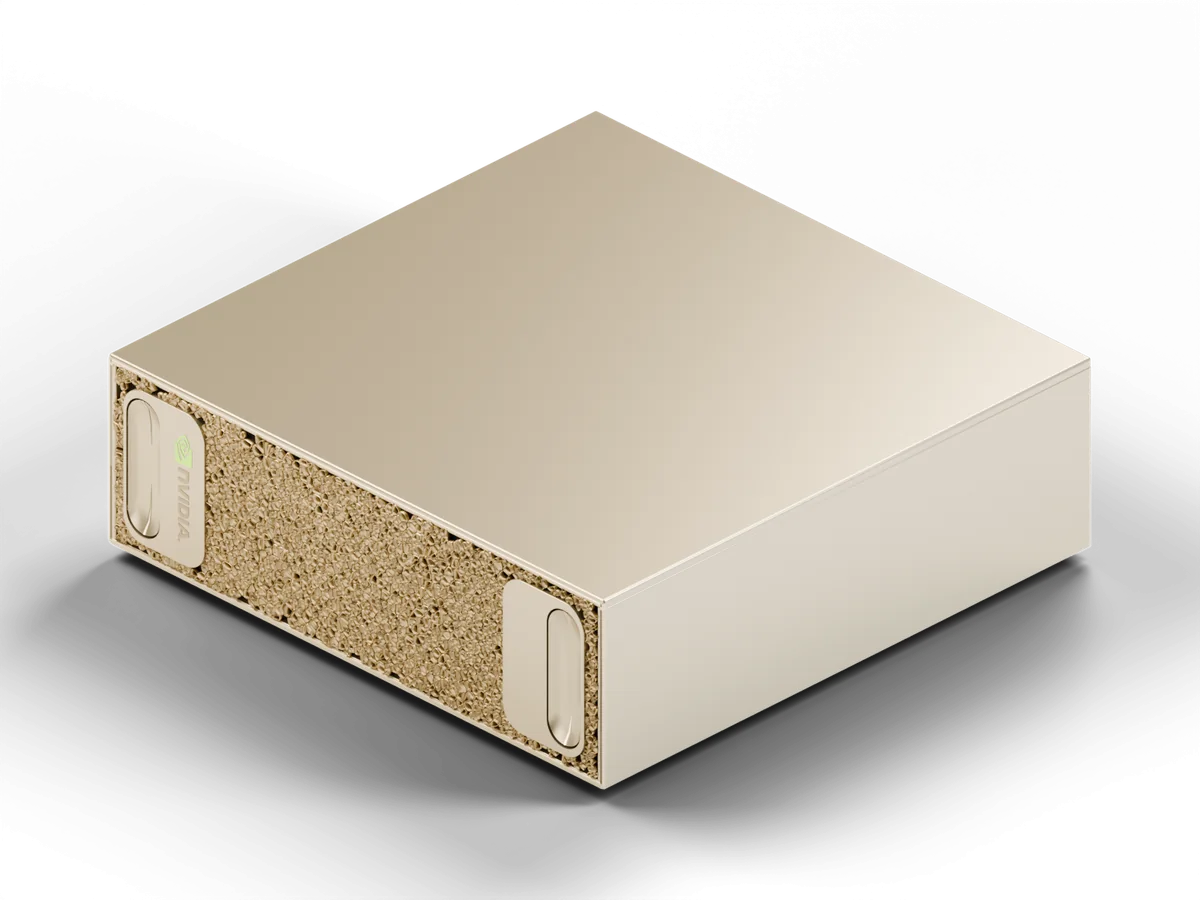
  • NVIDIA DGX SparkDGX Spark

    Linux with the Wendy Agent

    Ubuntu 22.04+ and other arm64 or x86-64 distributions

    Shipped
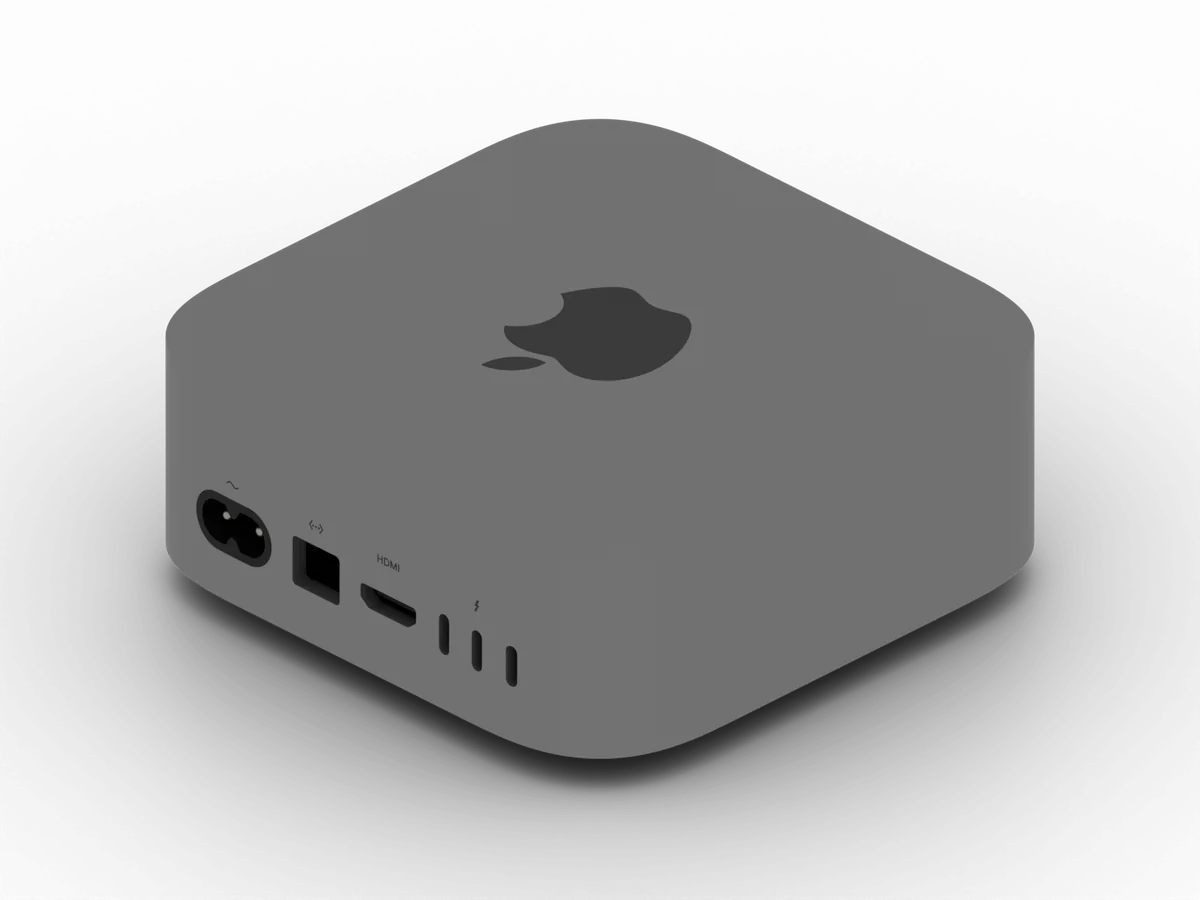
  • Apple Mac miniMac mini

    Apple Silicon Mac

    Headless Mac targets

    Beta
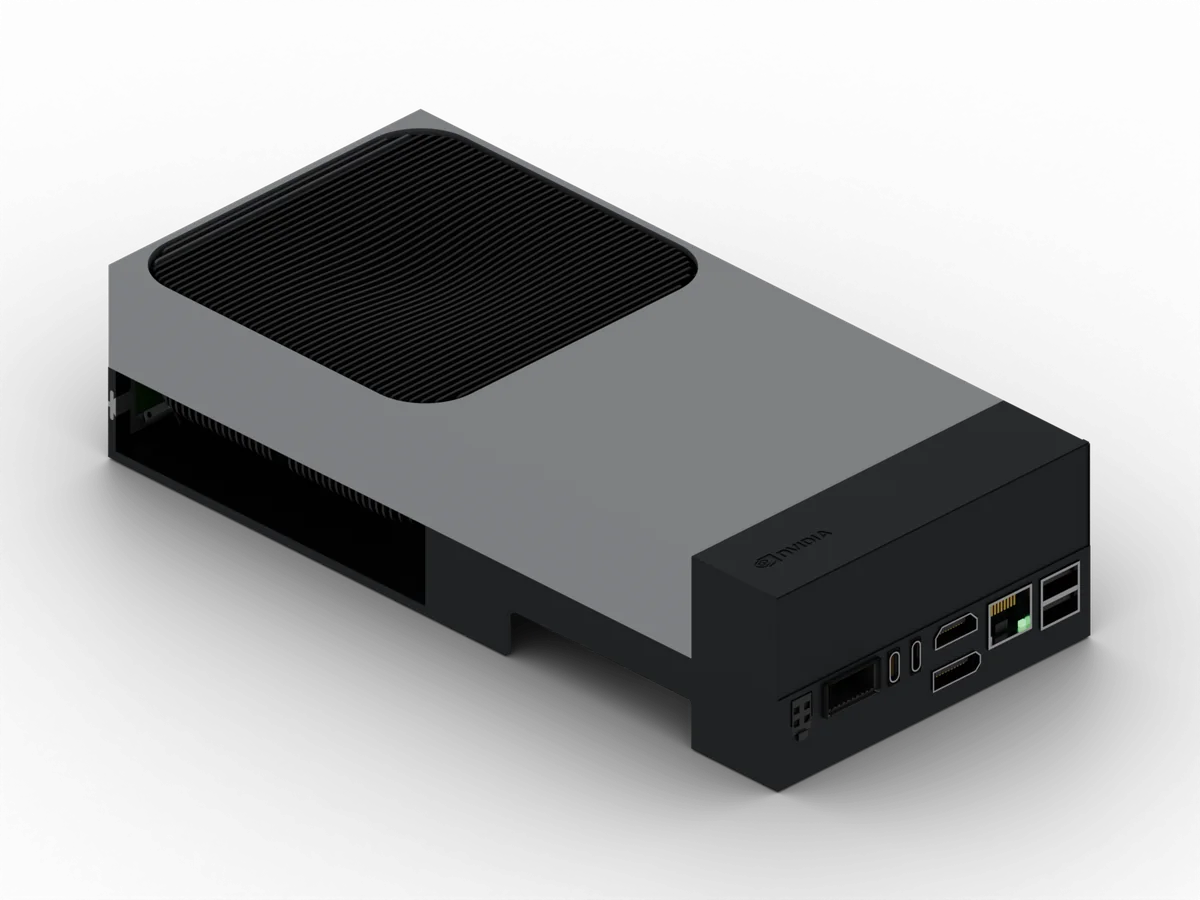
  • NVIDIA Jetson AGX Thor developer kitAGX Thor developer kit

    NVIDIA Jetson AGX Thor

    Install, deploy, GPU, and camera

    Preview
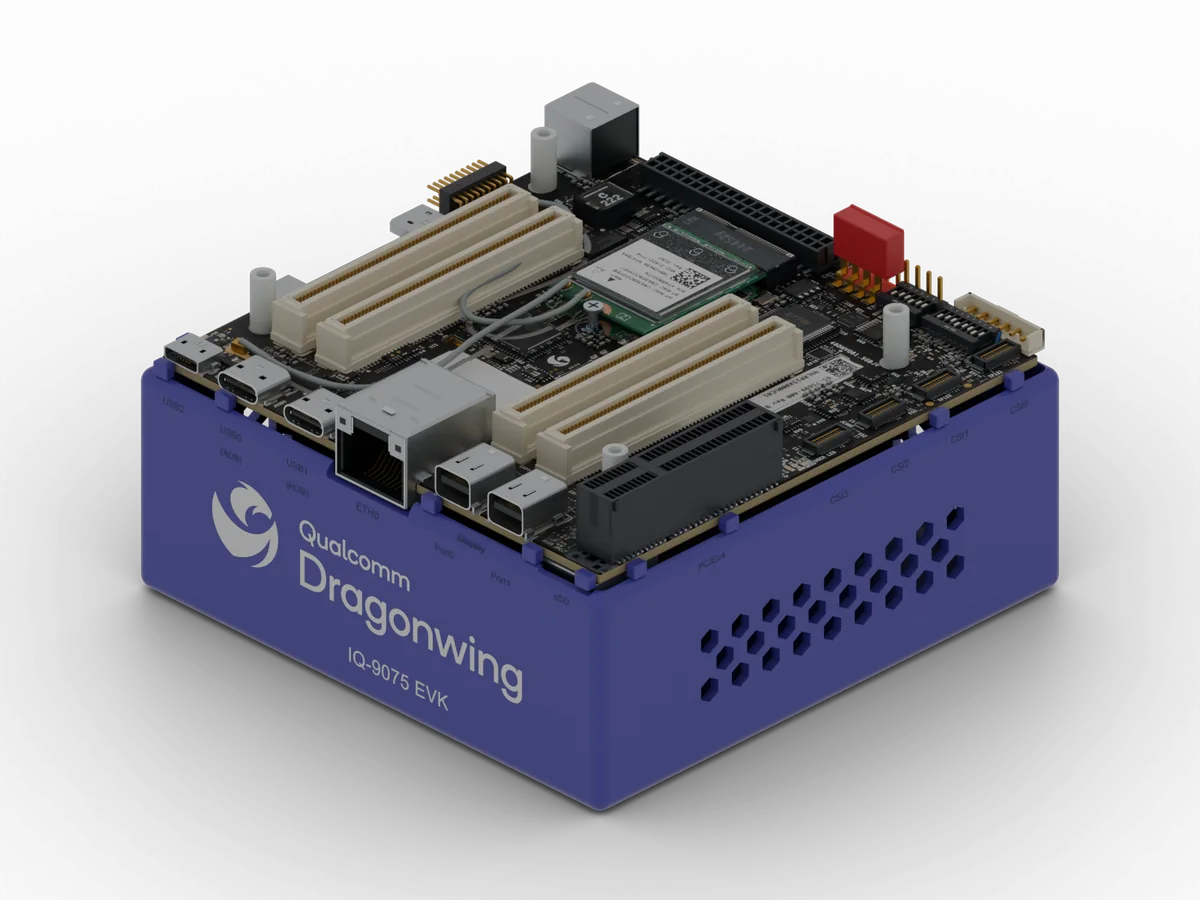
  • Qualcomm Dragonwing IQ-9075 evaluation kitIQ-9075 EVK

    Qualcomm Dragonwing

    IQ-8275 and IQ-9075

    Preview
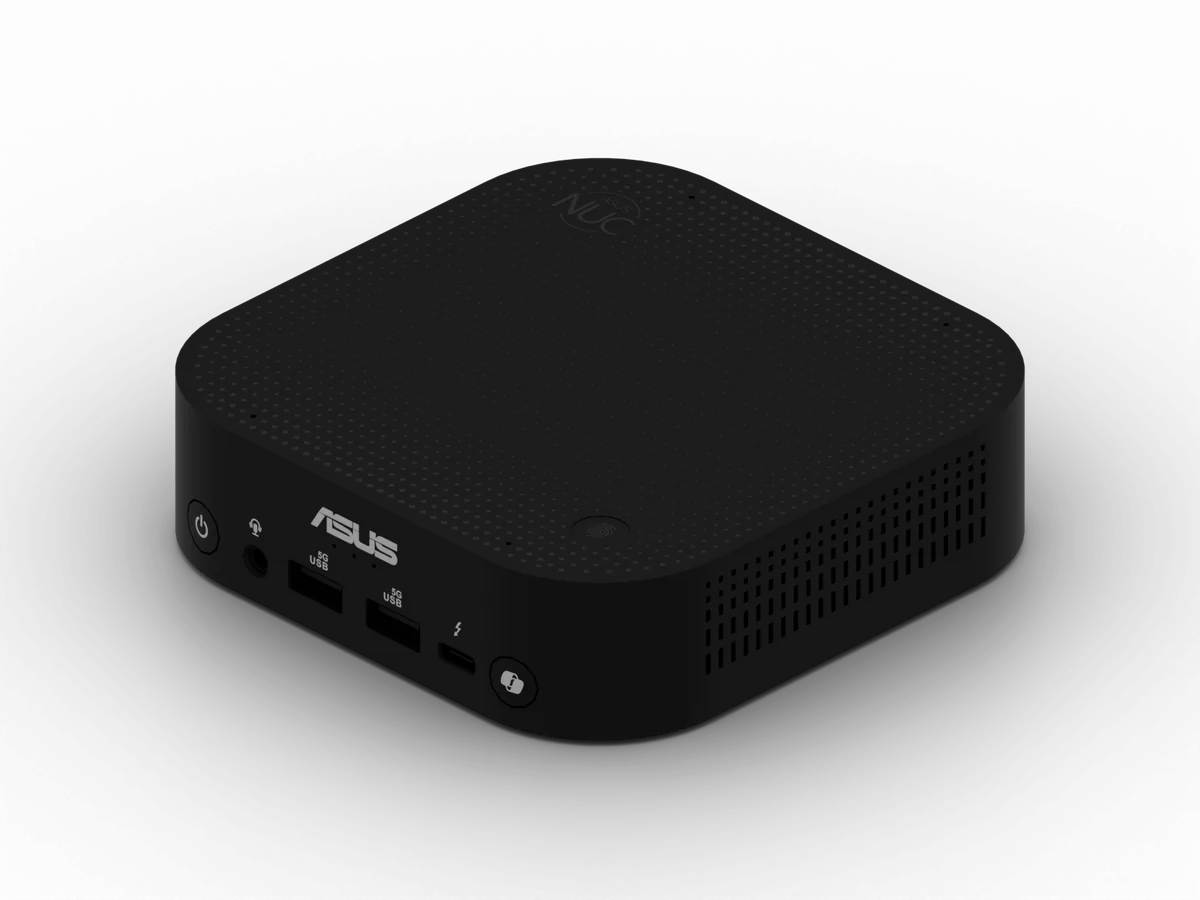
  • ASUS NUC 14 Pro mini PCASUS NUC 14 Pro

    x86-64 PCs and VMs

    WendyOS images

    Preview
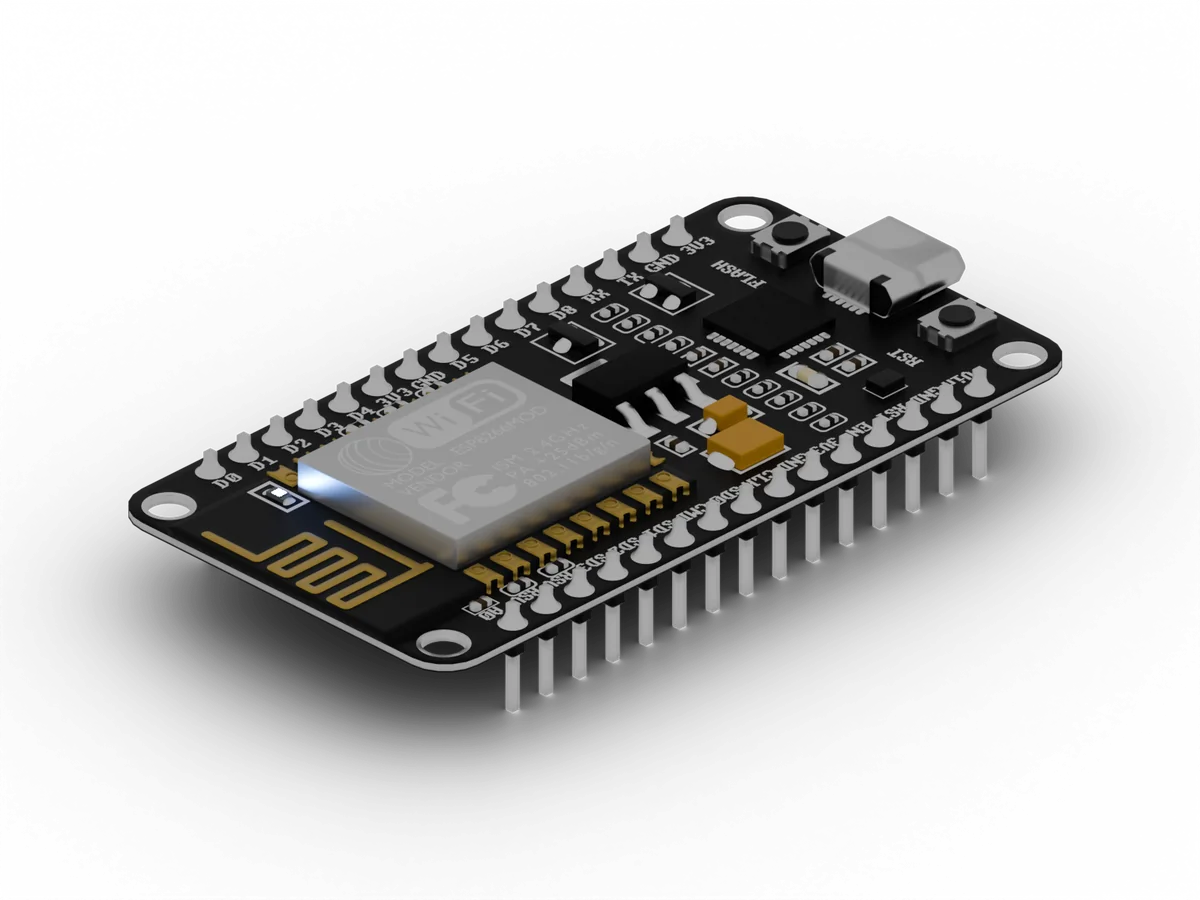
  • ESP32 development boardESP32 dev board

    Espressif ESP32

    Native ESP-IDF apps on C5, C6, C61, P4, and S3

    Beta
Hardware and installation

For industrial operations

Use AI to operate better than your competition

Wendy Box

Portable AI monitoring. Free up people.

See Wendy Box

Wendy BI

Find root cause in the operating data and maintenance history you already have.

See Wendy BI

Get started

Run the platform on your first device

Start locally with a simulator or your existing Linux device. Wendy Cloud is free for up to 10 devices when you are ready to deploy remotely and inspect logs from anywhere.

Security questions
security@wendy.dev
Compliance
SOC 2 in progress, not yet certified
License
Apache 2.0 for WendyOS, the CLI, and the agent

Ask Wendy

Answers about Wendy and WendyOS

What would you like to know?

Ask about devices, development, and deployment.

Check linked docs for technical details.