Introducing Stagefiles: Sub-200ms Rebuilds Without Dockerfile Hand-Tuning
Describe the app.
Wendy optimizes the build.
Get fast, reproducible, target-aware containers without hand-tuning a Dockerfile or maintaining the build tricks yourself.
Only the part you changed rebuilds.
Resolved dependencies are written to a lockfile.
Wendy generates the details for your device.
Turn a roughly 30-second Python edit-build loop into one that takes under 200 ms. A Stagefile gives the build system enough intent to cache source, OS packages, and language dependencies independently. The surprising part is not the shorter file—it is the build graph Wendy can generate from it.
Today we are introducing Stagefiles, a typed build format built into WendyOS. Add build.stagefile.yaml to an app and the same wendy run command builds, deploys, starts, and streams it.
This is not a new container runtime or a replacement for Docker. It is a way to describe the build with enough structure for Wendy to make it fast, reproducible, and target-aware automatically.
A Dockerfile can do almost anything. That freedom is useful, but a RUN line does not tell the build system whether it installs a dependency, compiles a tool, downloads a model, or works around CUDA.
Stagefiles make that intent explicit. The project says what it needs; Wendy owns the cache graph, locking, and target-specific details.
APT, pip, copies, health checks, and CUDA are data—not opaque shell strings.
Changing an OS package does not automatically invalidate Python dependencies.
Only declared local paths enter the build, so large nearby files stay out.
Mutable tags, downloads, and CUDA profiles resolve to reviewable pins.
The number developers will feel
Most projects begin with a readable Dockerfile that builds successfully:
FROM python:3.11-slim
WORKDIR /app
COPY . .
RUN apt-get update && apt-get install -y curl
RUN pip install -r requirements.txt
CMD python app.py
The problem appears on the second build. COPY . . invalidates every later layer after a source edit, and neither package manager has a cache mount.
The cache map shows which branch each edit invalidates.
Only app.py changed. Stagefile rebuilt the source layer; COPY . . forced the normal Dockerfile through its dependency chain again.
| Scenario | Wendy Stagefile | Normal Dockerfile |
|---|---|---|
Edit only app.py | <0.20 s | ~30 s |
| Add one APT dependency | 2.73 s | ~30 s |
For the Python edit, Stagefile only rebuilds the source layer. For the APT edit, it rebuilds the APT branch while the independent pip branch stays cached. The normal Dockerfile walks through both package installs again in either case.
Stagefile generates the optimized graph automatically and carries it forward as the compiler improves. Every comparison in this article uses the normal Dockerfile above.
What Wendy generates for you
A Stagefile copies source last, gives each package manager a locked cache, and compiles independent dependency branches. That structure—not shorter YAML—is where the iteration speed comes from.
See the Dockerfile generated from the Stagefile
FROM --platform=linux/arm64 python:3.11-slim@sha256:9c900dea9e8fb7e16277c179b555cc72d29a352dbc33cff48ad5a0412fd5bfc7 AS stagefile-pip-deps-0
WORKDIR /app
RUN --mount=type=cache,sharing=locked,id=stagefile-apt-lists,target=/var/lib/apt/lists \
    --mount=type=cache,sharing=locked,id=stagefile-apt-archives,target=/var/cache/apt \
    command -v pip >/dev/null 2>&1 || (apt-get update && apt-get install -y --no-install-recommends python3-pip)
COPY requirements.txt requirements.txt
RUN --mount=type=cache,sharing=locked,id=stagefile-pip,target=/root/.cache/pip \
    pip install --root /opt/stagefile/pip/root -r requirements.txt

FROM --platform=linux/arm64 python:3.11-slim@sha256:9c900dea9e8fb7e16277c179b555cc72d29a352dbc33cff48ad5a0412fd5bfc7 AS app
WORKDIR /app
RUN --mount=type=cache,sharing=locked,id=stagefile-apt-lists,target=/var/lib/apt/lists \
    --mount=type=cache,sharing=locked,id=stagefile-apt-archives,target=/var/cache/apt \
    apt-get update && apt-get install -y --no-install-recommends curl
COPY --link --from=stagefile-pip-deps-0 /opt/stagefile/pip/root/ /
COPY app.py app.py
CMD ["python", "app.py"]
USER 65532
Your build context stays small by default
We placed an unused 128 MB training-data.bin beside the app.
- The normal
COPY . .Dockerfile transferred 134.25 MB and copied it into the image. - Stagefile transferred 63 bytes because
copy.from: localcreates an allowlist.
COPY . . sends the whole repository unless a maintained .dockerignore says otherwise. Stagefile derives a narrow allowlist directly from the files declared in the build.
Stagefile makes the narrow context the default and derives it from the build declaration, so there is no separate ignore list to keep in sync.
The resulting local images were 196.9 MB for Stagefile and 207.6 MB for the Dockerfile. That is not a device-upload benchmark: compressed layers and warm device caches change transfer behavior.
Meet build.stagefile.yaml
The canonical filename is build.stagefile.yaml.
1version: 12stages:3- name: app4from: python:3.11-slim5workdir: /app
Start with one named stage, a base image, and a working directory.
The complete file remains ordinary YAML:
version: 1
stages:
  - name: app
    from: python:3.11-slim
    workdir: /app
    install:
      apt:
        packages: [curl]
      pip:
        - requirements: requirements.txt
    copy:
      - from: local
        paths: [app.py]
    healthcheck:
      exec: [python, -c, "import urllib.request; urllib.request.urlopen('http://localhost:8000/health')"]
      interval: 30s
      timeout: 3s
      retries: 3
    cmd: [python, app.py]
There is deliberately no RUN field. Package installation, downloads, language builds, copies, health checks, and processes are typed operations with known inputs.
Put the file beside the app and run:
wendy runThe command detects the Stagefile, builds for the selected device, deploys the image, starts the app, and streams its output. Use wendy build when you only want the image.
What happens when Wendy builds it
A short source file does not remove the hard work. It moves that work into a compiler that can be tested once and reused across projects.
Wendy detects build.stagefile.yaml and parses its typed fields.
version: 1
stages:
  - name: app
    from: python:3.11-slim
The compiler can derive:
- digest-pinned base images and downloads
- ecosystem-specific cache mounts
- independent dependency branches and linked copies
- non-root runtime users and exec-form processes
- a minimal allowlisted build context
The first build also creates build.stagefile.lock.yaml. Check it into source control: it records the exact image digests, download hashes, and target-specific CUDA profiles resolved from readable declarations.
from: python:3.11-slim
FROM python:3.11-slim@sha256:90744cff…
The readable tag stays in source control. Its digest is resolved into the lockfile, so the same Stagefile cannot silently pick up different base bytes tomorrow.
These generated details are not an interface your project maintains. As BuildKit and target devices evolve, the compiler can improve while the Stagefile continues expressing the same intent.
cuda: true replaces board-specific trivia
GPU containers make the value obvious. The correct CUDA runtime, wheel index, loader paths, and supported package builds depend on the target Jetson.
- name: app
  from: ubuntu:22.04
  cuda: true
  install:
    apt:
      packages: [python3-pip, python3-dev, libopenblas-dev]
    pip:
      - packages: [onnxruntime-gpu]
        cuda: true
      - packages: [onnx, 'numpy==1.26.4']
  copy:
    - from: local
      paths: [app.py]
  cmd: [python3, app.py]
The stage-level flag requests the supported GPU stack. The nested flag selects the matching GPU wheel source. Wendy resolves the profile for the device architecture and pins it in the lockfile.
If no tested profile exists, the build stops before deployment instead of producing a container whose first GPU operation fails on the robot.
Stages mean container build stages
They do not mean staging versus production. One stage can compile an artifact; a later stage copies only the runtime output.
stages:
  - name: deps
    from: python:3.12-slim
    install:
      apt:
        packages: [build-essential]
      pip:
        - requirements: requirements.txt

  - name: app
    from: python:3.12-slim
    copy:
      - from: deps
        paths: [/usr/local/lib/python3.12/site-packages]
      - from: local
        paths: [app.py]
    entrypoint:
      exec: [python3, app.py]
The final image receives the packages but not the compiler. Structured from, copy, and install fields also let Wendy validate stage references and paths before building.
No hidden shell escape hatch
Adding run: curl ... | sh would erase the facts Stagefile needs for input validation, digest locking, safe quoting, and cache planning.
That does not make Stagefiles a replacement for every Dockerfile.
- Package installation and language builds
- Local files, downloads, health checks, and processes
- CUDA profiles for supported targets
- Custom commands the schema does not model
- Specialized third-party installers or toolchains
- Low-level control is more important than compiler guarantees
Wendy auto-detects all three formats. The escape hatch stays at the build-file level, where choosing unrestricted behavior is explicit.
Start with the app you already have
Translate one concern at a time: base image, dependencies, local files, build step, runtime process, then health check. Run wendy build after each move.
The WendyOS examples include Python, GPU, ONNX, ROS 2, Swift, Rust, Go, web, and multi-service Stagefiles. Install or update the Wendy CLI, add build.stagefile.yaml, and run it on the device you already use.
A Stagefile is small because it leaves out decisions the application should never have owned. You describe the software; Wendy carries the container knowledge forward.
Related post
Expand your knowledge with these hand-picked posts.
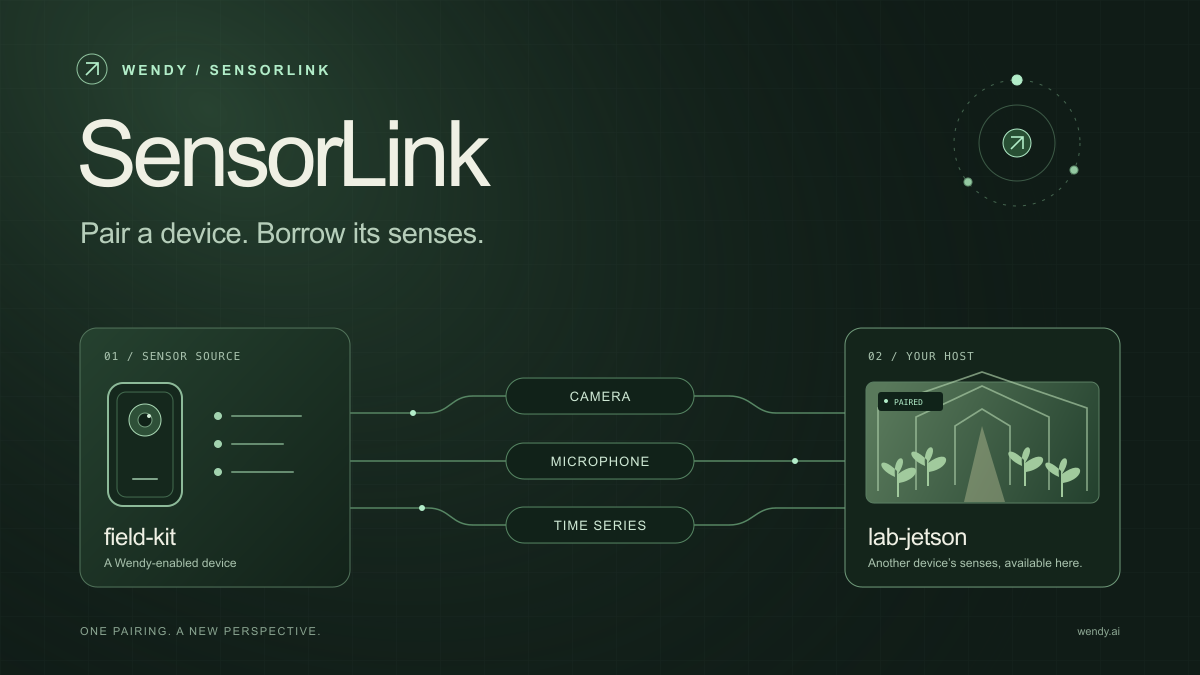
SensorLink: Pair a Device. Borrow Its Senses.
Give your Wendy host the eyes and ears of another device. SensorLink brings cameras, microphones, and a shared model for time-series sensors into a familiar pairing workflow.
Wendy Labs - Wendy Labs Team

Free NVIDIA DGX Spark 3D model
Download our free NVIDIA DGX Spark 3D model as a GLB or an editable Blender scene with studio lighting, materials, and cameras. No signup required.
Wendy Labs - Wendy Labs Team


Start with one device. Close the loop around it.
Use WendyOS on your hardware or add Wendy Agent to an existing Linux or Apple Silicon Mac. Connect sensors, run your code, and carry what you learn into the next release.