Recommended LLMs for Jetson Orin Nano and Jetson Thor on WendyOS
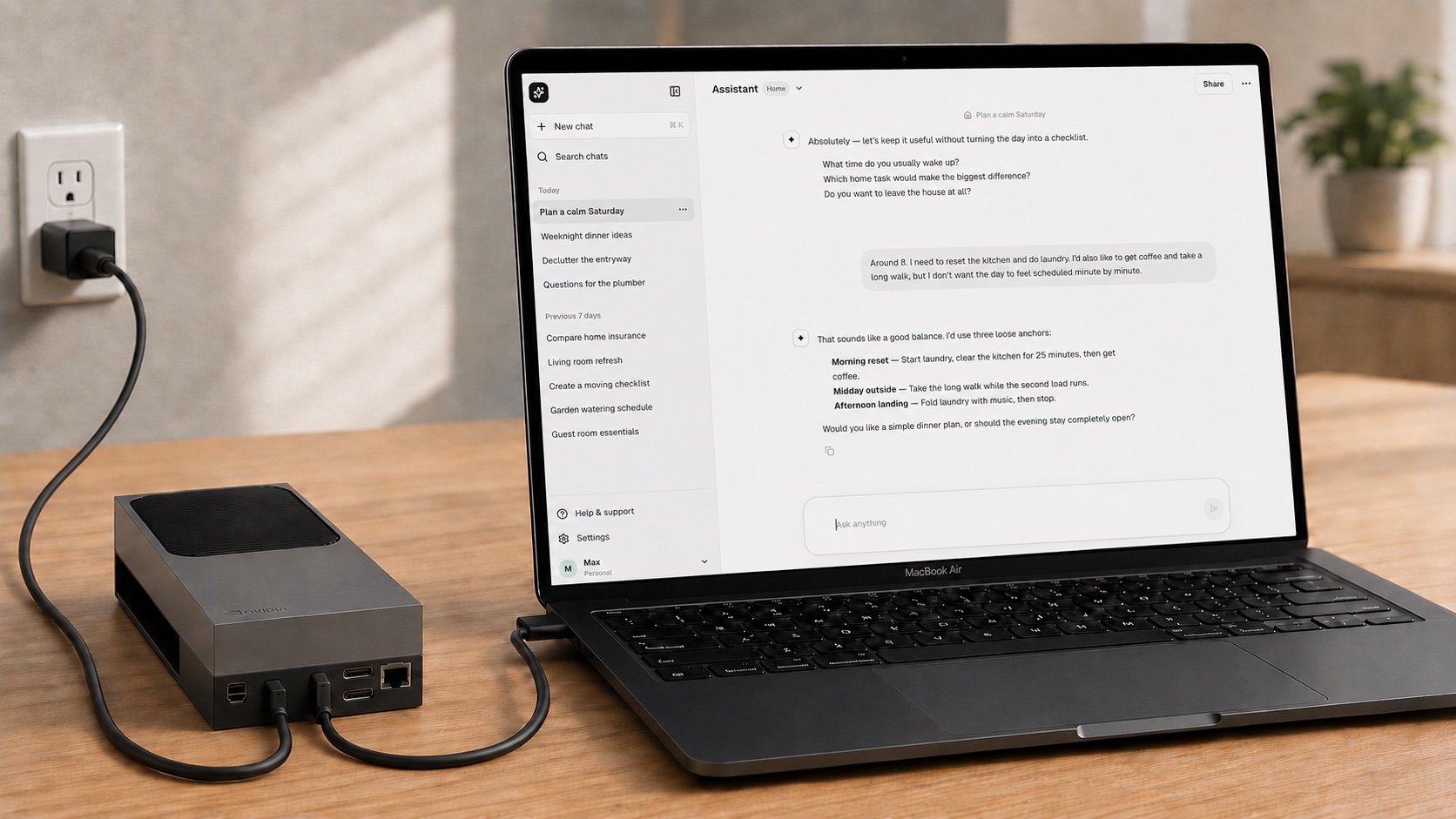
The Wendy llm template runs Ollama and Open WebUI on your device with a single wendy run. This guide covers which models to pick for the Jetson Orin Nano 8GB and Jetson AGX Thor, and how to deploy them. Questions? Join our Discord community.
Running a large language model locally on an edge device is one of those things that sounds simple until you try it. The model has to fit in memory, it has to actually use the GPU instead of quietly falling back to the CPU, and you still want a chat UI in front of it. Do all of that by hand and you have spent an afternoon before you have typed a single prompt.
The Wendy llm template collapses that into one command. It ships an Ollama model server and an Open WebUI chat frontend as a single app, wires the GPU into the Ollama container, and pulls the model you picked on first start. Your job is to choose the right model for the board in front of you, and that is exactly where a Jetson Orin Nano 8GB and a Jetson AGX Thor part ways. A 3B model that flies on the Orin Nano and a 120B model that only a 128GB Thor can hold are both "local LLMs," but they are not interchangeable.
This post gives you the model picks for each device, then walks the full loop: install the CLI, set up the board, scaffold the template, and deploy.
TL;DR: skip to the commands
On a Jetson Orin Nano 8GB, start with a fast 3B model:
wendy init \
  --app-id orin-nano-llm \
  --target wendyos \
  --language python \
  --template llm \
  --var OLLAMA_MODEL=qwen2.5:3b \
  --assistant skip \
  --git-init no
cd orin-nano-llm
wendy run
On a Jetson AGX Thor (128GB), reach for a workstation-class model:
wendy init \
  --app-id thor-llm \
  --target wendyos \
  --language python \
  --template llm \
  --var OLLAMA_MODEL=gpt-oss:120b \
  --assistant skip \
  --git-init no
cd thor-llm
wendy run
Both open Open WebUI at http://<device-hostname>:8080 once the app is up. Read on for why those models, and how to set up the devices from scratch.
What the llm template gives you
The llm template is a small multi-service app:
ollama: the model server. It holds thegpuentitlement in the companionwendy.json, so it gets real GPU access on the device. On first start it pulls your chosen model in the background and persists the weights in a named volume, so you only download them once.open-webui: a chat frontend that talks to Ollama over the internal network and serves the UI on port8080.
Which model runs is decided when you scaffold the project, through the OLLAMA_MODEL variable. The template ships a curated picker of models, from tiny edge models up to 120B workstation models, and defaults to gemma4:e2b. You can select a model interactively with wendy init --template, or set it directly with --var OLLAMA_MODEL=<tag> as shown above. Whatever you choose is rendered into docker-compose.yml, and the Ollama entrypoint pulls it when the container starts.
The rest of this post is really just: pick the right tag for your board, then deploy.
Recommended models for the Jetson Orin Nano 8GB
The Orin Nano 8GB is a fantastic little inference board, but 8GB of memory is the constraint that decides everything. Stay in the 3B to 7B range and you get responsive, genuinely useful models. Reach for a workstation model and it will not load.
Model (OLLAMA_MODEL) | Parameters | Notes |
|---|---|---|
qwen2.5:3b | 3B | Fast, ~30 tok/s on the Orin Nano 8GB. Great default. |
llama3.2:3b | 3B | Solid, dependable all-rounder. |
gemma3:4b | 4B | Good reasoning quality for its size. |
gemma4:e2b | edge | The template default. Small and quick; a good fit here. |
gemma4:e4b | edge+ | The best small-model quality step. Fits, but it is tight. |
mistral:7b | 7B (Q4_K_M) | Strongest general model that still fits (~15 tok/s, 4.4GB). |
nemotron-3-nano-4b | 4B (Q4) | A good NVIDIA Nemotron edge pick. |
If you are not sure where to start, start with qwen2.5:3b. It is the fastest of the bunch and a great first impression. When you want more capability and can trade some speed, mistral:7b is about the quality ceiling that fits comfortably in 8GB.
Skip the workstation-class tags (the 26B, 31B, and 120B models) on the Orin Nano 8GB. Those are meant for the boards below.
Recommended models for the Jetson AGX Thor (128GB)
Thor is a different class of machine. With 128GB of unified memory it can hold models that simply do not fit anywhere else on the edge, which means you can run 120B-parameter models locally instead of shipping prompts off to a datacenter.
Model (OLLAMA_MODEL) | Parameters | Download | Notes |
|---|---|---|---|
gpt-oss:120b | 120B / 5.1B active | 65GB | Powerful open reasoning model. |
nemotron-3-super:120b | 120B / 12B active | 87GB | Local NVIDIA Nemotron Super. |
qwen3-coder:30b | 30B / 3B active | 19GB | Coding-focused MoE; a lighter, faster pick. |
The 120B models are what Thor's memory unlocks, so gpt-oss:120b is the headline recommendation. If your workload is code, qwen3-coder:30b is a smaller, snappier option that leaves plenty of headroom. Note the download sizes: the first pull of a 120B model moves tens of gigabytes, so a wired network helps.
Under the hood, the template selects a JetPack 7 / CUDA 13 Ollama base image for Thor so the model runs on the GPU rather than falling back to the CPU. You do not have to configure any of that; it happens at build time based on the device.
Thor support in WendyOS is newer than Orin Nano support, so treat the Thor path as the fresher of the two and check the docs for the latest device notes.
Prerequisites
- A Jetson Orin Nano 8GB Developer Kit with an NVMe SSD and an NVMe-SSD-to-USB-C adapter, and/or a Jetson AGX Thor Developer Kit with its power supply.
- A USB-C data cable to connect the device to your development machine.
- A development machine (macOS, Linux, or Windows) where you write code and run the CLI.
- The
wendyCLI:curl -fsSL https://install.wendy.dev/cli.sh | bash
Install the Wendy CLI
The CLI lives on the machine where you write code. It discovers your devices, builds the app image, ships it to the target, and streams logs back. On macOS or Linux:
curl -fsSL https://install.wendy.dev/cli.sh | bashOn Windows, install through winget:
winget install WendyLabs.Wendy --source wingetSet up your device
WendyOS is preinstalled with wendy-agent, so once the OS is on the board you can discover it from your machine and deploy, with no monitor, keyboard, or SSH keys required.
Jetson Orin Nano 8GB
-
Connect the NVMe SSD to your computer through the USB-C adapter (approve the macOS permission prompt if it appears).
-
Install WendyOS onto the drive:
install WendyOS on the Orin Nano wendy os installSelect Jetson Orin Nano, pick the attached NVMe drive, and optionally pre-seed WiFi so the board joins your network on first boot.
-
Move the NVMe SSD into the Jetson's M.2 slot.
-
Connect the data-capable USB-C port to your computer, then plug in the power supply.
-
Wait a minute or two for the board to boot, then discover it:
discover the device wendy discover
Jetson AGX Thor
-
Connect a USB-C data cable from your computer to the right USB-C port (next to HDMI), and connect the power supply to the left USB-C port.
-
Put the Thor into USB recovery mode: press and hold the middle button, tap the right button, wait a moment, then release the middle button. The fans quieting down is a good sign it worked.
-
Flash WendyOS. On Thor the flash writes QSPI plus the internal NVMe, so run it with
sudo:install WendyOS on the Thor sudo wendy os installThe CLI downloads a Thor flashpack, detects the board in recovery mode, and flashes it.
-
Power-cycle the Thor. It boots from internal storage while still connected over USB-C.
-
Wait a minute or two, then discover it:
discover the device wendy discover
Scaffold and run the llm template
With a device discovered, scaffold the template. The easiest way to explore the options is the interactive picker:
wendy init --templateChoose the llm template, then pick a model from the list. To skip the picker and scaffold directly, pass the model as a variable. For the Orin Nano:
wendy init \
  --app-id orin-nano-llm \
  --target wendyos \
  --language python \
  --template llm \
  --var OLLAMA_MODEL=qwen2.5:3b \
  --assistant skip \
  --git-init no
For the Thor, the only real change is the model:
wendy init \
  --app-id thor-llm \
  --target wendyos \
  --language python \
  --template llm \
  --var OLLAMA_MODEL=gpt-oss:120b \
  --assistant skip \
  --git-init no
Then deploy:
cd orin-nano-llm   # or: cd thor-llm
wendy run
wendy run does the whole deploy loop for you:
- Discovers the default WendyOS device (or the one you pass with
--device). - Cross-builds both service images for the device's architecture.
- Ships them to the device over USB-C or your network.
- Starts the containers in dependency order, with the GPU entitlement applied to Ollama.
- Streams the logs back to your terminal and opens your browser to Open WebUI once the port is ready.
Open WebUI is served at http://<device-hostname>:8080. The first start pulls the model in the background, so the model list in the UI may be empty for a while. This is expected, especially for the large Thor models. Watch the ollama log stream until the pull finishes.
Switching models later
You are not locked into your first choice. To change models, edit the OLLAMA_MODEL value in docker-compose.yml and re-run:
services:
  ollama:
    environment:
OLLAMA_MODEL: "mistral:7b"wendy runThe entrypoint pulls whatever OLLAMA_MODEL is set to on the next start. If you would rather start fresh, scaffold a new app with a different --var OLLAMA_MODEL=<tag>; the template's full curated model list is available in the interactive picker.
Operating the app
A few commands that come in handy once the app is running:
# Deploy without staying attached to the logs
wendy run --detach

# Tail the Ollama service logs (watch the model pull here)
wendy device logs orin-nano-llm --service ollama --tail 100

# List the apps running on your devices
wendy device apps list
Where to go from here
Pick a model that fits your board, run wendy run, and you have a private, GPU-accelerated chat model on the edge: no cloud round-trip, no data leaving the device.
- Read the WendyOS docs for the full CLI reference and the Jetson Orin Nano and Jetson AGX Thor install guides.
- Join our Discord community to compare model picks and share what you are building.
If you run one of these models on your own Jetson, we would love to hear which one and how it performs.
Related post
Expand your knowledge with these hand-picked posts.
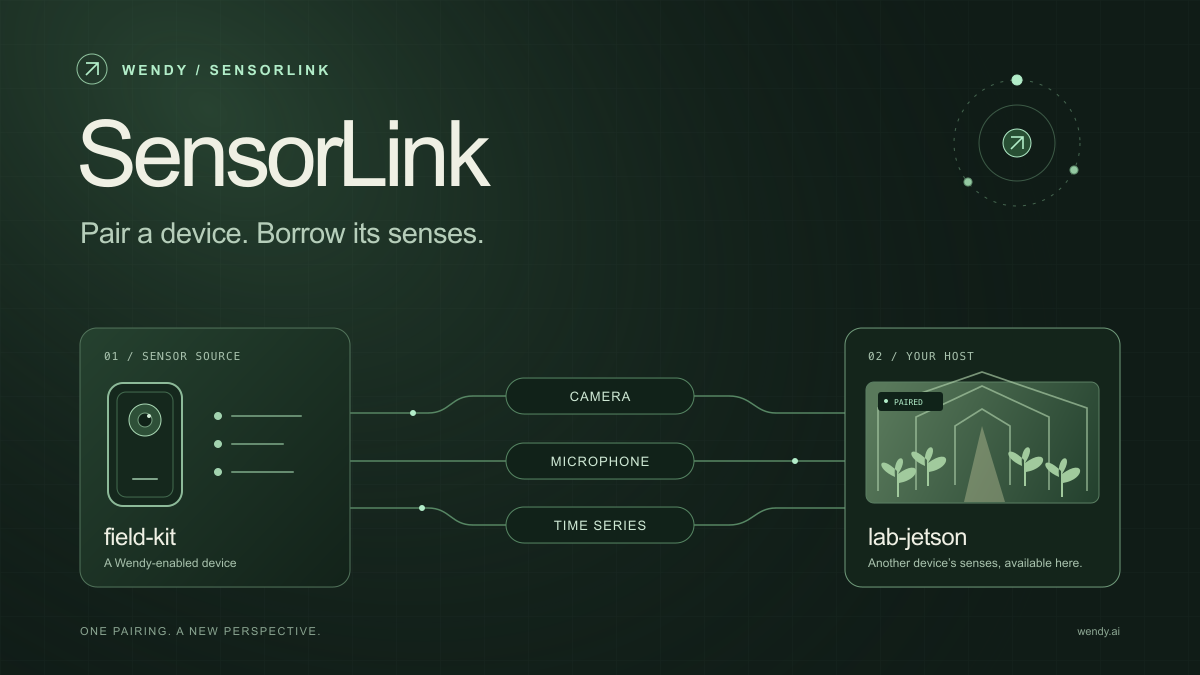
SensorLink: Pair a Device. Borrow Its Senses.
Give your Wendy host the eyes and ears of another device. SensorLink brings cameras, microphones, and a shared model for time-series sensors into a familiar pairing workflow.
Wendy Labs - Wendy Labs Team

Free NVIDIA DGX Spark 3D model
Download our free NVIDIA DGX Spark 3D model as a GLB or an editable Blender scene with studio lighting, materials, and cameras. No signup required.
Wendy Labs - Wendy Labs Team


Start with one device. Close the loop around it.
Use WendyOS on your hardware or add Wendy Agent to an existing Linux or Apple Silicon Mac. Connect sensors, run your code, and carry what you learn into the next release.