How SSH destroys your robot
Ship one change. Watch two fleets.
One robot, one shell session, one private history.
One reviewed change. Every device pulls the same truth.
Fleet size set to 100 robots.
It's 2am. Robot-07 stops reporting, so you open a laptop and type ssh pi@robot-07.
You restart a wedged service, correct a config value, and install a missing dependency. The robot comes back. Problem solved.
Except robot-07 is now unique. The fix lives only on that machine, nobody reviewed it, and a reflash will erase it. Robot-08 will never receive it.
Server engineers know the feeling as “works on my machine.” Robot teams get the hardware edition: “works on my robot.”
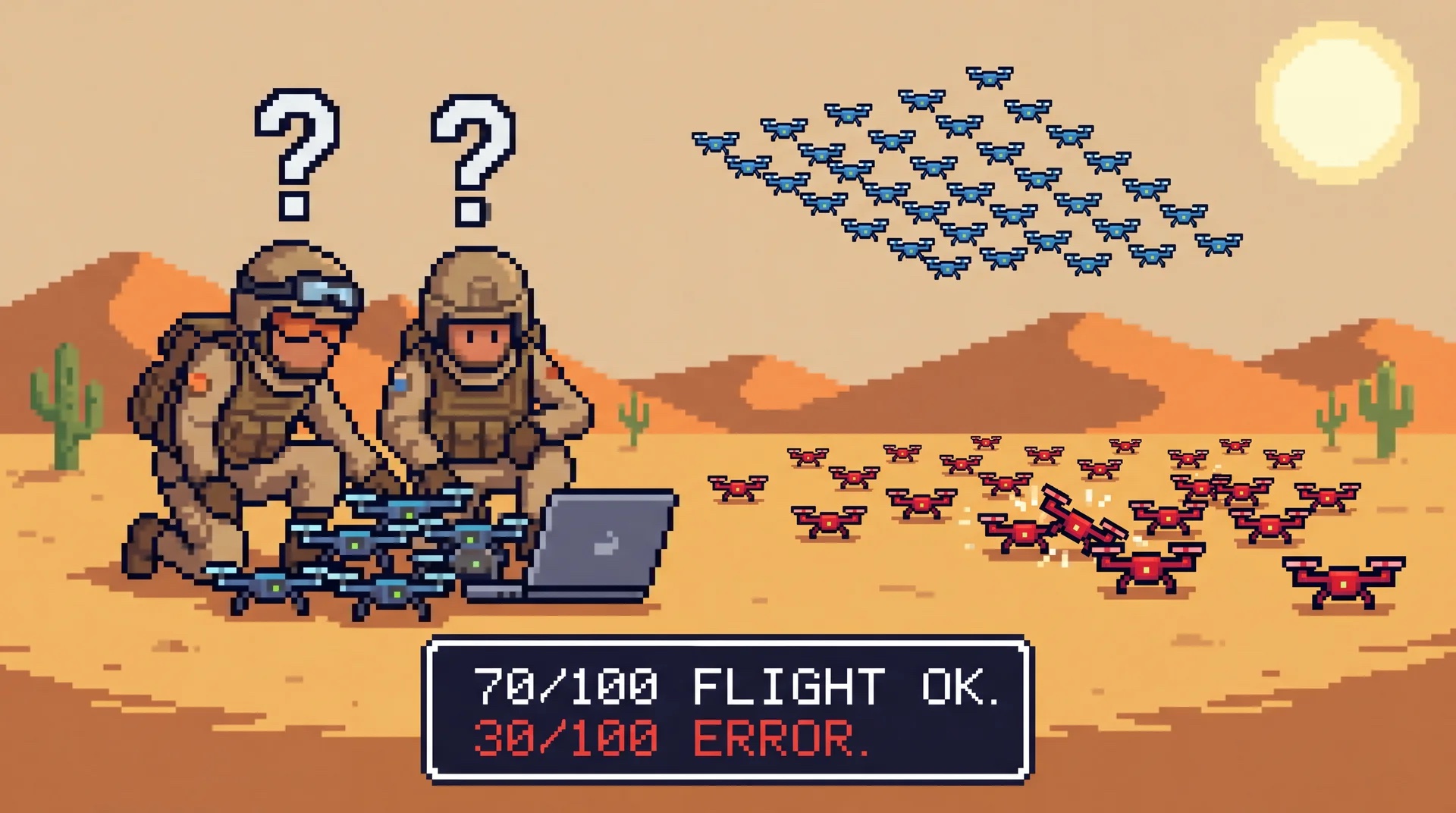
Seventy drones are flying. Thirty are grounded. They were supposedly deployed the same way, but discovering how they differ means logging into them one at a time.
SSH works—until it becomes the system
SSH is excellent for inspecting one device on a bench. The trap is letting it quietly become your deployment system, configuration manager, and incident runbook.
At fleet scale that creates five predictable problems:
- Snowflake drift. Every manual fix makes one device diverge from the rest. After a few months no two robots are the same, and "works on robot-03" tells you nothing about robot-04.
- No source of truth. The real configuration of the fleet is the union of every command anyone ever ran. It exists only in shell history, if that. You cannot diff it, review it, or roll it back.
- It does not survive a reflash. The moment a device needs a fresh image (failed SD card, warranty swap, new unit), every hand-fix evaporates. You are rebuilding tribal knowledge from memory.
- It does not scale past your fingers. SSHing into 3 robots is a Tuesday. SSHing into 30 is a bad week. SSHing into 300 is impossible, and you will not even try - you will build a
forloop that runs a script over a list of IPs, which is just a worse, more dangerous version of the fleet tooling you were avoiding. - It needs a way in. Every device needs a reachable address, an open path, and a trusted key.
When SSH is the interface, the running device becomes the source of truth.
Borrow the cattle model—but keep identity
Server operations escaped this problem with the pets versus cattle model.
- A pet has a name, quirks, and a private history of hand repairs.
- Cattle are reproduced from a known template. The template—not the running machine—is authoritative.
Robots cannot be perfectly interchangeable. Each has a location, serial number, calibration, and physical history. The useful model is therefore cattle with identity.
Robot-07 really is the robot in the northeast corner with its own camera and IMU.
These belong in a reviewed declaration, not in the memory of whoever last logged in.
The shift is simple: change a reviewed description of the fleet, then let every device converge to it. Keep unit-specific reality as data attached to a durable identity.
The two operating models
| Concern | Fleet of pets (SSH each) | Cattle with identity (declare state) |
|---|---|---|
| Source of truth | The running device | A versioned description in git |
| Applying a change | SSH in, edit by hand | Change the declaration, fleet converges |
| Adding device #31 | Repeat the setup from memory | Enroll it; it pulls the same known state |
| A device dies | Rebuild its snowflake by hand | Reflash, re-enroll, identity + config restored |
| OS / driver updates | Manual apt, hope it boots | Signed A/B image, health-checked, auto-rollback |
| Per-device calibration | A hand-edit nobody logged | Config bound to the device's identity |
| Knowing fleet state | SSH in and look | Read telemetry; the description already tells you |
| Getting in at 2am | Open port, key, reachable IP | No inbound port; identity-brokered access |
| Scales to | Roughly your patience | The fleet |
The 2am bug, run twice
Imagine one bad config value is crashing a service across thirty robots.
Find one broken value on one reachable device.
Fix the value once, in the source of truth.
Run commands by hand or trust a brittle shell loop.
The fix is a visible, attributable diff.
Offline robots and old paths quietly miss the fix.
Online devices update now; offline devices catch up later.
A reflash erases the fix and the incident returns.
A reflashed device pulls the current known-good state.
The declared-state version is safer when you are tired because it produces an artifact. You can review the change, see which version should be running, and roll it back.
Security shortcuts are an architecture symptom
Nobody plans to ship an insecure robot. A demo deadline arrives, key authentication fights back, and the temporary shortcut wins: root login, a vendor password, one shared private key, or a forwarded port.
One copied key turns one lost laptop into a fleet-wide incident.
Every customer network needs a reachable port, tunnel, or forwarding rule.
Nobody is consistently watching the authentication logs on robot-07.
The temporary demo bypass survives long after the demo becomes a product.
Robots raise the stakes: they live on networks you do not control, carry cameras, and move through physical space.
This is not mainly a discipline problem. If normal operation requires logging into every device, the fleet must permanently preserve a way in.
Declared state reverses that requirement. Devices can open authenticated outbound connections and pull what they should run. Human access becomes a deliberate, identity-brokered exception that can be granted, revoked, and logged centrally.
Existing tools solve the lower layer
This idea is not new. Several excellent systems move truth off the running machine:
| Tool | What it makes reproducible | What the team must own |
|---|---|---|
| NixOS | Full machine configuration and rollback | Nix language and operating model |
| rpm-ostree / OSTree | Atomic, versioned operating-system trees | Image-based OS integration |
| Yocto / Buildroot | The exact embedded Linux image | Recipes, layers, kernels, and toolchains |
Those are the right tools when your product requires a custom distribution. But a team trying to run a perception model on a Jetson should not have to become a Linux distribution team first.
Keep the developer declaration at the app layer
WendyOS keeps the immutable, A/B-updated base underneath the application. Your team describes the part it owns in two familiar files:
Dockerfile— runtime, libraries, build, and application code.wendy.json— hardware access such as GPU, network, audio, and persistent volumes.
Both files live in the repository and move through pull requests. wendy run turns that reviewed declaration into a running application.
What this changes in practice
“Cattle with identity” becomes the default workflow:
- You declare, you don't log in. The two files above are the interface. The description is the thing you version and review; the device is downstream of it.
- Every device has a real identity. Each WendyOS device is issued a certificate at enrollment and speaks mutual TLS by default. The CLI and cloud reach it by name, with no open inbound ports to babysit - that is what replaces the SSH tunnel.
- The OS is cattle too. Updates ship as signed A/B images: the whole root filesystem is replaced on an inactive slot, health-checked on first boot, and rolled back automatically if it doesn't come up clean. Updating a fleet behaves like updating phones, not like SSHing into servers.
- Per-device reality is respected. The pet parts - calibration, placement, unit-specific parameters - live as configuration bound to each device's identity, not as hand-edits you'll lose on the next reflash.
- You still get to look inside. Streamed logs, metrics, and traces show what a device is doing. A shell remains an identity-brokered exception, not the primary interface.
You have not lost visibility. You have separated observing a device from changing its state by hand.
When SSH is still fine
If you have one robot on your desk that you administer directly, SSH is fine. It is a pet, you named it, and nobody is asking you to stop.
The threshold is the second device, the first remote deployment, or the first teammate who needs to know the fleet state without asking you.
The fix is not better shell history. It is moving the source of truth into something the team can read, review, and reproduce.
So: stop SSHing into your robots. Start describing them.
Get started today
The fastest way to feel the difference is to deploy something. The Wendy documentation covers installation, the wendy.json entitlement reference, and flashing for Jetson Orin Nano, Jetson Thor, and Raspberry Pi 5.
Install the CLI, point it at a device, and run wendy run. Your first deploy is a Dockerfile and a wendy.json, with no SSH session anywhere in it.
curl -fsSL https://install.wendy.dev/cli.sh | bashRun on the computer where you write code. Installs the Wendy CLI.
Set up your first projectKeep reading: WendyOS vs. Docker + ROS 2 on why containers alone don't ship robots, or how an MIT roboticist went from 3.5 hours of Jetson setup to a 3-minute deploy. Or install the CLI and try wendy run on a device you have.
Related post
Expand your knowledge with these hand-picked posts.
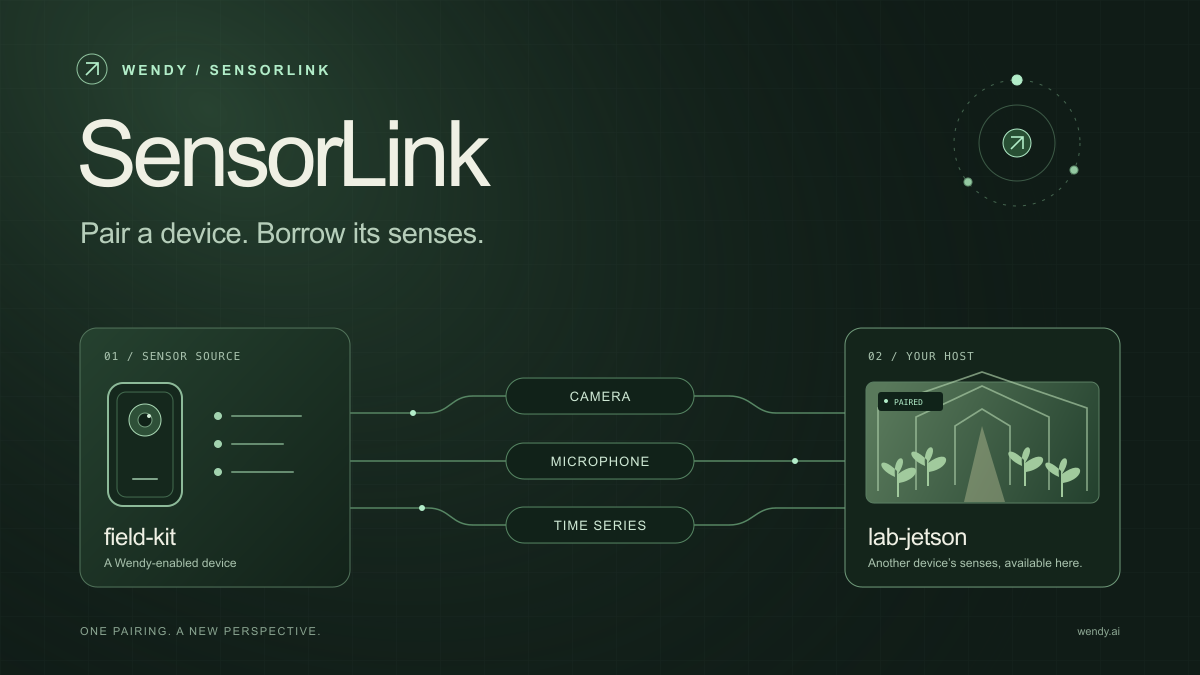
SensorLink: Pair a Device. Borrow Its Senses.
Give your Wendy host the eyes and ears of another device. SensorLink brings cameras, microphones, and a shared model for time-series sensors into a familiar pairing workflow.
Wendy Labs - Wendy Labs Team

Free NVIDIA DGX Spark 3D model
Download our free NVIDIA DGX Spark 3D model as a GLB or an editable Blender scene with studio lighting, materials, and cameras. No signup required.
Wendy Labs - Wendy Labs Team


Start with one device. Close the loop around it.
Use WendyOS on your hardware or add Wendy Agent to an existing Linux or Apple Silicon Mac. Connect sensors, run your code, and carry what you learn into the next release.