WendyOS vs. Docker + ROS 2: Why Containers Alone Don't Ship Robots

Prefer to just try it? Install Wendy below, then run wendy run.
curl -fsSL https://install.wendy.dev/cli.sh | bashRun on the computer where you write code. Installs the Wendy CLI.
Set up your first projectIf you've built anything for a robot, you've probably reached for the obvious stack: Docker to package the app, ROS 2 for the middleware, and a pile of shell scripts to glue it to the hardware. It works on the bench. Then you try to ship it to ten devices in the field, and the cracks show.
Docker was designed to run a container on a server you administer. A robot is not a server - it's an unattended computer with a GPU, a camera, a CAN bus, and no one logged in at 2am when the OTA update fails. This post walks through exactly where the Docker + ROS 2 approach stops, and what WendyOS adds.
The short version
| Concern | Docker + ROS 2 (hand-rolled) | WendyOS |
|---|---|---|
| App packaging | Containers (you build this) | Containers, built in - same OCI images |
| Base-OS updates across a fleet | Not addressed - your problem | Signed A/B image updates with automatic rollback |
| GPU / camera / CAN access | --privileged or manual device mounts | Declared per app in wendy.json, code-signed |
| Per-device identity | Bring your own PKI | Every device gets an mTLS identity at enrollment |
| ROS 2 DDS discovery across containers | Manual network/namespace tuning | DDS-aware tooling built in |
| Deploy loop | Build → push to registry → pull on device | Build locally → stream only changed layers over USB-C or Wi-Fi |
| Works with no internet | No | Yes - deploy over a USB-C cable in host mode |
Where Docker stops
Docker is excellent at the thing it was built for: packaging an app and its dependencies into an image that runs the same everywhere. On a robot, four problems fall outside that box - and each one quietly becomes your job.
1. Updating the base OS across a fleet
A container image doesn't update the kernel, the GPU driver stack, or the bootloader. On a Jetson, those matter enormously. Docker has no concept of "roll the whole device forward to a known-good image, and if it doesn't boot, roll back." You end up scripting Mender, RAUC, or a bespoke A/B scheme yourself - and getting atomic, rollback-safe updates right is a project in itself.
WendyOS ships signed A/B OS updates as a first-class feature: the whole root filesystem is replaced on an inactive slot, health-checked on first boot, and rolled back automatically if it doesn't come up clean. Updates behave like a phone, not like a server you SSH into.
2. Hardware access without --privileged
Giving a container the GPU, a V4L2 camera, an I2C bus, or GPIO usually means --privileged or a fragile list of --device mounts. --privileged hands the container the whole machine - the opposite of what you want on a device in the field.
Consider an internet-connected camera service with a vulnerable image decoder. If a malformed frame gives an attacker code execution inside a privileged container, the breach is no longer limited to the camera process. That code can enumerate other host devices, write to block devices, reconfigure GPIO pins, or send commands over an I2C bus connected to sensors and power controllers. On a robot, the result could be a disabled safety sensor, corrupted system storage, or unexpected actuator behavior. Even without an attacker, a bad device path in a startup script can cause the same kind of damage.
WendyOS makes hardware access declarative and least-privilege. You list what the app needs in wendy.json:
{
  "appId": "camera-detector",
  "entitlements": [
    { "type": "gpu" },
    { "type": "camera" },
    { "type": "network", "mode": "bridge" }
  ]
}
The runtime grants exactly those capabilities - a deny-all device model with explicit allow rules - and nothing else. If the camera service is compromised, it remains confined to the camera, GPU, and network access declared above. The entitlements are code-signed, so an app can't quietly expand its own permissions.
3. Device identity
Docker gives a container a hostname. It doesn't give a robot a cryptographic identity you can trust from the cloud. To reach a fleet securely you need per-device certificates, an enrollment flow, and mutual TLS - another subsystem you'd otherwise build.
Every WendyOS device is issued a certificate at enrollment and speaks mutual TLS by default, so the CLI and cloud can reach it by name without open inbound ports.
4. ROS 2 DDS discovery across containers
ROS 2's DDS discovery assumes nodes can find each other on the network. Put nodes in separate Docker containers with default networking and discovery silently breaks - multicast doesn't cross the bridge, and you're into ROS_DOMAIN_ID, host networking, and custom DDS config. WendyOS ships DDS-aware ROS 2 tooling and network modes designed for this, plus CLI introspection (wendy device ros2 …) for nodes, topics, actions, and bags.
The loop is faster, too
The Docker workflow on a device is: build the image, push it to a registry, then pull it down on the robot. That's two network round-trips through a registry, and on a constrained device the pull is slow.
wendy run builds on your Mac or Linux box and streams only the changed layers to the device over USB-C or Wi-Fi - no registry round-trip, no rebuilding on the robot. In our measurements on a Jetson AGX Orin, a first Python deploy lands in ~18s and subsequent one-line-change redeploys in ~3s. (Compiled languages add a build step; Swift's incremental redeploy was ~30s. Numbers vary with hardware and app size - run it on your own device.)
And because that path works over a direct USB-C cable in host mode, you can develop and deploy even when the edge has no network - a bench, a field site, a faraday-caged lab.
When Docker + ROS 2 is still the right call
To be fair: if you're running a single robot on your desk, you administer it directly, and you're happy managing updates and hardware access by hand, a plain Docker + ROS 2 setup is perfectly reasonable - and you already know it. WendyOS earns its keep when you have more than one device, devices you can't babysit, or a team that wants the deploy loop to feel like shipping a mobile app.
Importantly, it's not either/or under the hood: WendyOS uses OCI containers too. You can bring a Dockerfile or a docker-compose.yml as-is. What changes is everything around the container - the OS updates, the hardware model, the identity, and the loop.
Frequently asked questions
Does WendyOS replace Docker?
No - it uses containers underneath and accepts your existing Dockerfile / Compose files. It adds the OS, hardware, identity, and fleet layers that Docker doesn't cover on a device.
Do I have to rewrite my ROS 2 nodes?
No. ROS 2 apps run as containers with DDS-aware networking, and the CLI can introspect the live ROS 2 graph (wendy device ros2 nodes/topics/echo, bag record/download, Foxglove bridging).
Can I use it on hardware I already have?
Yes. WendyOS is a flashed image for supported boards (NVIDIA Jetson, Raspberry Pi), and wendy-agent brings the same deploy workflow to existing x86 or ARM64 Linux machines with no OS swap.
How do updates roll back if they fail?
Updates install to an inactive A/B slot and health-check on first boot. A slot that doesn't boot clean is rolled back automatically to the previous image.
Keep comparing: WendyOS vs. Ubuntu + JetPack · WendyOS vs. balena · WendyOS vs. Mender / RAUC. Or install the CLI and read how an MIT roboticist went from 3.5 hours of Jetson setup to a 3-minute deploy.
Related post
Expand your knowledge with these hand-picked posts.
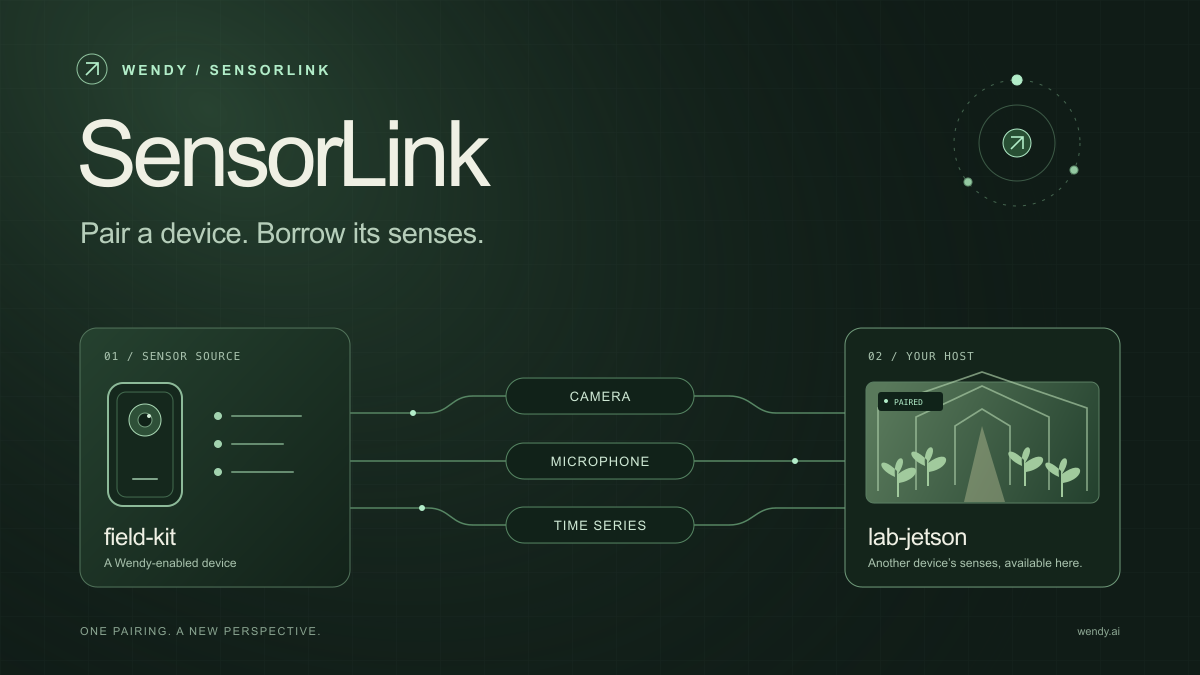
SensorLink: Pair a Device. Borrow Its Senses.
Give your Wendy host the eyes and ears of another device. SensorLink brings cameras, microphones, and a shared model for time-series sensors into a familiar pairing workflow.
Wendy Labs - Wendy Labs Team

Free NVIDIA DGX Spark 3D model
Download our free NVIDIA DGX Spark 3D model as a GLB or an editable Blender scene with studio lighting, materials, and cameras. No signup required.
Wendy Labs - Wendy Labs Team


Start with one device. Close the loop around it.
Use WendyOS on your hardware or add Wendy Agent to an existing Linux or Apple Silicon Mac. Connect sensors, run your code, and carry what you learn into the next release.