WendyOS vs. Mender & RAUC: OTA Is a Feature, Not a Platform
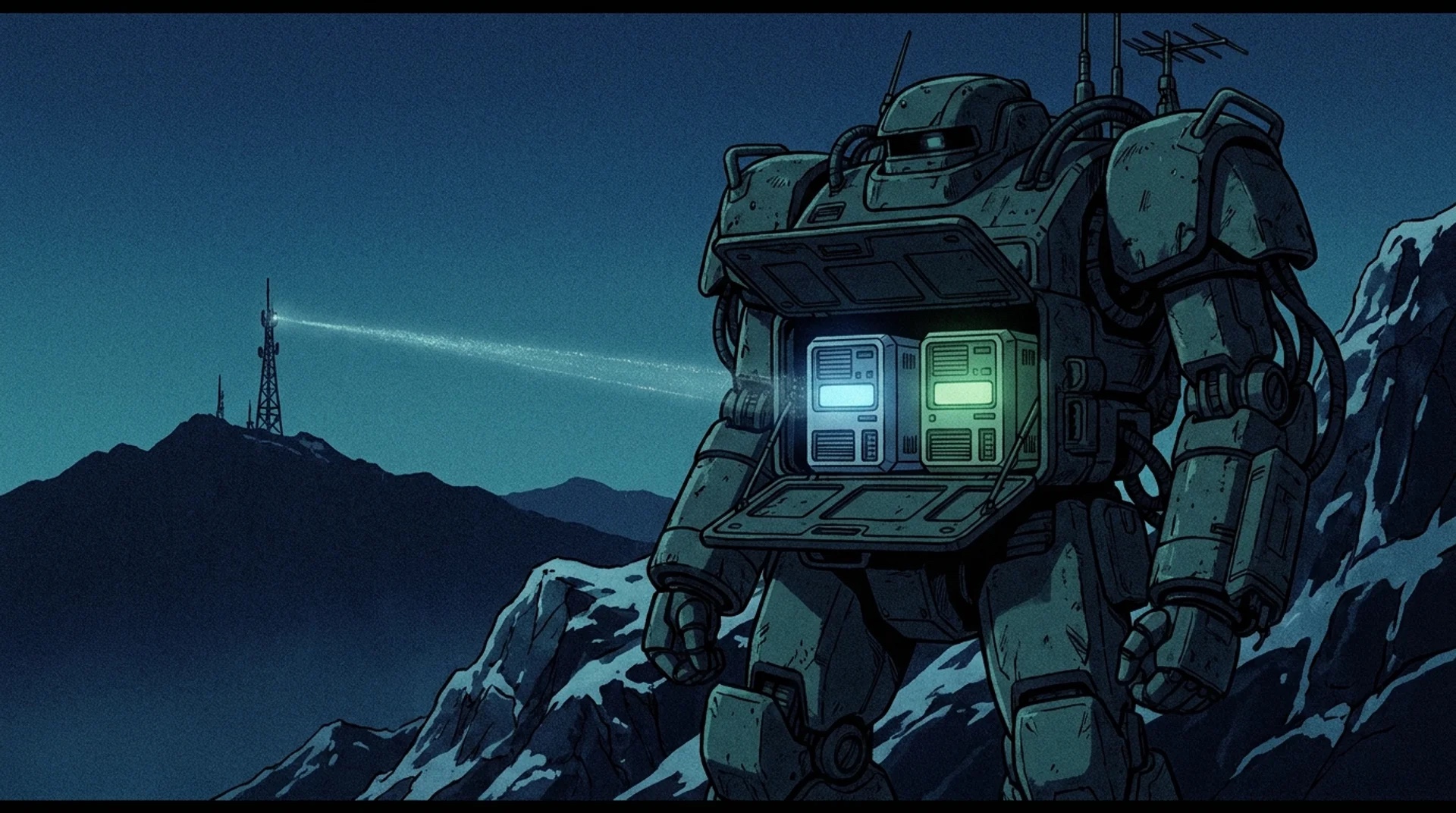
We didn't just compare these. We shipped on Mender, then built our own A/B updater. Install the Wendy CLI below, then run wendy os update on a WendyOS device to try the update loop.
curl -fsSL https://install.wendy.dev/cli.sh | bashRun on the computer where you write code. Installs the Wendy CLI.
Set up your first projectMender and RAUC are two of the best-known OTA update options for embedded Linux. If you need robust, rollback-safe A/B updates on a custom Yocto image, they are proven tools worth considering.
They are not identical products. RAUC is a composable update framework. Mender combines an update client with fleet management and optional application updates. WendyOS approaches OTA as one part of operating a complete robotics or Physical AI system.
The quick decision: Choose RAUC when you want an update framework you can compose into your own stack. Choose Mender when you want an established OTA product with fleet management. Choose WendyOS when OS updates need to share one workflow with app deployment, hardware access, device identity, and robotics tooling.
First: what does OTA mean?
OTA stands for over-the-air update. It means replacing software on a deployed device through its network connection instead of plugging in a keyboard, opening an SSH session, or physically reflashing its storage. For WendyOS, an OTA update replaces the device's base operating-system image: the root filesystem, system services, and platform software underneath your application containers.
This is separate from wendy run. Use wendy run to deploy a new version of an app container during normal development. Use wendy os update when the device itself needs a new WendyOS release, such as a kernel, driver, container-runtime, security, or board-support update.
What happens during an update?
WendyOS keeps two root-filesystem slots, usually described as A and B. One slot is running while the other is inactive.
- The device downloads the update and writes it to the inactive slot. The currently running OS is not overwritten.
- The device reboots into the updated slot, but does not mark it permanent yet.
- The Wendy agent waits for critical services such as networking, device discovery, and the container runtime to become healthy.
- If every check passes, the updater commits the new slot. If a critical service fails, it selects the previous slot and reboots again.
That last step is the difference between merely installing an image and safely adopting it. An image becomes the new known-good OS only after it has booted and proved that the device remains manageable.
What if the power runs out during OTA?
The answer depends on when power is lost, but the A/B layout is designed to preserve a bootable recovery path.
- During the download or while writing the inactive slot: the active slot is still untouched. When power returns, the device can boot the last committed OS, and the interrupted update can be retried.
- After the new slot is staged but before it is committed: the update remains unconfirmed. On the next boot, WendyOS either boots the new slot and runs the health checks or lets the bootloader fall back to the previous slot if the new one cannot boot successfully.
- After health checks pass and the slot is committed: the new OS is now the known-good version and boots normally.
A power cut is not, by itself, treated as proof that the new OS is bad. The important rule is that WendyOS never commits a slot that has not completed a successful boot and health check. The previous slot stays available until that happens.
What rollback does not undo
A/B rollback protects the operating-system slots. It does not automatically reverse every change made outside the root filesystem. Persistent application data, database schemas, cloud-side state, shared storage, and firmware on a separate peripheral may survive even when the OS returns to its previous slot.
Consider a robot whose new application migrates a persistent database from schema version 4 to version 5. If the new OS fails its health check and rolls back, the old application may boot against a database it no longer understands. The OS recovered, but the system still cannot operate correctly.
Treat OS rollback as one layer of recovery. Keep persistent-data migrations backward-compatible, separate peripheral firmware from the OS transaction unless it has its own recovery path, and test the entire application against both the old and new slot before a fleet rollout.
How does a device know when to update?
It does not silently choose a release and install it on its own. An operator or fleet-management service explicitly starts the update. Today, the direct command is:
wendy os updateThe CLI connects to the selected device and sends a remote UpdateOS request to its Wendy agent. By default it uses the device type to resolve the latest stable artifact, compares that release with the installed version, and exits without changing anything if the device is already current. You can deliberately select a nightly build, a specific artifact URL, or a local artifact instead:
wendy os update --nightly
wendy os update --artifact-url https://example.com/update.wendy
wendy os update ./update.wendy
For fleets, Wendy Cloud is the management layer intended to trigger and observe remote rollouts across selected devices. It is currently in preview. The safety decision still happens on each device: download to the inactive slot, boot it, health-check it, and commit or roll back locally.
What should an operator see?
An update workflow should answer four questions without requiring an SSH session:
- Which version is installed now, and which version is being staged?
- Has the artifact finished downloading and writing to the inactive slot?
- Did the updated slot boot and pass its health checks?
- Was the update committed, skipped, interrupted, or rolled back?
The direct wendy os update command reports the operation to the person running it. For fleet rollouts, the same outcome needs to remain visible after a device reconnects so an operator can distinguish a successful update from a recovered failure.
What each tool actually is
- RAUC is an open-source update framework. It defines a bundle format and handles A/B slot switching with bootloaders such as U-Boot, GRUB, and systemd-boot. It has no built-in server or fleet management, so you connect it to your own infrastructure.
- Mender is an OTA system: a client, artifact format, delta updates, and fleet server with open-source and commercial options. Mender also supports application, package, file, and container payloads through Update Modules.
- WendyOS is a full edge platform. Its in-house
wendyos-updateengine handles signed A/B rootfs updates with automatic rollback alongside container deploys, hardware entitlements, per-device identity, mesh networking, and telemetry.
The short version
| Concern | RAUC | Mender | WendyOS |
|---|---|---|---|
| A/B OS update + rollback | Yes (framework) | Yes | Yes (wendyos-update) |
| Fleet server / rollouts | Bring your own | Yes | Yes (Wendy Cloud, preview) |
| Application updates | Build your own integration | Yes, through Update Modules | Yes, through app containers |
| Local build, deploy, and log loop | Bring your own | Artifact-based workflow | Built in (wendy run) |
| Hardware access model | Out of scope | Out of scope | Declarative code-signed entitlements |
| Per-device identity (mTLS) | Out of scope | Device auth | Built in at enrollment |
| ROS 2 / robotics tooling | No | No | Yes |
| Local, offline development | Bring your own | Not its primary workflow | Yes (USB-C host mode) |
Mender's scope is broader than OS updates alone. Its official product overview also describes device configuration, troubleshooting, monitoring, and application updates. The key distinction is workflow: Mender delivers versioned artifacts to devices, while WendyOS connects OS updates to the same local-first platform used to build, deploy, inspect, and operate robotics applications.
We've been on the other side of this
This isn't a theoretical comparison. Earlier WendyOS builds used Mender for OS updates. We moved to our own wendyos-update engine to get the board-aware behavior we needed for robotics hardware: pluggable connectors for NVIDIA Jetson (UEFI capsule and nvbootctrl boot-chain switching) and Raspberry Pi (U-Boot environment), seekable-zstd update artifacts for ranged downloads, and health-check hooks with honest failure reporting. Mender is a fine tool; our needs simply outgrew a general-purpose updater.
How signed updates fit into the safety model
A/B slots protect against an update that cannot boot. Artifact verification protects against installing an update that should never have been trusted in the first place. WendyOS update artifacts are signed and verified before adoption. If verification fails, the device must reject the artifact rather than write it into the boot path.
Signing does not replace transport security, access control, or rollback. It complements them. A production update system needs all four: an authenticated operator, a verifiable artifact, an atomic installation path, and a health-checked commit decision on the device.
The real question: is OTA all you need?
If your project is a custom embedded Linux image and the only gap is "how do I update it safely in the field," then RAUC or Mender is the right, focused answer. Reach for them, and don't overbuild.
But most teams shipping Physical AI need more than the update mechanism:
- How do I deploy and iterate on the app itself? Mender can distribute application and container payloads through Update Modules, but it is an artifact-oriented fleet workflow. It does not provide the same
wendy runloop that builds locally, deploys an app container, and connects development logs and device tooling in one command. - How do apps get the GPU or camera safely? That's a runtime/OS concern, not an OTA one. WendyOS answers it with declarative, code-signed entitlements.
- How does the fleet trust each device? WendyOS issues each device a certificate at enrollment and speaks mutual TLS by default.
- How do I see what's happening? WendyOS streams logs, metrics, and traces (OpenTelemetry) from the field.
With RAUC you assemble those layers yourself. Mender supplies more of the OTA operations layer, with optional device-management features. WendyOS ships the update mechanism as part of a platform designed around application development and robotics hardware.
How to roll out an update without betting the fleet
Automatic rollback limits the damage on one device. It does not make an untested fleet-wide release safe. A practical rollout should move through progressively larger groups:
- Install the artifact on representative lab hardware and test cold boots, network loss, and power interruption.
- Update a small canary group that covers every supported board and hardware configuration.
- Observe health checks, application behavior, reconnect time, and rollback outcomes before expanding the rollout.
- Roll out in batches during an appropriate maintenance window, with enough free storage and bandwidth for the artifact.
- Pause when failure rates or device behavior cross the threshold your team defined before the rollout.
Wendy Cloud's fleet rollout experience is currently in preview. Until that workflow is generally available, treat the direct CLI command as an explicit device operation and build staged rollout policy into your operating process.
When Mender or RAUC is the right call
Choose RAUC when you have a mature build system, want a lightweight update framework you fully control, and plan to assemble the surrounding infrastructure yourself. Choose Mender when you want an established OTA product with fleet management, application Update Modules, and commercial operational features. Choose WendyOS when you want the whole deploy-and-operate loop for a robotics fleet, with OTA integrated into app deployment, hardware access, identity, and observability.
Frequently asked questions
Does WendyOS use Mender or RAUC under the hood?
No longer. Earlier builds used Mender; current WendyOS uses its own wendyos-update A/B engine with board-specific connectors for Jetson and Raspberry Pi.
Can I keep my existing RAUC/Mender setup and just use Wendy for app deploys?
On a supported board, WendyOS is the OS image (with its own updater). On a general Linux machine you already run, wendy-agent adds the app-deploy workflow without changing your OS update mechanism.
How does WendyOS rollback compare?
Updates install to an inactive A/B slot and only commit after a health-checked boot; a slot that fails rolls back automatically to the last-good image - the same guarantee RAUC/Mender provide for the OS layer, built into the platform.
Keep comparing: WendyOS vs. Docker + ROS 2 · WendyOS vs. Ubuntu + JetPack · WendyOS vs. balena. Or install the CLI and run an update yourself.
Related post
Expand your knowledge with these hand-picked posts.
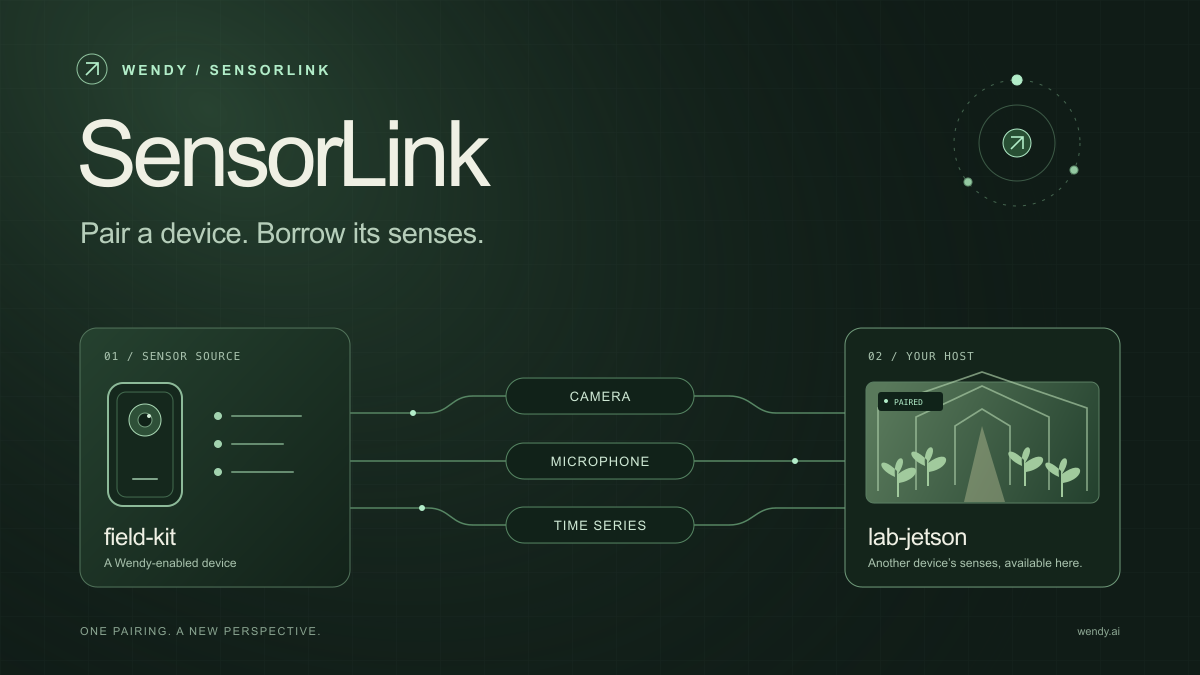
SensorLink: Pair a Device. Borrow Its Senses.
Give your Wendy host the eyes and ears of another device. SensorLink brings cameras, microphones, and a shared model for time-series sensors into a familiar pairing workflow.
Wendy Labs - Wendy Labs Team

Free NVIDIA DGX Spark 3D model
Download our free NVIDIA DGX Spark 3D model as a GLB or an editable Blender scene with studio lighting, materials, and cameras. No signup required.
Wendy Labs - Wendy Labs Team


Start with one device. Close the loop around it.
Use WendyOS on your hardware or add Wendy Agent to an existing Linux or Apple Silicon Mac. Connect sensors, run your code, and carry what you learn into the next release.