WendyOS vs. balena: Fleet Containers, Now Built for Physical AI
Want to compare them hands-on? Install Wendy below, then run wendy run.
curl -fsSL https://install.wendy.dev/cli.sh | bashRun on the computer where you write code. Installs the Wendy CLI.
Set up your first projectIf you've researched deploying containers to a fleet of edge devices, you've met balena. It's the platform that popularized the idea: a container-based host OS (balenaOS), a cloud for managing devices (balenaCloud), and a balena push workflow. It's mature, well-documented, and a genuinely good fit for a lot of IoT.
WendyOS shares balena's core thesis - containers + fleets + updates-like-a-phone - but is built for a different center of gravity: robots and Physical AI. If your devices have GPUs, cameras, ROS 2 nodes, and actuators, the differences below matter.
The short version
| Concern | balena | WendyOS |
|---|---|---|
| Container fleet model | Yes - the category creator | Yes - same OCI images |
| Primary focus | General IoT / connected devices | Robotics & Physical AI (GPU, vision, ROS 2) |
| GPU (CUDA / TensorRT) | Works, but not the focus | First-class; declared entitlement, NVIDIA userspace provided |
| ROS 2 / DDS tooling | Not built in | Built in (wendy device ros2 …, Foxglove bridge) |
| Build & deploy loop | balena push builds in the cloud, then pulls | Builds locally, streams only changed layers over USB-C / Wi-Fi |
| Works with no internet | Local mode exists; cloud is the default path | Yes - deploy over a USB-C cable in host mode |
| Hardware access | Commonly privileged containers | Declarative, code-signed entitlements (least privilege) |
| Licensing | balenaOS open; balenaCloud is a paid product | Apache 2.0 open source; Wendy Cloud in preview |
Where the two align
Credit where due: balena got a lot right, and WendyOS agrees with it.
- Containers are the right unit for shipping edge apps. Both use OCI images; both let you bring a
Dockerfile. - Fleets need a management plane and remote updates that don't require SSHing into each box.
- Updates should be atomic and safe, not in-place
apton a device you can't reach.
If your workload is a general IoT app - a gateway, a kiosk, a sensor hub on a Raspberry Pi - balena is a proven, mature choice and you'll be well served.
Where WendyOS diverges - and why
1. It's built for robotics hardware, not general IoT
WendyOS treats the GPU, cameras, and robotics buses as first-class. GPU access is a declared entitlement that provisions the NVIDIA userspace for CUDA/TensorRT workloads; camera (V4L2), audio, I2C, SPI, GPIO, and serial are all declarable. On balena you can reach this hardware, but you're often doing it through privileged containers and manual device configuration - it isn't the platform's focus.
2. ROS 2 and DDS are built in
Physical AI usually means ROS 2. WendyOS ships DDS-aware networking plus CLI introspection - list nodes and topics, echo messages, record and download bags, and bridge a live ROS 2 graph into Foxglove Studio over the device connection. balena has no robotics-specific tooling; that layer is yours to assemble.
3. A local build-and-stream loop, offline-friendly
balena's default path is balena push: your code goes to balenaCloud, gets built there, and the device pulls the result. It's clean, but it's a cloud round-trip. WendyOS builds on your machine and streams only the changed layers to the device over USB-C or Wi-Fi - no cloud build step, and it works with no internet at all (a direct USB-C cable in host mode). On a bench or a field site, that's the difference between iterating and waiting.
4. Least-privilege hardware access
Instead of privileged containers, WendyOS uses declarative, code-signed entitlements:
{
  "appId": "yard-inspector",
  "entitlements": [
    { "type": "gpu" },
    { "type": "camera" },
    { "type": "network", "mode": "bridge" }
  ]
}
The runtime grants exactly those devices - a deny-all model with explicit allow rules - so an app can't quietly reach the rest of the machine.
5. Apache 2.0, end to end
balenaOS is open, but balenaCloud is a commercial product with usage tiers. WendyOS is Apache 2.0 open source - the OS, the agent, and the CLI - with Wendy Cloud as an optional managed layer (in preview). If avoiding platform lock-in matters to you, that's a real difference.
When balena is the better fit
If you're shipping general-purpose IoT - no GPU, no ROS 2, no robotics I/O - and you want a mature, batteries-included cloud with a large ecosystem today, balena is an excellent, battle-tested choice. WendyOS is the stronger pick when your fleet is robots, cameras, and AI accelerators, when you need the offline local loop, or when you want an Apache-2.0 foundation.
Frequently asked questions
Can I migrate a balena project to WendyOS?
Largely, yes - both run OCI containers, so your Dockerfile carries over. You'd swap balena push for wendy run, and replace privileged device access with declared entitlements in wendy.json.
Does WendyOS have a cloud like balenaCloud?
Wendy Cloud (in preview) provides fleet reach, remote deploys, and telemetry, with devices dialing out over mutual TLS - no inbound ports. The core OS/agent/CLI are usable fully offline without it.
Is WendyOS only for NVIDIA Jetson?
No. It's a flashed image for supported boards (Jetson, Raspberry Pi today), and wendy-agent brings the same workflow to existing x86/ARM64 Linux machines with no OS swap.
Keep comparing: WendyOS vs. Docker + ROS 2 · WendyOS vs. Ubuntu + JetPack · WendyOS vs. Mender / RAUC. Or install the CLI and try it.
Related post
Expand your knowledge with these hand-picked posts.
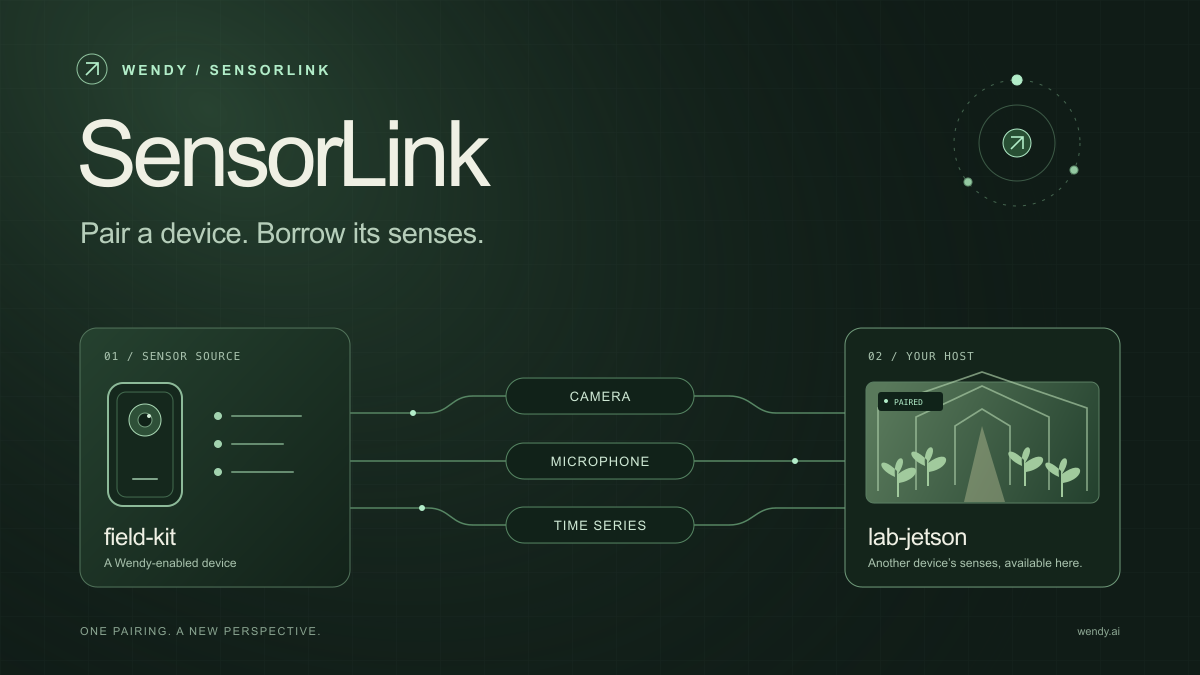
SensorLink: Pair a Device. Borrow Its Senses.
Give your Wendy host the eyes and ears of another device. SensorLink brings cameras, microphones, and a shared model for time-series sensors into a familiar pairing workflow.
Wendy Labs - Wendy Labs Team

Free NVIDIA DGX Spark 3D model
Download our free NVIDIA DGX Spark 3D model as a GLB or an editable Blender scene with studio lighting, materials, and cameras. No signup required.
Wendy Labs - Wendy Labs Team


Start with one device. Close the loop around it.
Use WendyOS on your hardware or add Wendy Agent to an existing Linux or Apple Silicon Mac. Connect sensors, run your code, and carry what you learn into the next release.