Swift for Robots, Drones, and Edge AI
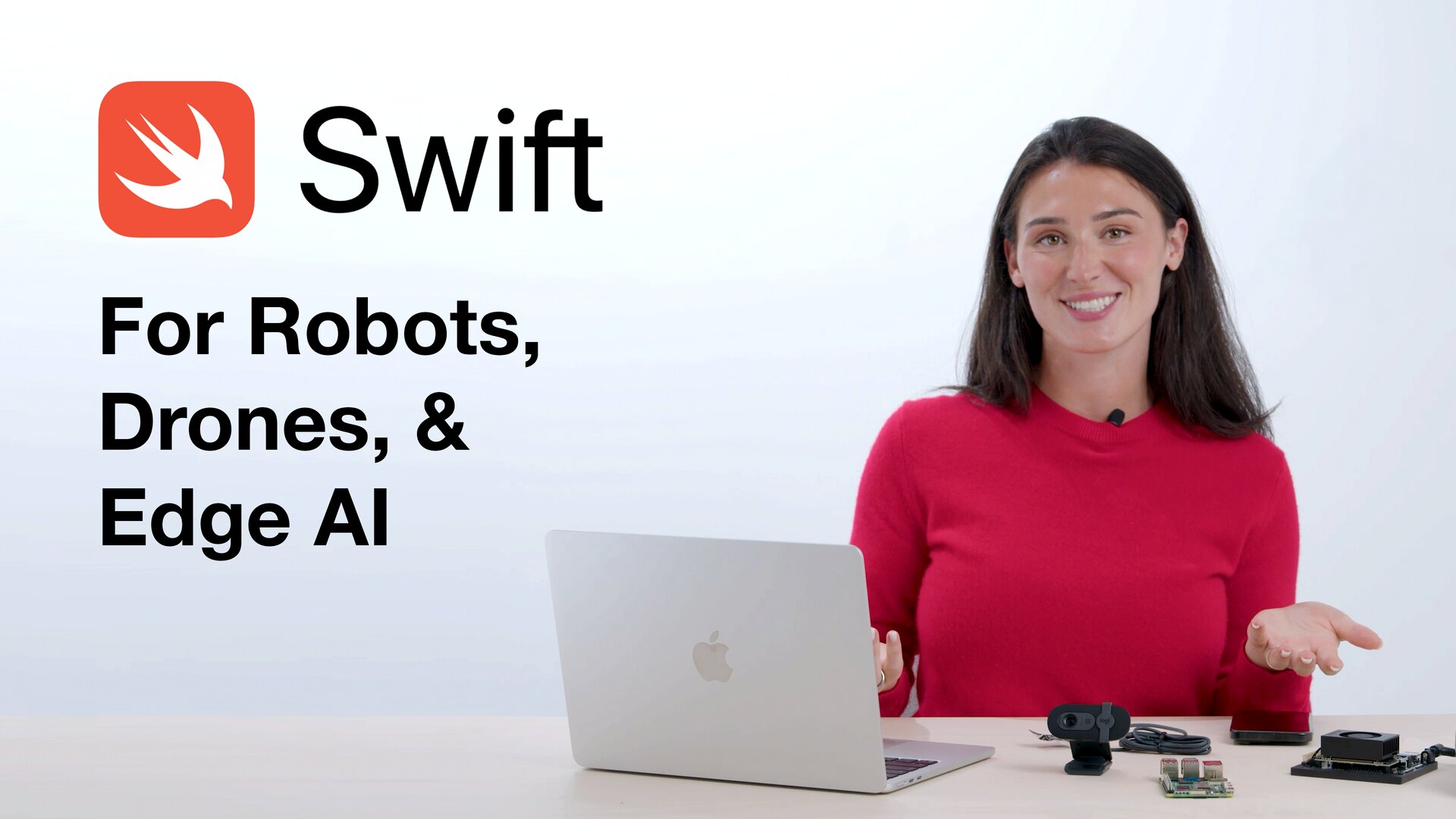
Join our Discord community to connect with other developers building Physical AI with WendyOS.
Swift is the primary language for building iOS, macOS, and other Apple platforms, but did you know you can use it to build Linux applications for robotics, edge computing, and Physical AI too?
In this post we'll show why Swift and WendyOS are a powerful combination for robotics, autonomous systems, and edge computing projects, and scaffold a full-stack Swift app with a React frontend and a Hummingbird backend in a single command.
TL;DR: one command
Once you have a Raspberry Pi 5 or an NVIDIA Jetson Orin Nano set up with WendyOS, the wendy CLI scaffolds the whole project:
mkdir wendyos-swift-app && cd wendyos-swift-app

wendy init \
  --target wendyos \
  --template fullstack \
  --language swift \
  --git-init yes \
  --assistant skip
Then plug your device into your Mac over USB-C and run:
wendy runThat's it. You have a full-stack app with a React frontend and a Swift + Hummingbird backend running on your device. The rest of this post walks through the interactive flow and explains why Swift belongs at the edge.
Scaffold it interactively
If you'd rather be walked through it, the wizard handles everything. First create a directory and cd into it:
mkdir wendyos-swift-app && cd wendyos-swift-appThen start the template wizard:
wendy init --templateThe CLI will ask you a few questions:
- Target platform: select WendyOS
- Template: select fullstack
- Language: select Swift
- Use the current directory?: say yes
- Initialize a git repository?: say yes
A few seconds later your project is scaffolded:
Scaffolded swift project from template "fullstack"
  Directory: wendyos-swift-app/
  APP_ID: wendyos-swift-app
  PORT: 6001

Your project is ready!
Next steps:
  wendy run
Now make sure your WendyOS Pi 5 or Jetson is plugged into your MacBook over USB-C, and run:
wendy runwendy run cross-builds the container image, ships it to your device over USB-C, brings the container up, and opens your browser to the live app. You don't even need a webcam to get started, though it's great for showing off vision-AI projects.
What you get out of the box
The fullstack Swift template is a real application, not a hello-world. The backend is built with Hummingbird (with WebSocket support) and ships with:
- SQLite persistence via GRDB, mounted on a persistent
/datavolume - Device & Bluetooth discovery
- A live camera feed (MJPEG, powered by GStreamer)
- Audio capture, GPU info, and system stats endpoints
The frontend is a modern React + Vite app with ready-made pages for camera, audio, GPU, persistence, and system info, wired to the Swift backend and served by the same process. The generated wendy.json already requests the right entitlements (network, camera, audio, gpu, and persist), so everything just works on device.
Take a look at the source or visit the documentation to customize this app for your next Physical AI project.
Why Swift for robotics and edge AI?
A lot of developers still think of Swift as an Apple-only language. But Swift has become an incredible systems and application language for far more than that. On WendyOS, you can use Swift to build software for devices like NVIDIA Jetson and Raspberry Pi while keeping the language ergonomics that made Swift so popular in the first place.
First-class C and C++ interop
So many important libraries in robotics, AI, and systems programming are written in C or C++: camera SDKs, sensor libraries, networking stacks, media frameworks, inference runtimes, and hardware interfaces. Traditionally, working with those ecosystems means introducing complicated foreign-function interfaces, wrappers, or third-party dependency layers that make projects harder to maintain.
Swift has excellent interoperability with C, and with Swift 6.3 the C++ story keeps getting better. Swift 6.2 and 6.3 made native interop safer, with Span-style APIs for safer C++ integration, plus new C interop features like @c and @implementation that make it easier to mix Swift directly with existing C and C++ codebases. You get the safety, readability, and modern developer experience of Swift while still taking advantage of the huge world of proven native libraries underneath, without building your whole application around fragile FFI glue.
Here's what that looks like on a robot: a plain C IMU driver and a C++ object detector, both consumed directly from Swift 6.3, with no FFI wrappers and no bridging headers you hand-maintain. The Swift on the left calls the C and C++ on the right as if they were native Swift APIs.
import Robotics   // one module exposing imu.h + Detector.hpp

// The C driver is imported as plain Swift functions.
let imu = imu_open("/dev/i2c-1")
var sample = IMUSample()
imu_read(imu, &sample)
print("accel:", sample.ax, sample.ay, sample.az)

// The C++ class is used as a native Swift value, no wrapper layer.
let detector = Detector(std.string("yolov8.engine"))

for frame in camera.frames() {
    // Swift 6.3 bridges a Swift Span to std::span<const uint8_t>.
    let objects = detector.detect(frame.bytes.span)
    for object in objects where object.confidence > 0.5 {
        print(String(object.label), object.confidence)
    }
}// A plain C sensor driver, the kind every SDK ships.
typedef struct {
float ax, ay, az; // accelerometer
float gx, gy, gz; // gyroscope
} IMUSample;
int imu_open(const char *bus); // open the I2C bus
int imu_read(int fd, IMUSample *out); // read one sample// A C++ inference wrapper, STL types and all.
#include <span>
#include <string>
#include <vector>
struct Detection {
std::string label;
float confidence;
};
class Detector {
public:
explicit Detector(std::string modelPath);
std::vector<Detection> detect(std::span<const uint8_t> frame) const;
};Performance and resource efficiency
Robotics and autonomous systems are domains where software quality really matters. Swift's low-cost abstractions let you write expressive code without paying the overhead you might expect from a high-level language. You can build applications that are memory-safe, structured, and maintainable while still staying close enough to the metal for performance-sensitive workloads.
And on edge devices, performance isn't just about speed; it's about resources. CPU and memory are finite, especially on embedded systems running multiple services at once. Compared with the average Python application, Swift often uses dramatically less memory with far more predictable runtime characteristics. That makes a real difference when you're fitting perception, networking, control loops, and device services onto a single machine.
Concurrency built for networked systems
Swift's modern concurrency model makes it powerful for building responsive network applications. async/await, structured concurrency, actors, and clear data-isolation rules make it easier to write software that handles streams, devices, cloud connections, and parallel workloads, without becoming a tangled mess of callbacks or fragile thread management.
Think bigger than Apple apps
If you've only thought of Swift as a language for Apple apps, it may be time to think bigger. With WendyOS, Swift becomes a serious option for building the next generation of robotics, autonomous systems, edge AI, and industrial applications.
This is just the beginning of what we're building at Wendy. If you're interested in writing Swift for real-world Physical AI systems, read the docs and get started today.
Related post
Expand your knowledge with these hand-picked posts.
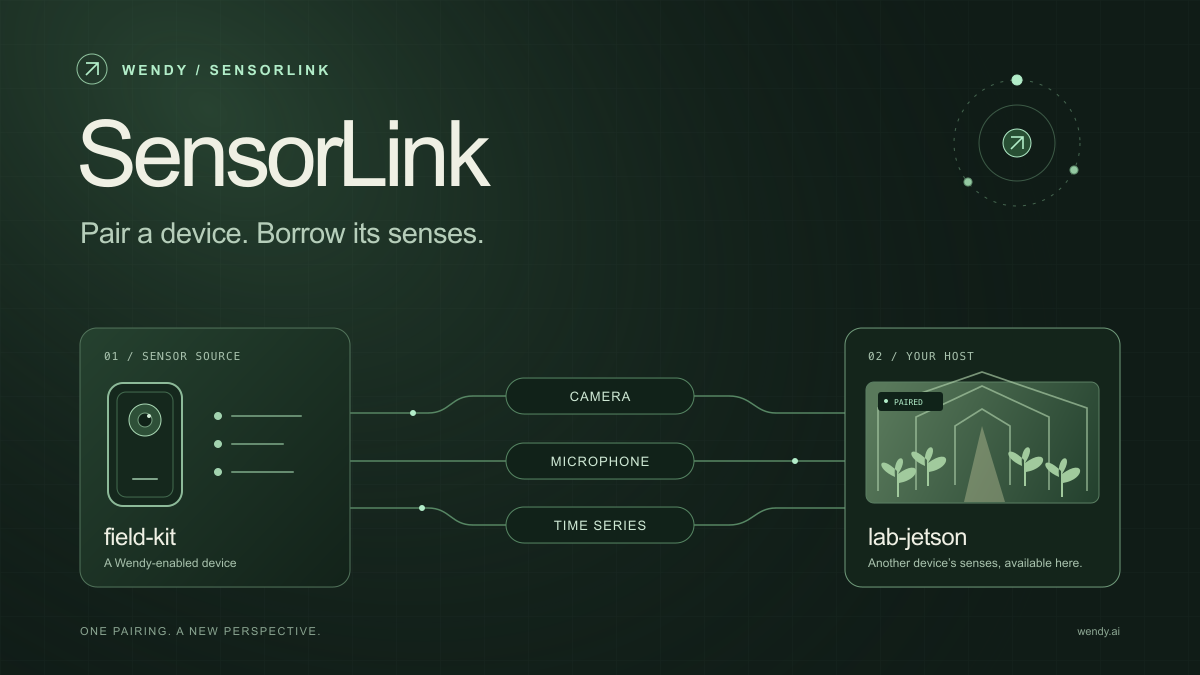
SensorLink: Pair a Device. Borrow Its Senses.
Give your Wendy host the eyes and ears of another device. SensorLink brings cameras, microphones, and a shared model for time-series sensors into a familiar pairing workflow.
Wendy Labs - Wendy Labs Team
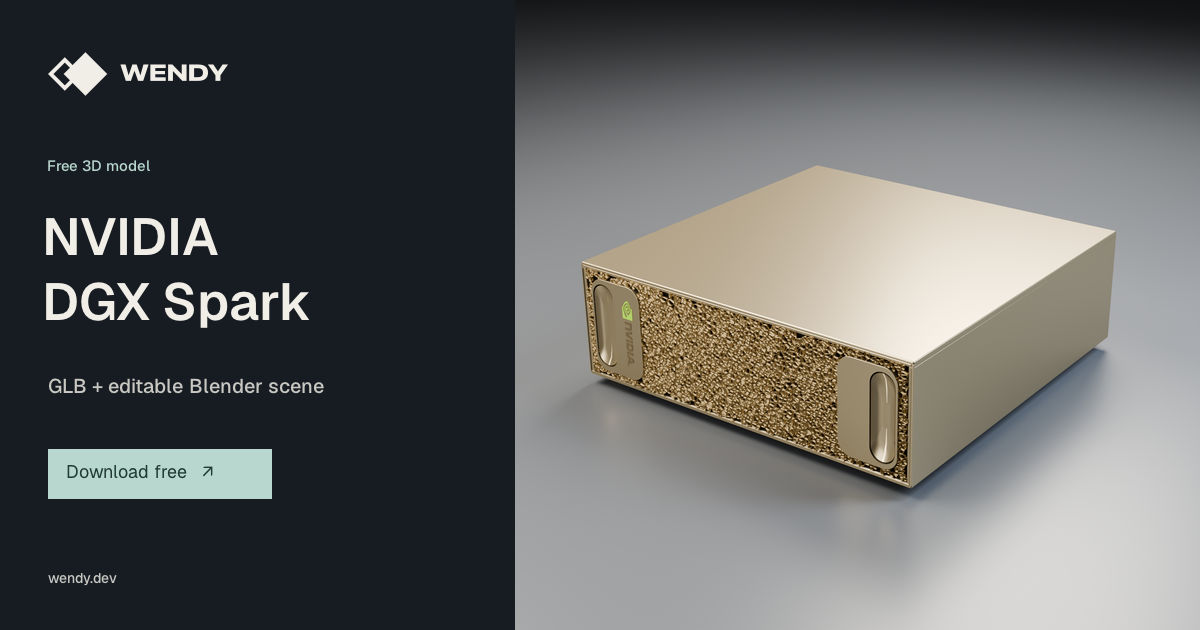
Free NVIDIA DGX Spark 3D model
Download our free NVIDIA DGX Spark 3D model as a GLB or an editable Blender scene with studio lighting, materials, and cameras. No signup required.
Wendy Labs - Wendy Labs Team
Start with one device. Close the loop around it.
Use WendyOS on your hardware or add Wendy Agent to an existing Linux or Apple Silicon Mac. Connect sensors, run your code, and carry what you learn into the next release.