Wendy Now Supports Raspberry Pi
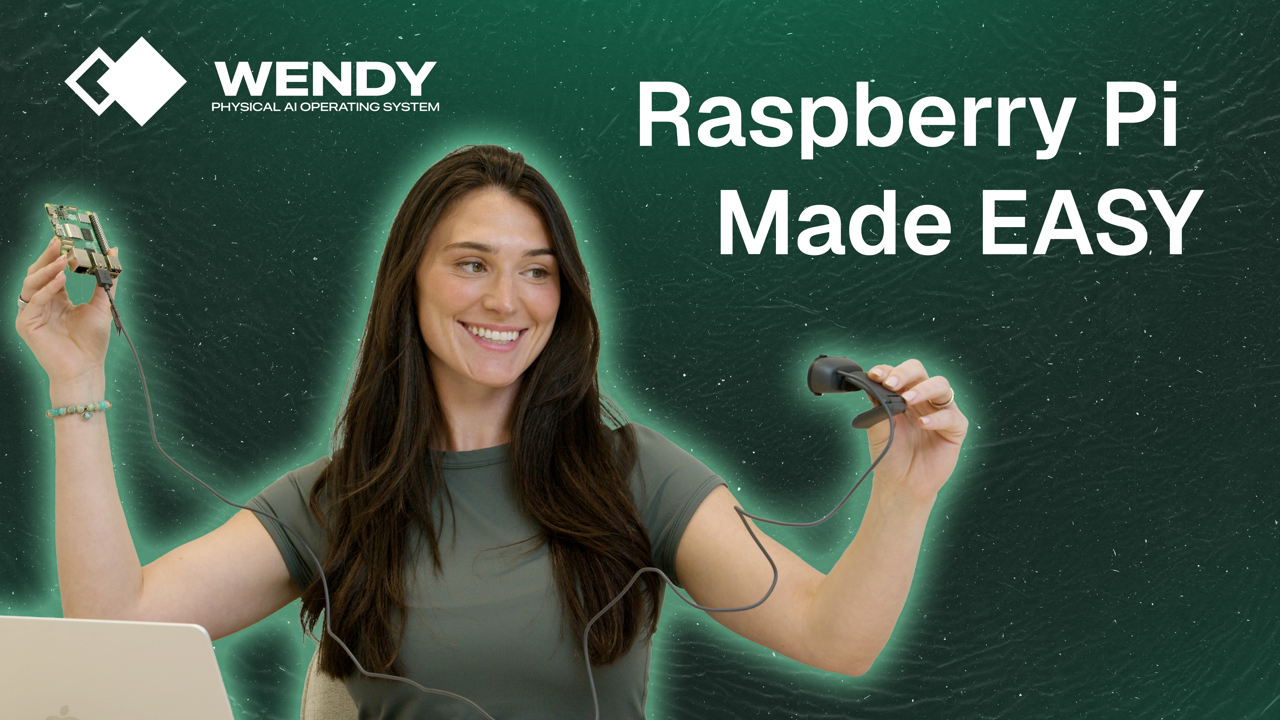
We've always believed that building for the physical world shouldn't feel like a step back in time. If you can deploy a mobile app with a single click, why should deploying to a robot, a sensor array, or a smart gateway be any different?
Today, we're taking a massive leap toward that reality. Wendy now officially supports Raspberry Pi. Every developer interested in home automation, a private server, or robotics has at some point bought a Pi. But maybe a Pi wasn't fleshed out enough. Now you can deploy apps seamlessly with breakpoints, logging, and more with a simple Wendy CLI command.
Wendy is now the easiest way to bridge the gap between your code and the physical world.
Why Raspberry Pi?
The Raspberry Pi has long been the backbone of the maker community and a staple in professional prototyping. By bringing Wendy to the Pi, we're giving developers the power to move from "it works on my desk" to "it's deployed in the field" in seconds -- not hours.
Getting Started in 2 Minutes
We've stripped away the complexity of SSH tunneling, manual file transfers, and environment head-scratchers. Here is how you get moving:
1. Prep Your Pi
If you have a Raspberry Pi running Raspberry Pi OS, just run this command in your terminal to install the Wendy Agent:
/bin/bash -c "$(curl -fsSL https://install.wendy.sh/agent.sh)"2. Create Your App
On your local developer machine, use the Wendy CLI to bootstrap your project.
/bin/bash -c "$(curl -fsSL https://install.wendy.sh/cli.sh)"We play nice with the languages you already love -- Python, Swift, and many more.
wendy init my-physical-ai-app3. The "Magic" Moment
When you're ready to see your code come to life, just run:
wendy runThe Developer Experience You Deserve
If you've ever developed for iOS or Android, wendy run will feel instantly familiar.
Hot Reloading and Breakpoints: Debugging Physical AI shouldn't be a guessing game. Set your breakpoints in your IDE, run the command, and watch your Pi execute your logic in real-time.
Language Agnostic: Use the best tool for the job. Whether it's the high-level ease of Python or the performance of Swift, Wendy handles the heavy lifting of the deployment pipeline.
One Command to Rule Them All: No more manual rsync or complex Docker pushes for every minor change.
What Will You Build?
The barrier between "Software" and "Physical" just got a lot thinner. We can't wait to see what you create with Wendy and Raspberry Pi.
Ready to ship? Head over to our documentation to install the agent and start your first project.
Related post
Expand your knowledge with these hand-picked posts.
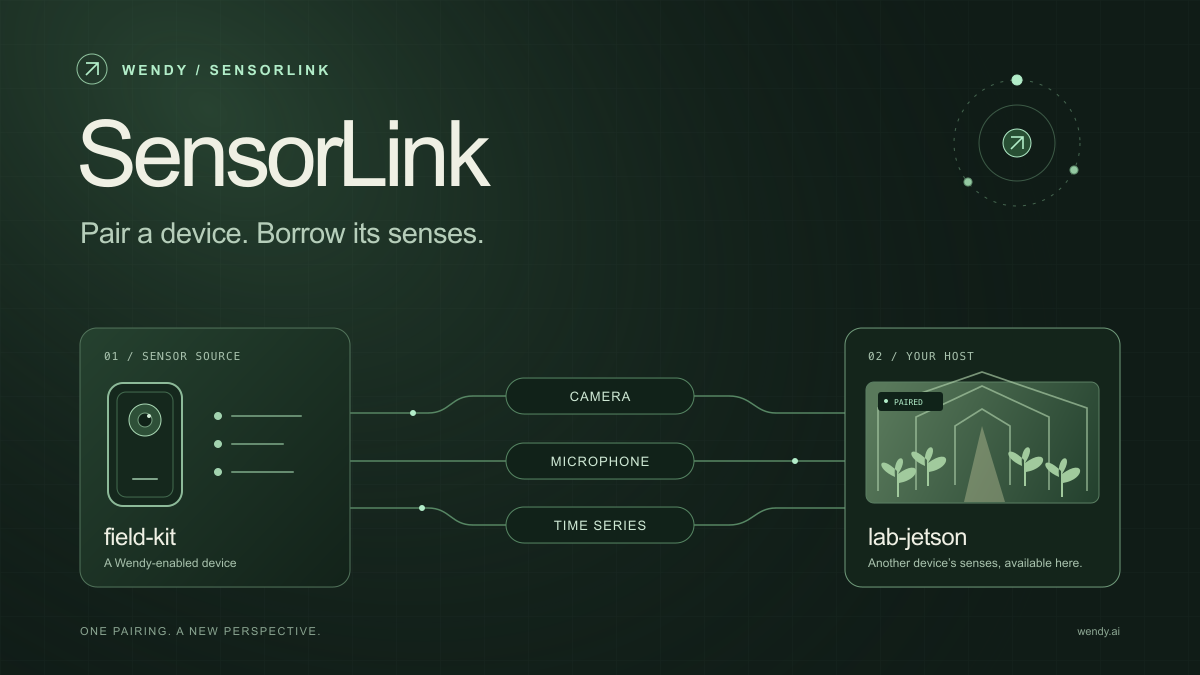
SensorLink: Pair a Device. Borrow Its Senses.
Give your Wendy host the eyes and ears of another device. SensorLink brings cameras, microphones, and a shared model for time-series sensors into a familiar pairing workflow.
Wendy Labs - Wendy Labs Team
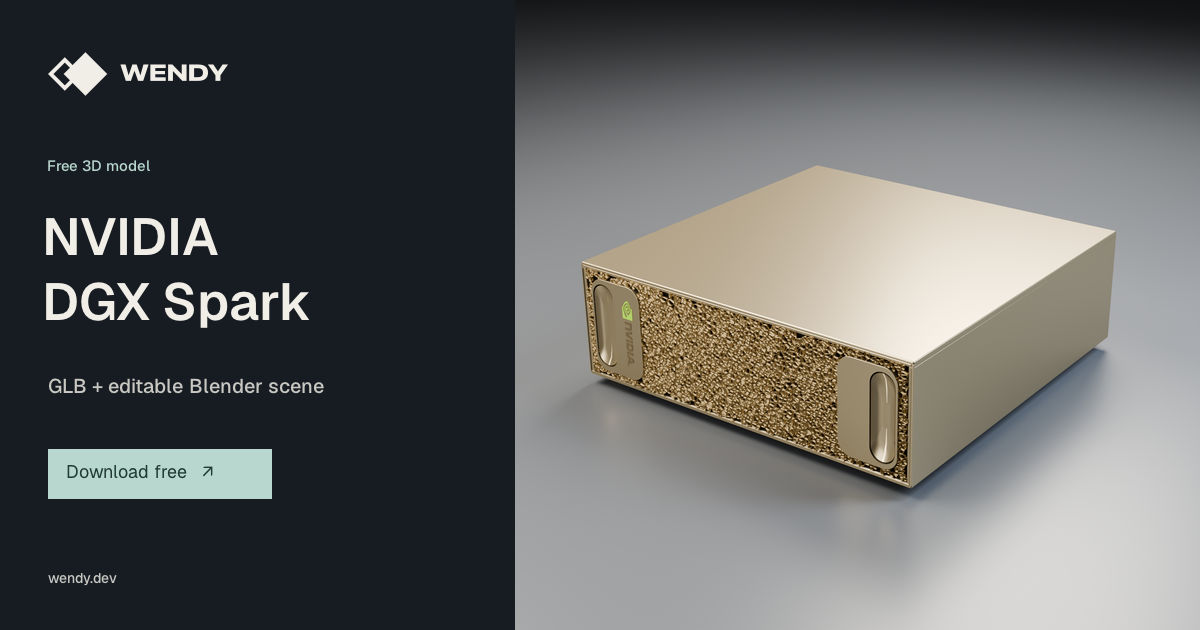
Free NVIDIA DGX Spark 3D model
Download our free NVIDIA DGX Spark 3D model as a GLB or an editable Blender scene with studio lighting, materials, and cameras. No signup required.
Wendy Labs - Wendy Labs Team
Start with one device. Close the loop around it.
Use WendyOS on your hardware or add Wendy Agent to an existing Linux or Apple Silicon Mac. Connect sensors, run your code, and carry what you learn into the next release.