Every Device, Already Connected
The source has traffic for device-12, but no valid next hop.
- 1Broadcast RREQ
- 2Return fresh RREP
- 3Install next hops
- 4Handle link failure
- 5Select cloud fallback
Bring your devices online and let them find each other. WendyOS gives every peer a stable identity, keeps nearby traffic local, and finds a new path when the old one disappears.
The best network is the one your software never has to notice.
A camera sees. A GPU understands. A robot moves. They may be separate computers, but together they are one product. The network between them should feel just as coherent.
That means no addresses baked into application code. No cloud round trip between devices sitting next to each other. No custom discovery layer in every service. An app should ask for a device by name and start talking, while the operating system works out how to get there.
One path feels fine—until it is gone.
In a simple chain, camera-01 has exactly one way to reach the uplink. If any relay fails, healthy endpoints become unreachable.
Give every conversation another way through.
A mesh replaces that brittle chain with multiple routes.
When a relay disappears, WendyOS selects another route without changing the connection used by the application.
Familiar names. Any transport. No networking SDK.
WendyOS keeps identity, discovery, and routing below the application layer. Apps connect to stable names such as device-<id>; local traffic stays local, and route changes do not leak into application code.
The mesh is not tied to Wi-Fi, Ethernet, or any other transport. WendyOS can use whatever connection is available while applications keep addressing the same peers in the same way.
Related post
Expand your knowledge with these hand-picked posts.
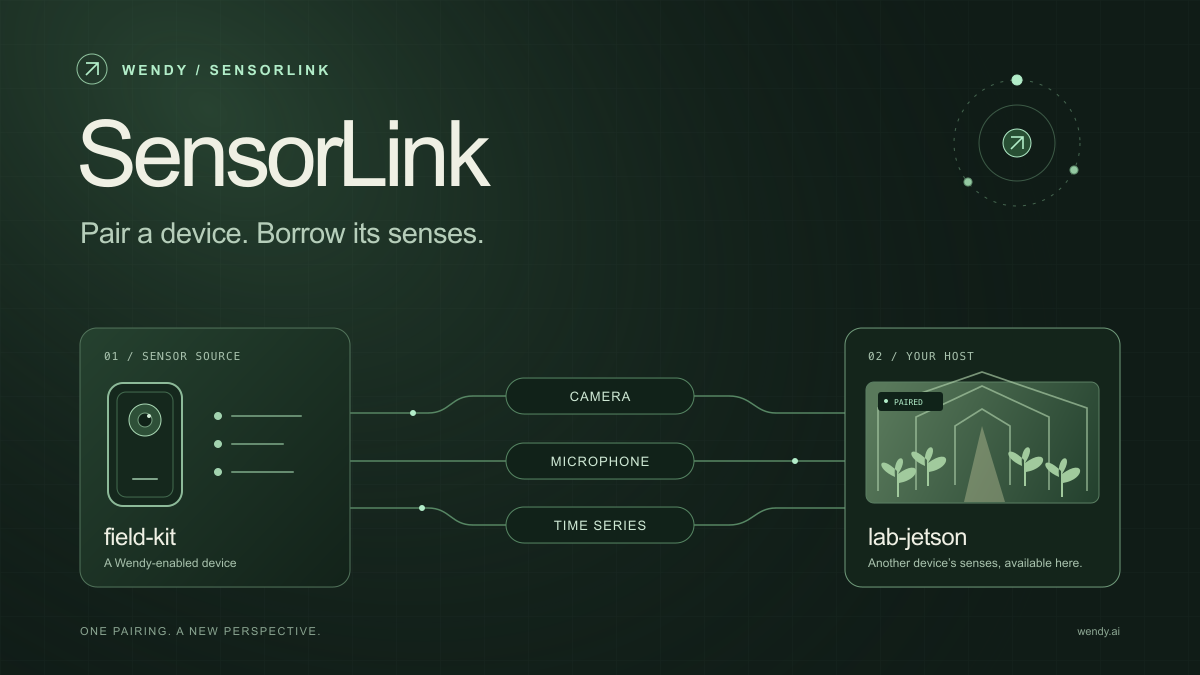
SensorLink: Pair a Device. Borrow Its Senses.
Give your Wendy host the eyes and ears of another device. SensorLink brings cameras, microphones, and a shared model for time-series sensors into a familiar pairing workflow.
Wendy Labs - Wendy Labs Team

Free NVIDIA DGX Spark 3D model
Download our free NVIDIA DGX Spark 3D model as a GLB or an editable Blender scene with studio lighting, materials, and cameras. No signup required.
Wendy Labs - Wendy Labs Team


Start with one device. Close the loop around it.
Use WendyOS on your hardware or add Wendy Agent to an existing Linux or Apple Silicon Mac. Connect sensors, run your code, and carry what you learn into the next release.