Your Robot App Is Several Programs. Run Them as One.
- container
- sh.wendy.examples.robotcam_inference
- WENDY_HOSTNAME
- inference.local
- WENDY_APP_GROUP
- sh.wendy.examples.robotcam
Each service gets its own network namespace and a CNI-assigned IP from the app group’s /28 block. Siblings are reachable by name through an agent-managed /etc/hosts.
inference reaches its siblings via /etc/hosts:
- http://camera:5000 → 10.42.7.2
- http://api:8080 → 10.42.7.4
A real robot app isn't one program — it's a camera driver, an AI model, and an API running side by side. WendyOS runs them together as a single app, without cramming them into one container: it deploys them at once, lets them find each other by name, and gives you control over exactly what they share. Build the three-part app below and see why the sharing choice changes more than networking.
A real robot app is several programs, not one
The tidy diagram of a robot app is a single box. The real thing is a handful of programs with very different needs. The camera driver needs sole access to the camera device and runs a tight loop grabbing frames. The AI model needs the GPU and a big model loaded into memory. The API (or controller) just needs a network port and some logic, and none of the above. Squeeze all three into one container and you get one Dockerfile that has to install the GPU stack and the video stack and your web framework, one shared process where a crash in the camera loop takes the AI model down with it, and one image you rebuild from scratch every time you touch any part of any piece.
The obvious fix is to give each piece its own container. That's also where doing it by hand gets tedious. Now you're writing a compose file, setting up a network so the containers can see each other, and either running an extra name-lookup service or hard-coding addresses so the api can find the inference model — then figuring out how to ship and update the whole set as a unit instead of one container at a time. Each step is a small chore, and each is a spot where your bench setup and your deployed fleet quietly drift apart.
WendyOS treats the whole set as one thing: an app group. You list your pieces (each one is a "service") in wendy.json, pick how much they share, and deploy them together. Everything underneath — the private network, letting them find each other by name, shared memory, the start order — is set up for you.
Build the app: three services, one group
The app group contains three services — camera, inference, and api — with data flowing camera → inference → API. Its isolation mode determines what the containers share and how they address one another.
- container
- sh.wendy.examples.robotcam_inference
- WENDY_HOSTNAME
- inference.local
- WENDY_APP_GROUP
- sh.wendy.examples.robotcam
Each service gets its own network namespace and a CNI-assigned IP from the app group’s /28 block. Siblings are reachable by name through an agent-managed /etc/hosts.
inference reaches its siblings via /etc/hosts:
- http://camera:5000 → 10.42.7.2
- http://api:8080 → 10.42.7.4
Every service has a stable name, and its container is named {appId}_{serviceName}. inference reaches api by service name instead of a hard-coded address.
How it works
The list of services
Everything starts from one file. A multi-service app is a wendy.json with a services section: each entry names a service and points at the folder to build it from, plus, optionally, its own entitlements, environment variables, resource limits, and which other services must start first:
{
  "appId": "sh.wendy.examples.robotcam",
  "platform": "linux",
  "version": "1.0.0",
  "isolation": "isolated",
  "services": {
    "camera": {
      "context": "./camera",
      "entitlements": [{ "type": "camera" }]
    },
    "inference": {
      "context": "./inference",
      "entitlements": [{ "type": "gpu" }],
      "dependsOn": ["camera"]
    },
    "api": {
      "context": "./api",
      "entitlements": [{ "type": "http", "port": 8080 }],
      "dependsOn": ["inference"]
    }
  }
}
Each service is built from its own folder, so the camera image carries the video stack, the inference image carries the GPU stack, and the API image carries neither. Permissions (entitlements) are per service too: only inference gets the GPU, only camera gets the camera device, only api opens a network port. dependsOn sets the start order — Wendy brings each service up after the ones it lists, and shuts them down in the reverse order. Environment variables and resource limits can be set once for the whole app and overridden per service.
Isolation modes: how much the containers share
The isolation field decides how much the services share underneath — mainly whether they get their own private network and memory, or a common one. There are three modes, trading separation for sharing:
| Mode | Network | Shared memory | Reach a sibling by |
|---|---|---|---|
isolated | Each service gets its own private network and address | Not shared | Its name |
shared-network | All services share one network | Not shared | localhost |
shared-ipc | All services share one network | Shared, via a common /dev/shm | localhost + shared memory |
Leaving isolation out entirely gives you the most separated setup of all: each service is a fully independent container that shares nothing. Set a mode when you want the app group to share more than that.
isolated keeps the containers cleanly apart while still letting them reach each other by name. shared-network and shared-ipc progressively drop the walls: a shared setup puts every service on the same network and hostname, and shared-ipc goes one step further with a shared patch of memory, so two programs can hand data back and forth directly — no copying, no network round-trip. That last mode is what a sensor-driver-and-processing pair wants, and it's exactly how the ROS 2 robotics framework passes data between programs on the same machine.
Services find each other by name
Because siblings resolve each other by service name, the addresses in your code stay put no matter where the app group runs — no hard-coded IPs, no name-lookup server, and nothing leaking onto the device's main network unless you ask for it:
http://camera:5000
http://inference:9000
http://api:8080
Deploy them concurrently
Independent services build and upload concurrently, so deployment time follows the slowest service rather than the sum of all services.
Independent services build in parallel, while the containers are still started in dependsOn order so a service never comes up before what it needs. If you just want the images built without uploading them, wendy build reads a multi-service wendy.json directly and builds every service at once (or a subset with --service). To send the same build to several devices, just list them: wendy run --device robot-a,robot-b,robot-c builds once and delivers to each. The whole point is that "several containers" never turns into "several times the hassle."
Starting the whole group is still one command from the app folder:
wendy runWendy builds each service, brings them up in dependency order, sets up the network and name list (or the shared setup), and streams every service's logs back to you, each line tagged with its service name. wendy device ps lists the running containers by their {appId}_{serviceName} names, and crashes are reported per service — a crash in camera shows up as camera restarting in a loop, not a mysterious whole-app failure.
Where this fits in WendyOS
A multi-service app isn't a special deployment mode bolted on the side — it's the same app model, just with more than one service in it. The images are ordinary container images. The permissions are the same permissions. Incremental deploys, signed A/B OS updates, fleet rollout — a multi-service app rides all of it exactly like a single-service one does. What the app group adds is the boundary: a unit that WendyOS can build together, network together, start in order, and update together, so the shape of your deployment matches the shape of your robot.
If you've been avoiding splitting a robot app because the wiring wasn't worth the trouble, this is that wiring, done for you. List the services, pick an isolation mode, and wendy run. For the neighbouring question of why containers alone don't get a robot to the field, see WendyOS vs. Docker + ROS 2; for the deploy loop itself, Stop SSHing into your robots.
Related post
Expand your knowledge with these hand-picked posts.
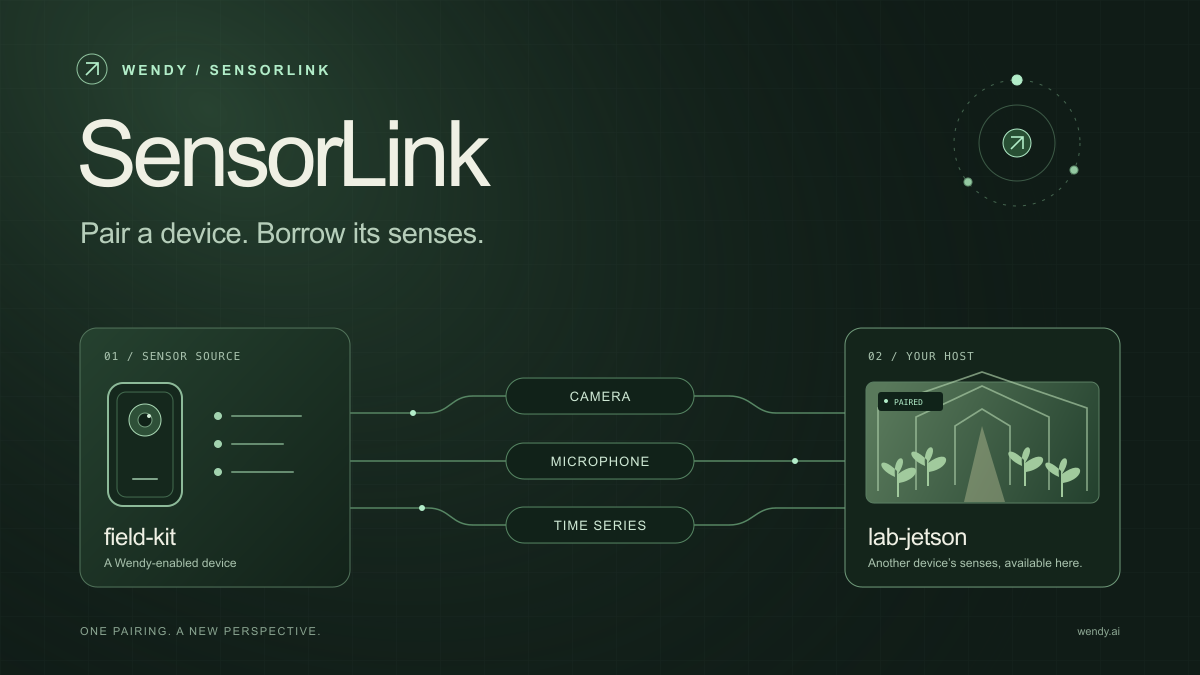
SensorLink: Pair a Device. Borrow Its Senses.
Give your Wendy host the eyes and ears of another device. SensorLink brings cameras, microphones, and a shared model for time-series sensors into a familiar pairing workflow.
Wendy Labs - Wendy Labs Team

Free NVIDIA DGX Spark 3D model
Download our free NVIDIA DGX Spark 3D model as a GLB or an editable Blender scene with studio lighting, materials, and cameras. No signup required.
Wendy Labs - Wendy Labs Team


Start with one device. Close the loop around it.
Use WendyOS on your hardware or add Wendy Agent to an existing Linux or Apple Silicon Mac. Connect sensors, run your code, and carry what you learn into the next release.