Run Local AI Models on a Pi with One Command
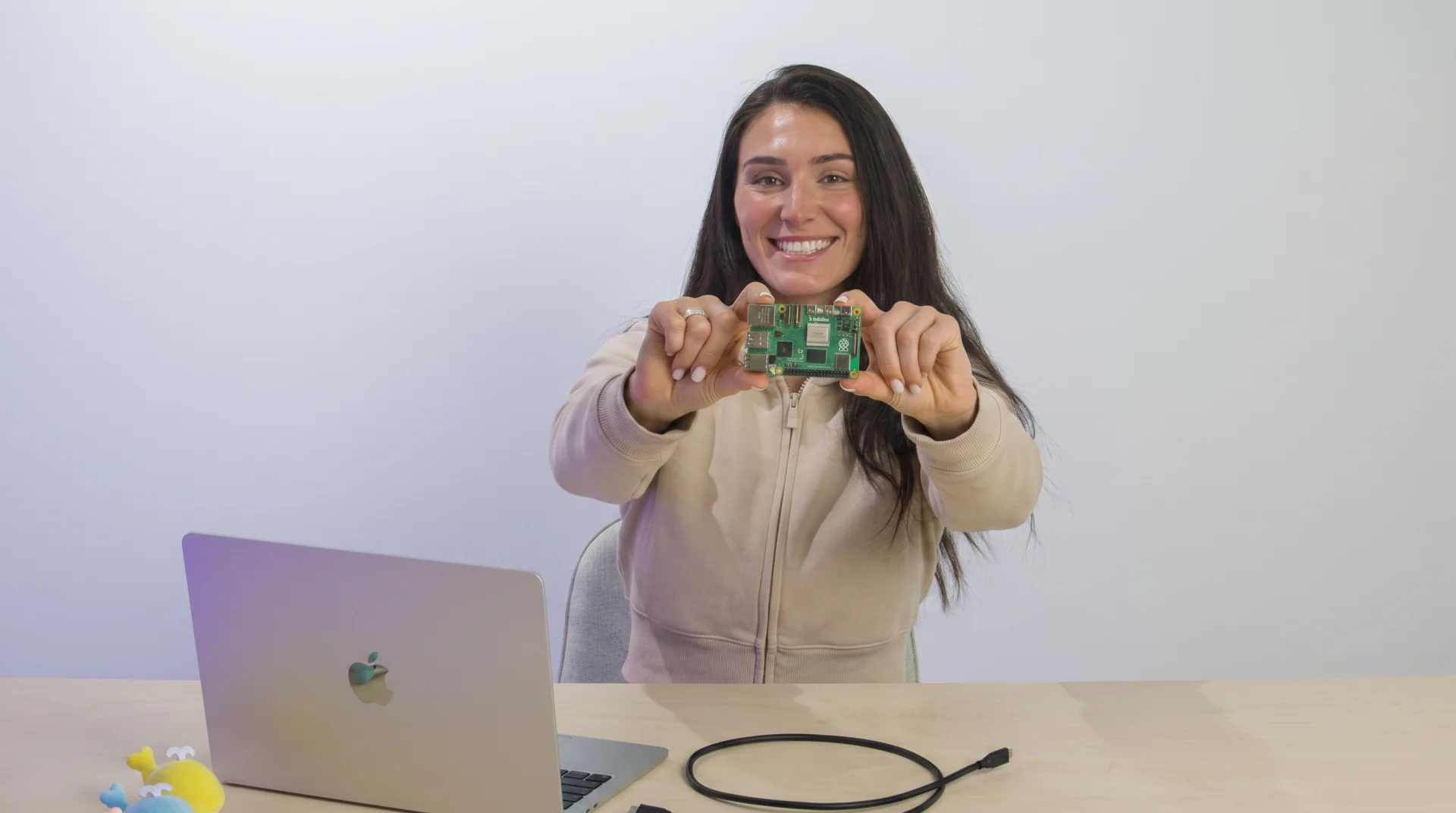
Run Qwen3 4B on the Pi 5
# Install the Wendy CLI on macOS or Linux, then write the Pi 5 image.
curl -fsSL https://install.wendy.dev/cli.sh | bash
wendy --version
wendy os install --device-type raspberry-pi-5

# Move the card into the Pi, connect USB-C, and select the discovered Pi 5.
wendy discover --json --timeout 10s
wendy device set-default <pi-hostname>

# Create the Qwen3 4B application.
wendy init \
  --app-id pi5-qwen \
  --target wendyos \
  --language python \
  --template llm \
  --branch main \
  --var PORT=8080 \
  --var OLLAMA_MODEL=qwen3:4b \
  --assistant skip \
  --git-init no

cd pi5-qwen
wendy json validate

# For a Pi without internet access, apply the offline model bake below first.
wendy run --yes --detach
Start with an 8 GB Raspberry Pi 5, a microSD card for the initial WendyOS installation, and one data-capable USB-C cable for everything that follows. The WendyOS installer erases the selected card, so confirm that the CLI shows the correct removable drive before you continue. After the card is written, you do not need a monitor, mouse, keyboard, or Ethernet cable, because WendyOS exposes the Pi directly to your development computer.
The commands above are the shortest path when the Pi can reach the model registry during its first Qwen download. If the Pi has only its USB link and no outbound route, make the two model-bake changes in the offline section before the final wendy run. Once those weights are baked into the image, later starts need neither Wi-Fi nor a cloud inference service.
The Pi 5 result: about 4.5 tokens per second
On our connected 8 GB Pi 5, Qwen3 4B generated 128 tokens in 28.303 seconds, which equals 4.5225 tokens per second. Ollama also processed the 59-token prompt in 2.121 seconds, which equals 27.82 prompt tokens per second before generation began. Because the model reached the 128-token cap while it was still reasoning, treat 4.5 tokens per second as a short measured run rather than a sustained guarantee.
| Measurement | Live Pi 5 result |
|---|---|
| Model | qwen3:4b |
| Quantization | Q4_K_M |
| Generated output | 128 tokens in 28.303 seconds |
| Generation speed | 4.5225 tokens per second |
| Prompt processing | 27.82 tokens per second |
Run the same bounded fire-triangle prompt against Ollama to reproduce the generation measurement. The calculation uses Ollama's native eval_count and eval_duration fields, so browser rendering and model-loading time do not inflate the result. Keeping the output cap and sampling options fixed also makes repeated measurements easier to compare.
curl -s http://<pi-hostname>:11434/api/generate \
  -H 'Content-Type: application/json' \
  -d '{
    "model": "qwen3:4b",
    "prompt": "Zombie survival: Using the fire triangle, heat, fuel, and oxygen, give our group a concise, safe plan to make, control, and fully extinguish a small cooking fire without attracting zombies. Keep it under 60 words.",
    "stream": false,
    "think": false,
    "options": {"num_predict": 128, "temperature": 0.2, "seed": 42}
  }' | jq '{
    tokens: .eval_count,
    seconds: (.eval_duration / 1000000000),
    tokens_per_second: (.eval_count / (.eval_duration / 1000000000))
  }'
Watch the Pi 5 run Qwen3 4B
What the command does
The Wendy llm template creates one application with an Ollama model server and an Open WebUI browser interface. When you run wendy run, the CLI builds the ARM64 application, transfers it over USB-C, starts both services in order, and waits for port 8080. Once the readiness check passes, the application hook opens Open WebUI on your development computer.
Ollama loads qwen3:4b, while Open WebUI reaches Ollama across the application's private container network. The browser, logs, application transfer, and device control all use the same USB-C connection, so the Pi can remain headless during development. When the weights are baked into the application image, prompts and generated text stay on the Pi without a cloud model API.
Why Qwen3 4B
Qwen3 4B is the quality-first model we found practical within the memory available on an 8 GB Pi 5. Its roughly 2.5 GB Q4_K_M package leaves enough headroom for Ollama, Open WebUI, and Wendy's application services, while still providing completion, tool, and thinking capabilities. For a faster conversational experience, change OLLAMA_MODEL to qwen3:1.7b, then rebuild and deploy through the same command path.
| Hardware | Recommendation | Reason |
|---|---|---|
| Raspberry Pi 3B | Do not use it for this workflow | Its memory and CPU headroom are too limited for a useful 4B local model. |
| Raspberry Pi 4 | Do not use it for this workflow | Even its 8 GB variant lacks the CPU performance needed for a practical 4B-model WebUI experience. |
| Raspberry Pi 5 with 8 GB | Minimum recommended board | Qwen3 4B fits in memory, although active cooling and patient expectations are required. |
A Raspberry Pi 3B or Raspberry Pi 4 will not cut it for this workflow, because even the Pi 5 reaches its limits during sustained inference. Longer recorded runs averaged roughly 1.67 to 2.9 tokens per second, while all four CPU cores stayed busy and the Pi reached approximately 85 degrees Celsius. Active cooling is therefore a practical requirement, and a Jetson remains the better target when low-latency reasoning matters more than power draw or hardware cost.
Keep the Pi completely offline
The standard template can download its selected model when Ollama first starts, but our USB-only Pi had no outbound route to the model registry. We moved that download into the Docker build on the networked development computer, so the application image carried the Qwen weights onto the Pi. The first build and transfer became several gigabytes larger, although every later start worked without Wi-Fi, Ethernet, or cloud access.
First, pass the model into the Ollama build, and remove any Ollama volume that mounts over /models/ollama. An empty runtime volume at that path would hide the model baked into the image, while the Open WebUI data volume should remain because it stores interface state. The relevant Ollama service should include the build argument and environment value shown below.
services:
  ollama:
    build:
      context: ./ollama
      args:
        OLLAMA_MODEL: 'qwen3:4b'
    environment:
      OLLAMA_MODEL: 'qwen3:4b'
    ports:
      - '11434:11434'
Next, pull the model while a temporary Ollama server runs inside the host-side image build. A 4,096-token context keeps memory use predictable, while one parallel request and one loaded model prevent competing sessions from exhausting the Pi. The template's existing runtime entrypoint will find the baked model immediately when the container starts.
ARG OLLAMA_MODEL=qwen3:4b

ENV OLLAMA_MODELS="/models/ollama" \
    OLLAMA_MODEL="${OLLAMA_MODEL}" \
    OLLAMA_CONTEXT_LENGTH="4096" \
    OLLAMA_NUM_PARALLEL="1" \
    OLLAMA_MAX_LOADED_MODELS="1"

RUN set -eux; \
    mkdir -p "${OLLAMA_MODELS}"; \
    OLLAMA_HOST=127.0.0.1:11434 ollama serve >/tmp/ollama-build.log 2>&1 & \
    server_pid="$!"; \
    until curl -fsS http://127.0.0.1:11434/api/tags >/dev/null; do sleep 1; done; \
    OLLAMA_HOST=127.0.0.1:11434 ollama pull "$OLLAMA_MODEL"; \
    OLLAMA_HOST=127.0.0.1:11434 ollama show "$OLLAMA_MODEL" >/dev/null; \
    kill "$server_pid"; \
    wait "$server_pid" || true
Verify the services
Before opening a long chat, verify the Wendy application, Ollama model list, and browser endpoint independently. These checks distinguish a healthy interface from a missing model, and they confirm that both services survived the build and USB transfer. Replace the hostname placeholder with the same Pi 5 hostname that you selected after discovery.
wendy --json device apps list --device <pi-hostname>
curl http://<pi-hostname>:11434/api/tags
curl -I http://<pi-hostname>:8080
Our live check reported ollama and open-webui as running, while the Ollama API identified the expected 4.0B Q4_K_M model. Open WebUI returned HTTP 200 through the same USB-C link that Wendy used for deployment, and its model selector displayed qwen3:4b. These results confirm that the browser interface and inference server are running locally on the Pi rather than through a remote model service.
Run your own local model
The complete path starts with wendy os install, continues through the llm template, and ends with one wendy run that deploys the application over USB-C. The official Raspberry Pi installation guide covers board-specific details, while the commands above take you from a blank card to a measured local Qwen deployment. If you encounter a device or model issue, join the Wendy Discord community, and share the Pi memory size, model tag, cooling setup, and exact Wendy command so other builders can reproduce the result.
Related post
Expand your knowledge with these hand-picked posts.
SensorLink: Pair a Device. Borrow Its Senses.
Give your Wendy host the eyes and ears of another device. SensorLink brings cameras, microphones, and a shared model for time-series sensors into a familiar pairing workflow.
Wendy Labs - Wendy Labs Team

Free NVIDIA DGX Spark 3D model
Download our free NVIDIA DGX Spark 3D model as a GLB or an editable Blender scene with studio lighting, materials, and cameras. No signup required.
Wendy Labs - Wendy Labs Team


Start with one device. Close the loop around it.
Use WendyOS on your hardware or add Wendy Agent to an existing Linux or Apple Silicon Mac. Connect sensors, run your code, and carry what you learn into the next release.