Windows Finally Speaks Unix: Coreutils Comes to Windows Natively
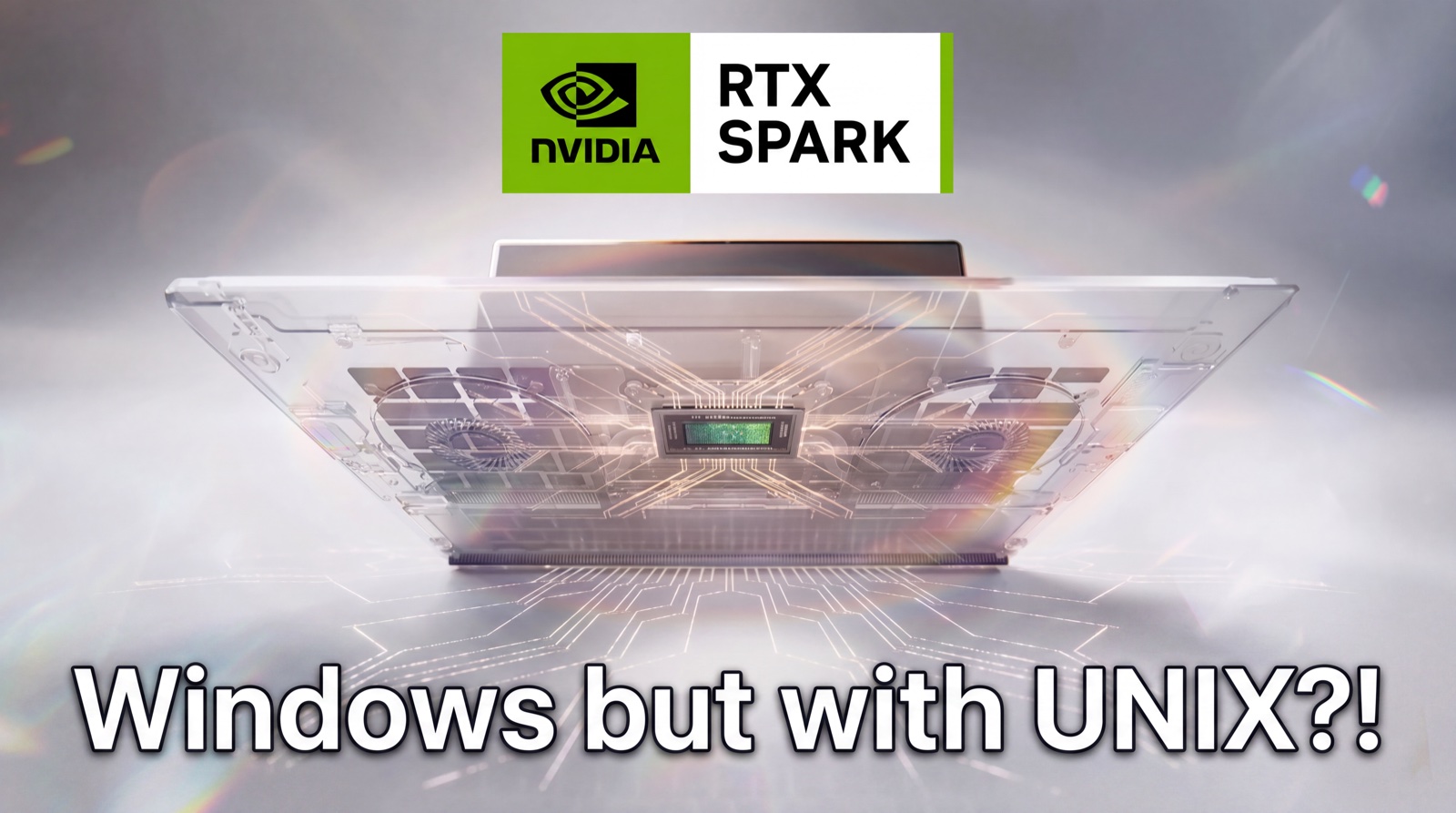
Microsoft is bringing ls, grep, find, cat, sort, xargs, and dozens of other familiar commands directly to Windows, just as NVIDIA's RTX Spark creates a new class of Arm-based Windows AI PCs. Install it with one winget command.
When the NVIDIA RTX Spark was announced for Windows, you could hear the groan of millions of developers who use Linux or macOS computers to code. Love the hardware but not the OS. It's no secret that Windows is a despised choice, especially when it comes to software development in 2026. But it seems Microsoft heard this loud and clear, and their solution isn't something like offering a Windows Subsystem for Linux. Instead, they're allowing you to stay in Windows and get all the familiar commands of a Unix system right in the command line and PowerShell.
And yes, open source. YES, OPEN SOURCE. The commands come from uutils, a Rust reimplementation of GNU Coreutils, and Microsoft's Windows packaging of it is MIT licensed, so you can read every line of the ls you are about to type.
But we want to highlight a small timing caveat: NVIDIA says the first RTX Spark laptops and compact desktops will arrive in fall 2026. When they do, developers moving from a MacBook or Linux workstation will find something on Windows that used to require a second environment: native versions of the command-line tools they already type all day.
At Microsoft Build 2026, Microsoft announced Coreutils for Windows, a package of Unix-style command-line utilities that runs directly on Windows. Install one package and commands such as ls, cat, grep, find, head, tail, sort, uniq, cut, tr, tee, wc, and xargs become Windows executables. There is no Linux virtual machine to boot, no WSL distribution to maintain, and no Cygwin-style compatibility environment between the command and Windows.
This sounds like a minor quality-of-life update, but it is more useful than that, because the command line is muscle memory. Developers carry thousands of tiny habits between machines: grep a log, tail a service, find a file, pipe the result through sort, remove duplicates with uniq, and pass the remaining paths to another command with xargs. Windows has always been capable of the same work, but its native vocabulary has been different. PowerShell solved many of the underlying problems with a powerful object pipeline, while WSL provided a full Linux environment. Neither removed the small tax developers pay each time their hands type a familiar command and Windows interprets it differently.
Coreutils for Windows attacks that developer tax directly. And the timing couldn't be better. As ChatGPT Codex and Claude Desktop take the world by storm, we notice that they frequently generate shell commands for Linux. And this wastes TONS of tokens and thus money. Developers who want to use those agents on Windows will find that Coreutils gives them a more consistent vocabulary, so the agent's output is more likely to run without translation.
What Microsoft is shipping
The package is a Microsoft-maintained Windows distribution built from three open-source components:
uutils/coreutils, a cross-platform Rust reimplementation of GNU Coreutilsuutils/findutils, which suppliesfindandxargs- A GNU-compatible Rust implementation of
grep
Microsoft packages them as a single multi-call binary. One executable contains the implementations, while the installed command names expose each utility in the expected form: cat.exe, grep.exe, find.exe, ls.exe, and so on. This is similar in spirit to BusyBox, where one binary can behave as many commands depending on how it is invoked.
The official command reference lists more than 70 utilities. A June servicing release added paste, and Microsoft ships builds for both x64 and Arm64 Windows. That Arm64 build is particularly relevant to RTX Spark, which pairs an NVIDIA Blackwell RTX GPU with a 20-core NVIDIA Grace Arm CPU.
The commands cover most of the daily Unix toolbox:
| Job | Commands |
|---|---|
| Inspect files and directories | ls, stat, du, df, pwd, realpath, readlink |
| Read and reshape text | cat, head, tail, cut, paste, fold, fmt, nl, tr |
| Search and filter | grep, find, uniq, comm, test |
| Sort and combine | sort, shuf, join, tsort, xargs |
| Copy and remove | cp, mv, rm, mkdir, rmdir, touch, ln |
| Measure and verify | wc, cksum, md5sum, sha256sum, sha512sum, b2sum |
| Script and automate | env, printenv, printf, seq, sleep, tee, true, false, yes |
Every command accepts --help, so a developer can use the same discovery habit they would use on Linux.
Why uutils matters
Microsoft did not compile the original GNU Coreutils source for Windows. Instead the team chose uutils, a clean, cross-platform implementation written in Rust.
The uutils project aims to match GNU Coreutils output, exit codes, flags, and behavior closely enough to act as a drop-in replacement. The maintainers treat compatibility differences as bugs, though their own documentation warns that some options or edge cases still differ. Its target list extends beyond Windows and Linux to macOS, BSD, and WASI, and Ubuntu has shipped uutils by default since version 25.10.
Rust makes a cross-platform implementation practical because the project can share most of its code while compiling native binaries for each operating system and CPU architecture. It also gives Microsoft a codebase that can target Windows x64 and Windows on Arm without carrying a Unix emulation layer into the runtime.
The licensing differs too. GNU Coreutils uses GPLv3 or later, while uutils and Microsoft's Windows packaging repository use the MIT License. That gives operating-system vendors and commercial toolmakers broad room to package, ship, and modify the Rust implementation. Not sure how this will really be used in the future, but it is a good sign that Microsoft is shipping it as open source.
Native means native, but it does not mean Linux
Coreutils for Windows runs as Windows software. The commands access Windows files, processes, environment variables, and paths directly. They start as .exe programs and do not cross a Linux boundary before doing their work.
That has several practical effects:
- Startup stays lightweight because there is no Linux distribution or virtual machine to enter.
- Commands work on the current Windows filesystem and in ordinary PowerShell or Command Prompt sessions.
- Windows applications can invoke the utilities as normal child processes.
- x64 and Arm64 packages can run on their matching Windows architecture without translating Linux binaries.
The package does not include Bash, a Linux userspace, apt, Linux system calls, /proc, or the full POSIX process and permission model. A Bash script that depends on shell syntax, Linux packages, process signals, or /dev still needs WSL, a Unix-style shell environment, a container, or a real Linux machine.
Think of Coreutils as a native vocabulary pack for the Windows command line. WSL remains the right tool when the workload requires Linux itself.
Installation takes one command
Open PowerShell or Windows Terminal and run:
winget install Microsoft.CoreutilsThen open a new terminal session and test a few commands:
ls.exe --help
grep.exe --help
find.exe --help
The .exe suffix is optional when no PowerShell alias or Windows built-in has claimed the same name. During initial testing, spelling out .exe removes ambiguity and proves which executable is running.
You can inspect command resolution with:
Get-Command ls -All
where.exe ls
Microsoft also provides coreutils-manager for controlling individual utilities. For example, the name arch can conflict with an application or WSL launcher already installed on the machine. Disable only that utility with:
coreutils-manager disable archRun coreutils-manager --help to see the management options available in the installed version.
What using it looks like
Search a source tree for TODO comments and return the first 20 matches:
grep.exe -RIn "TODO" . --exclude-dir=.git | head.exe -n 20Find log files larger than 10 megabytes:
find.exe . -type f -name "*.log" -size +10MCount repeated error lines in a log and show the most common entries:
cat.exe .\server.log |
  grep.exe -i "error" |
  sort.exe |
  uniq.exe -c |
  sort.exe -nr |
  head.exe -n 20
Calculate a SHA-256 checksum:
sha256sum.exe .\model.onnxList the ten largest entries under a model directory:
du.exe -a .\models |
  sort.exe -nr |
  head.exe -n 10
These pipelines matter for AI development. Model directories fill up with checkpoints, quantized variants, tokenizer files, logs, generated media, and cached datasets. CUDA may do the expensive computation, but developers still spend much of the day locating files, checking hashes, filtering logs, and joining commands into small repeatable workflows.
Wendy already runs on Windows
If that kind of work is what you want a Windows machine for, you do not have to wait for the hardware to start. The Wendy CLI already runs on Windows, and it installs the same way Coreutils does:
winget install WendyLabs.Wendy --source wingetWendy publishes both x64 and Arm64 Windows installers, so it works on the Intel and AMD laptops developers already carry and on the Arm machines that RTX Spark is about to make common. Buy a Windows computer today, install Wendy, and you can scaffold an app, build it, deploy it to a Jetson, Raspberry Pi, or other edge device, and stream the logs back to your terminal without keeping a Linux box or a Mac around just to run the tooling. See the quickstart for the full loop.
Pair the two installs and the daily rhythm stops being split across environments. Coreutils gives you the commands between the big tasks, while Wendy handles the build and the deploy, and both of them run natively on the machine in front of you.
The PowerShell collision problem
Windows already uses several familiar names. PowerShell defines aliases such as ls, cat, cp, mv, rm, pwd, sleep, sort, and tee, mapping them to PowerShell cmdlets. Command Prompt also has built-ins such as echo, mkdir, and rmdir.
Microsoft cannot replace all of those names without breaking existing scripts. The result depends on the shell, PATH order, and PowerShell's alias table. The Coreutils for Windows repository recommends PowerShell 7.4 or later and PowerShell 7.6 or later for better ~ handling.
The installer adds interactive PowerShell integration through PSReadLine so wildcard expressions behave more like developers expect from a Unix shell. For example, unquoted *.txt can expand to matching filenames while quoted '*.txt' remains literal. PowerShell still uses the backtick as its escape character, not the backslash, and the integration cannot remove PowerShell aliases.
There are three sensible ways to work with these collisions:
- Use explicit executable names such as
ls.exe,sort.exe, andtee.exein scripts where reproducibility matters. - Inspect resolution with
Get-Command <name> -Allbefore assuming which implementation will run. - Keep PowerShell cmdlets when their object-based behavior is useful, and call Coreutils when a text pipeline or portable command is the better fit.
PowerShell aliases can also interfere with binary streams and native piping. Calling the .exe directly avoids the alias layer. PowerShell 7.4 improved native byte-pipeline behavior, which is one reason Microsoft sets it as the minimum supported PowerShell version for this integration.
Windows still has different semantics
Portable command names cannot erase operating-system differences. Microsoft documents several cases that developers should expect.
Line endings
Windows text files often use CRLF (\r\n) rather than LF (\n). Most commands handle CRLF, but byte-oriented edge cases remain. Microsoft gives one example: uniq can treat the final line as different when a CRLF file ends without a trailing newline.
Null output
Windows has no /dev/null. Redirect unwanted output to NUL:
find.exe . -name "*.tmp" > NULPaths
The utilities accept both / and \ as path separators, but some output contains Windows-style backslashes. A downstream command or script that assumes forward slashes may need adjustment. Drive letters and UNC paths also remain part of the Windows filesystem model.
Permissions
Windows uses access-control lists rather than POSIX owner, group, and mode bits. Predicates such as find -perm cannot behave exactly as they do on Linux. Commands centered on POSIX ownership and permissions, including chmod, chown, and chgrp, are not included.
Symbolic links
The tools can read existing symbolic links without elevation. Creating a new symlink requires Windows Developer Mode or an elevated terminal.
Signals and process control
Windows does not expose the POSIX signal model expected by commands such as kill and timeout, so Microsoft does not ship them. Ctrl+C works, but signals such as SIGHUP, SIGPIPE, and SIGUSR1 do not appear merely because Coreutils is installed.
Microsoft also leaves out commands that either collide with core Windows behavior or depend on Unix concepts. The current list includes dd, dircolors, shred, sync, uname, chroot, mkfifo, mknod, nohup, stty, tty, who, and several user and group utilities.
Coreutils, PowerShell, WSL, and Git Bash each have a job
| Tool | Best fit | What you get | What you do not get |
|---|---|---|---|
| Coreutils for Windows | Familiar file and text commands on the Windows host | Native Windows executables, Unix-style flags, easy text pipelines | Bash, Linux packages, Linux system calls, full POSIX behavior |
| PowerShell | Windows administration and structured automation | Object pipelines, .NET access, deep Windows integration | GNU command behavior or broad Unix script compatibility |
| WSL | Linux development and workloads on a Windows machine | Linux userspace, shells, packages, system calls, Linux binaries and containers | Pure Windows-native execution for every command |
| Git Bash, MSYS2, or Cygwin | Unix-style shell workflows and ported tools | Bash-like shells and larger Unix tool ecosystems | The same direct Windows-native model as Microsoft's package |
Many developers will use more than one. Coreutils can handle quick host-side work in Windows Terminal. WSL can build or test a Linux deployment. PowerShell can configure the machine. A project may keep Git Bash because its scripts depend on Bash grammar. The new package narrows the number of times a developer must switch environments for ordinary text and file operations.
macOS developers should expect GNU behavior
macOS developers know most of these command names, but macOS traditionally ships BSD-derived utilities rather than GNU Coreutils. The basic operations feel familiar. Some flags and output formats differ, especially around commands such as date, stat, sed, and find.
Coreutils for Windows follows the GNU model through uutils. A Linux developer may therefore find its options closer to home than a macOS developer does. Mac users who already install GNU tools through Homebrew will recognize the behavior more closely, though Homebrew often prefixes the commands to avoid replacing Apple's versions.
Portable scripts should still test exact flags and outputs on every target. Shared names reduce friction; they do not guarantee that a shell script written for macOS, Ubuntu, and Windows will behave identically.
Why this arrives at the right time for RTX Spark
NVIDIA RTX Spark is a new Arm-based Windows PC platform aimed at local AI, agent, creative, and gaming workloads. NVIDIA says the superchip combines a Blackwell RTX GPU with 6,144 CUDA cores, a 20-core Grace CPU, up to 128GB of unified memory, and up to one petaflop of FP4 AI performance. Systems are planned as slim laptops and compact desktops from Microsoft Surface, ASUS, Dell, HP, Lenovo, MSI, and other manufacturers.
The unified-memory capacity is the headline for local AI developers. NVIDIA says RTX Spark can run models as large as 120 billion parameters locally, depending on precision, model architecture, context, and the memory consumed by the rest of the stack. CUDA, TensorRT, OptiX, RTX graphics, and Windows applications will run on the same machine.
Roboticists in particular should rejoice. Robotics is the workload where the flexibility actually shows up, because the same desk machine can run a perception stack, serve a vision-language-action model, and fine-tune that model on data you collected this morning. A 128GB unified memory pool is what makes those three fit at once, and unlike an Apple Silicon machine of similar memory, RTX Spark runs the real CUDA stack, so PyTorch, TensorRT, Isaac, and CUDA kernels behave the way they do in training clusters and on the robot. That last part is the demonstrable advantage: a Jetson on the robot and an RTX Spark on the desk share an Arm CPU and a CUDA GPU, so the model you train and the container you build target the architecture you deploy to. Training in the cloud and deploying to an Arm edge device means porting twice. Training on the same architecture you ship to means you do not port at all.
That creates an unusual migration path since a developer might come from Apple Silicon because 64GB or 128GB of unified memory made large local models practical. Another might come from Linux because CUDA development has long lived there. RTX Spark asks both groups to consider an Arm-based Windows machine.
Hardware alone does not make that move comfortable. Developer experience lives in the small interactions between big tasks. The compiler finishes, and you inspect its output. An inference run crashes, and you filter the log. A model download completes, and you verify the checksum. A dataset fills the disk, and you find the largest files. Familiar native commands reduce the cost of each of those transitions.
Coreutils also gives local coding agents a more consistent command vocabulary because AI Agents often generate shell commands learned from Linux-heavy repositories, documentation, CI environments, and containers. These native grep, find, sort, head, and xargs reduce some platform-specific translation and they do not make arbitrary Bash scripts safe or portable, and an agent still needs to understand PowerShell quoting, Windows paths, permissions, and process behavior. But we expect that this common vocabulary is useful even with those limits.
This is still early preview. Expect bugs and frequent updates
Microsoft's Build 2026 announcement calls Coreutils for Windows generally available. The GitHub README still labels the project "preview," and the first release notes tell users to expect bugs. Those statements describe two different things: Microsoft has made the package broadly installable, while the implementation is young enough to deserve careful testing before it replaces established production scripts.
The first servicing release, version 2026.6.16, already fixed installation, uninstallation, PowerShell profile, Windows 10, console-host, sort, and hard-link handling issues. It also added the per-command disable mechanism. That pace is encouraging, but it is evidence that this is new software.
Start with interactive use and developer machines. Use explicit .exe names in scripts, pin and test versions in controlled environments, and keep WSL or the original toolchain for workflows that depend on Linux semantics. Report compatibility gaps upstream; the uutils project treats differences from GNU behavior as bugs.
The installation command is one line:
winget install Microsoft.CoreutilsRTX Spark systems are due this fall. Coreutils for Windows is available now for x64 and Arm64 Windows machines, so developers can test their commands, scripts, and assumptions before the new hardware arrives.
Sources
- Microsoft Build 2026: Furthering Windows as the trusted platform for development
- Coreutils for Windows repository and installation guide
- Microsoft Coreutils for Windows documentation
- Coreutils for Windows command reference
- Coreutils for Windows releases
- uutils/coreutils project
- PowerShell 7.4 native byte-pipeline behavior
- NVIDIA RTX Spark product page
- NVIDIA RTX Spark announcement
Related post
Expand your knowledge with these hand-picked posts.
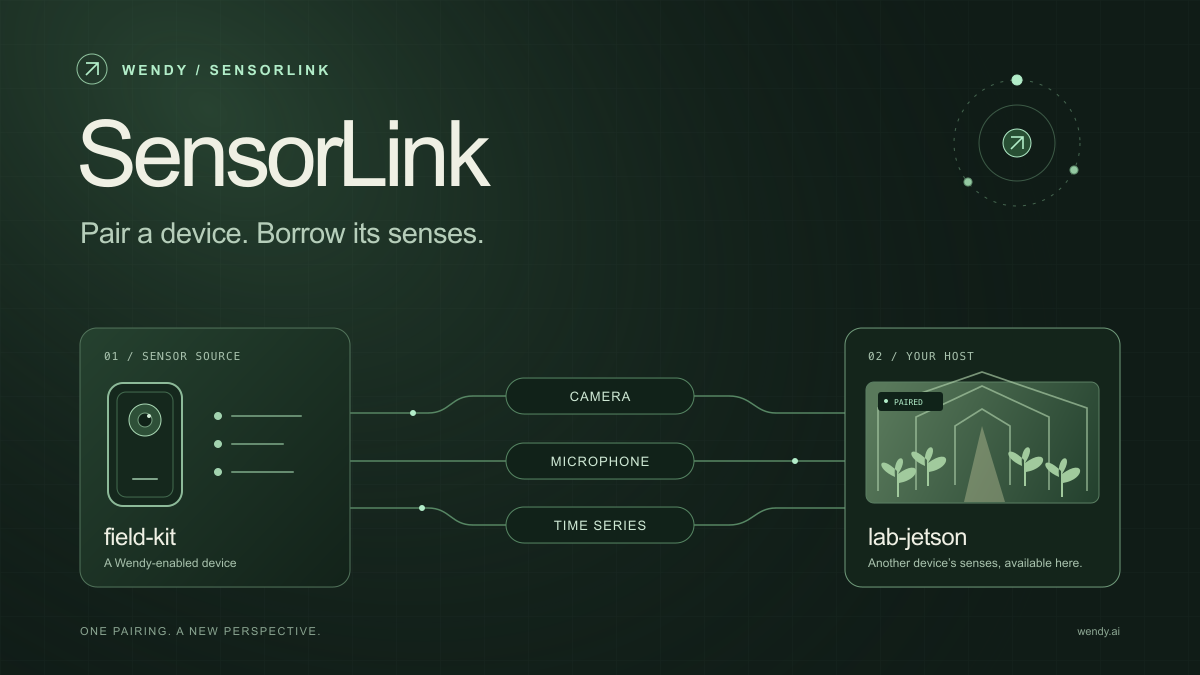
SensorLink: Pair a Device. Borrow Its Senses.
Give your Wendy host the eyes and ears of another device. SensorLink brings cameras, microphones, and a shared model for time-series sensors into a familiar pairing workflow.
Wendy Labs - Wendy Labs Team

Free NVIDIA DGX Spark 3D model
Download our free NVIDIA DGX Spark 3D model as a GLB or an editable Blender scene with studio lighting, materials, and cameras. No signup required.
Wendy Labs - Wendy Labs Team


Start with one device. Close the loop around it.
Use WendyOS on your hardware or add Wendy Agent to an existing Linux or Apple Silicon Mac. Connect sensors, run your code, and carry what you learn into the next release.