Build Robots Even Faster on Mac with Apple Container
Apple Container is now the default image builder on Apple silicon Macs. If you have the container CLI installed, wendy run and wendy build use it automatically. No flags, no config.
If you build Physical AI on a Mac, your inner loop just got faster. The Wendy CLI now prefers Apple Container over Docker whenever it is available on Apple silicon, so the image build behind every wendy run and wendy build runs in a lightweight native VM instead of Docker Desktop.
TL;DR
On an Apple silicon Mac with the container CLI installed, upgrade the Wendy CLI and you're done - no other changes needed:
brew upgrade wendy
wendy run
Wendy detects Apple Container, starts its system if it isn't running, builds your Dockerfile or Containerfile with it, and ships the result to your NVIDIA Jetson or Raspberry Pi over USB-C or the LAN. Docker is used only as a fallback.
What is Apple Container?
Apple Container is Apple's open-source tool for running Linux containers on macOS. Instead of a single shared Linux VM the way Docker Desktop works, it runs each container inside its own lightweight virtual machine built directly on Apple's native Virtualization framework and optimized for Apple silicon.
For Wendy users that means container image builds happen with a runtime that is built for your M-series Mac, without the overhead of running and maintaining Docker Desktop in the background.
Why does this make builds faster?
Every time you run wendy run, Wendy compiles your app into a container image for your device's architecture, pushes it, and streams the logs back. That image build is the slowest part of the loop, and it happens on your Mac.
By building with Apple Container instead of Docker Desktop, that step runs on a leaner, natively virtualized runtime. Less overhead on the build means a tighter edit-build-deploy cycle, which is exactly what you want when you are iterating on a robot connected to your laptop.
How does Wendy choose the builder?
On an Apple silicon Mac, when you run a Dockerfile or Containerfile build without a --builder flag, Wendy now:
- Checks whether the
containerCLI is installed and usable. - If it is, starts the Apple Container system on demand. In an interactive terminal Wendy asks first (
Apple Container system is not running. Start it now? [Y/n]); in scripts, CI, orwendy watchit starts automatically. - Builds your image with Apple Container and renders it through Wendy's live build progress UI.
Wendy falls back to Docker only when one of these is true:
- The
containerCLI is not installed or not on yourPATH. - You decline the prompt to start the Apple Container system.
- The Apple Container build itself fails.
This is a change from before: previously Wendy only used Apple Container if its system happened to already be running, and silently dropped to Docker otherwise. Now it prefers Apple Container whenever the CLI is present and starts the system for you.
Do I need to change my commands?
No. This applies to both local Dockerfile builds and wendy run build-and-push, and it is the default. The same behavior kicks in for wendy build, wendy run, wendy compose build, and wendy watch.
If you want to be explicit, you can force a builder:
# Require Apple Container
wendy run --builder apple-container

# Force Docker instead
wendy run --builder docker
Use --builder docker if you specifically need Docker's toolchain, for example Compose builds or pushing to an mTLS registry, which the Apple Container path does not handle.
What do I need to get started?
- An Apple silicon Mac (M-series).
- The
containerCLI installed. If it's missing, Wendy checks for it and offers to install it via Homebrew, then starts the system and builder services for you. - A Wendy project with a Dockerfile or Containerfile.
That's it. If you're already building for a Jetson Orin Nano or Raspberry Pi 5 with WendyOS on your Mac, the faster path is on by default the next time you run wendy run.
Ready to try it? Get started with Wendy and join our Discord community to share what you build.
Related post
Expand your knowledge with these hand-picked posts.
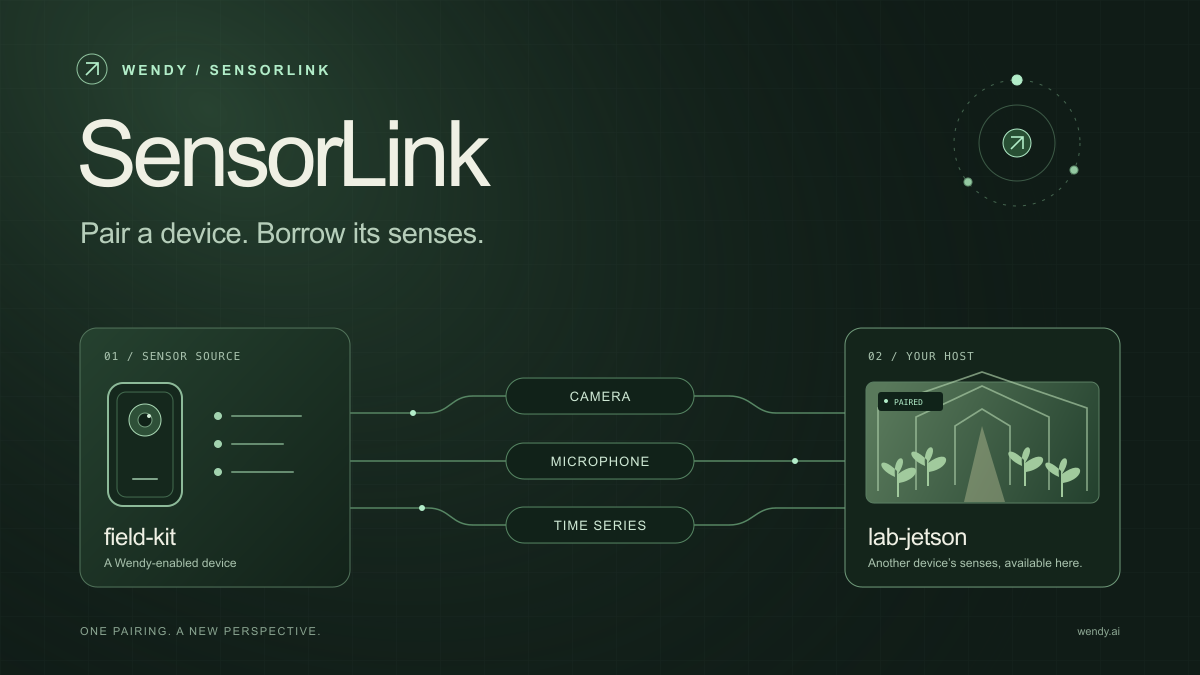
SensorLink: Pair a Device. Borrow Its Senses.
Give your Wendy host the eyes and ears of another device. SensorLink brings cameras, microphones, and a shared model for time-series sensors into a familiar pairing workflow.
Wendy Labs - Wendy Labs Team

Free NVIDIA DGX Spark 3D model
Download our free NVIDIA DGX Spark 3D model as a GLB or an editable Blender scene with studio lighting, materials, and cameras. No signup required.
Wendy Labs - Wendy Labs Team


Start with one device. Close the loop around it.
Use WendyOS on your hardware or add Wendy Agent to an existing Linux or Apple Silicon Mac. Connect sensors, run your code, and carry what you learn into the next release.