Turn Your Existing IP Cameras Into AI Cameras—No SDK Required
No special sauce. No camera SDK. This is a WendyOS feature. Register an IP camera once and the operating system makes it available to every authorized vision app like a camera plugged directly into the device.
The camera bridge belongs in the OS, not in every app
Most AI vision apps expect a local camera: open a video input and start reading frames. IP cameras instead provide a network feed, usually behind a login.
Without OS support, every app needs its own adapter between those two worlds. That means more setup, another place to put the camera password, and another process to restart when the network drops. Add a second app and you often repeat the work.
WendyOS handles that job once, below the application layer. Your app does not import a Wendy camera library, bundle a vendor SDK, or learn how RTSP works. Code written for a normal webcam keeps opening a normal local camera input. The operating system takes care of where the frames come from.
Register once, use everywhere
WendyOS discovers the camera and gives it a stable ID, even if its network address changes later. Store the login once, then check that the camera is reachable:
wendy device camera list --refresh
wendy device camera login 212
wendy device camera test 212
The password stays on the device and is not returned by Wendy commands. Every authorized app can then use camera 212 without receiving a copy of those credentials.
What WendyOS takes care of
Once registered, the camera behaves like a local device for your apps. WendyOS provides the operating-system bridge and manages the routine work around it:
- It gives the camera a stable local identity.
- It keeps one shared feed for every app using that camera.
- It reconnects when the camera or network briefly disappears.
- It stops the feed when nobody is watching and starts it again on demand.
- It keeps camera credentials out of application code.
That is the important boundary: apps consume a camera; WendyOS operates the camera connection. There is no integration to repeat for each model, recorder, preview, or alerting service.
Existing camera code keeps working
Under the hood, WendyOS exposes the network camera as a standard Linux video device such as /dev/video212. That detail matters mainly because so much existing software already knows how to use it.
OpenCV, GStreamer, recorders, and inference apps can keep using the same camera interface they use for USB and built-in cameras. Moving the physical camera across the room—or replacing one app with three—does not require a new camera SDK or a new stream-management service inside your project.
The open-source vision stack and RealSense getting-started guide show examples of software that already works with this local-camera model.
One current limitation
Apps receive the camera's lower-resolution sub-stream. That is usually the right fit for detection, monitoring, and recording, but apps cannot currently request the camera's full-resolution main stream through this OS-provided interface.
The local camera bridge must also be included in the WendyOS build running on the device. If it is not available, camera preview and login testing still work; only access from inside an app is unavailable. WendyOS reports that clearly instead of failing the rest of the camera feature.
Add the camera, then run your app
Authorize the project to use cameras and deploy as usual:
wendy project entitlements add camera
wendy run
The app opens /dev/video212 and reads frames. WendyOS handles the network stream, login, sharing, and reconnection on the device.
No per-camera library. No vendor SDK. No glue process hidden in your container. It is simply a camera capability offered by the operating system.
Related post
Expand your knowledge with these hand-picked posts.
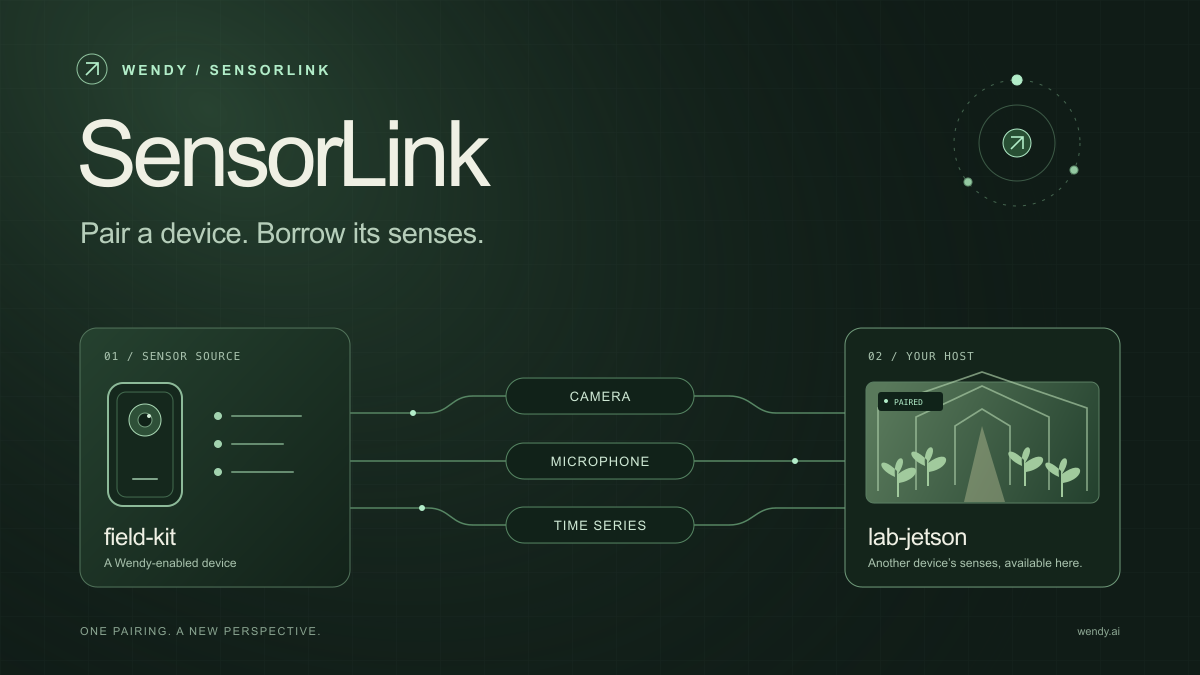
SensorLink: Pair a Device. Borrow Its Senses.
Give your Wendy host the eyes and ears of another device. SensorLink brings cameras, microphones, and a shared model for time-series sensors into a familiar pairing workflow.
Wendy Labs - Wendy Labs Team

Free NVIDIA DGX Spark 3D model
Download our free NVIDIA DGX Spark 3D model as a GLB or an editable Blender scene with studio lighting, materials, and cameras. No signup required.
Wendy Labs - Wendy Labs Team


Start with one device. Close the loop around it.
Use WendyOS on your hardware or add Wendy Agent to an existing Linux or Apple Silicon Mac. Connect sensors, run your code, and carry what you learn into the next release.